LIVE



AI Workflow
326:2332covers/ai-workflow
Asset skills / pipeline
하버스쿨 에셋은 대부분 Claude 스킬로 생산합니다 — 코스 커버, 유튜브 커버, 강의 랜딩, 3D 에셋까지. 이 페이지는 각 스킬의 산출물과 호출 레시피를 모은 카탈로그예요. 실제 배포 중인 에셋은 /assets에서 확인합니다.
01 · Course covers
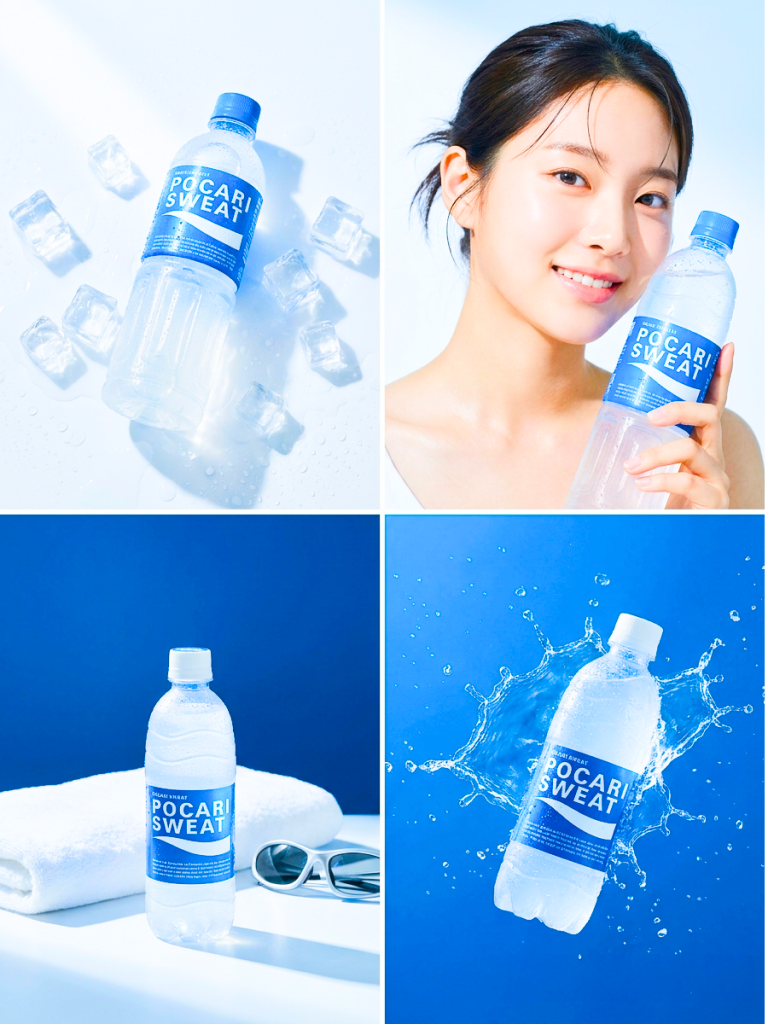
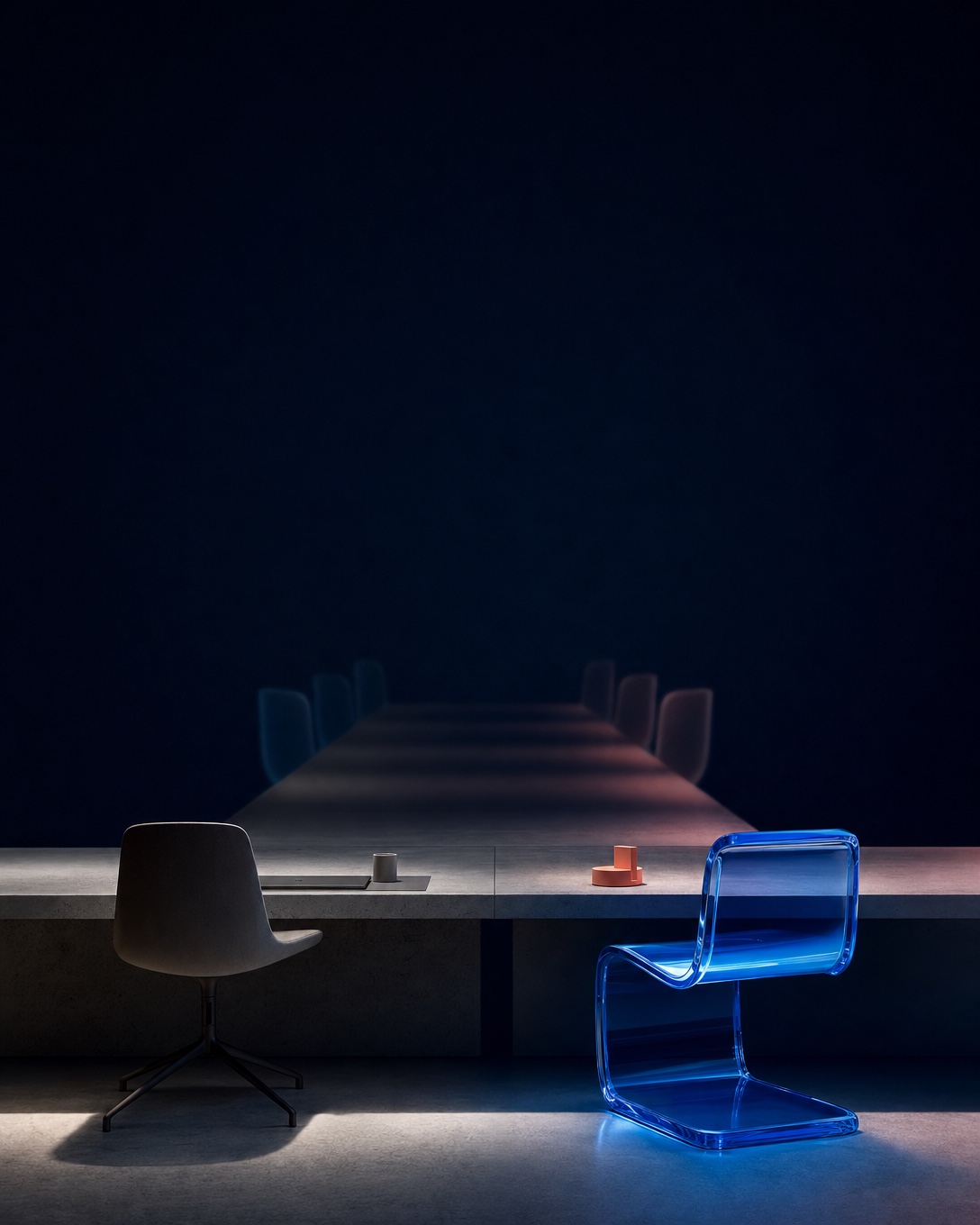
1080×1080 React 컴포넌트 커버. 앞 4종은 디자이너 Figma 원본의 픽셀 이전(카드에 노드 번호), 나머지는 그 4종에서 귀납한 디자인 문법 6계명(플랫 비비드 배경·오버사이즈 블리드·실물 아티팩트·덩어리 ≤7·톤온톤 타이포·단일 액센트)으로 스킬이 신규 제작한 것. LIVE 뱃지가 붙은 커버가 지금 홈·/courses 카드에 나가는 것 — 배선은 /assets#courses 참고.
AI Workflow
326:2332covers/ai-workflow
Framer
326:2345covers/framer
Design System
326:2347covers/design-system
ComfyUI — 진짜 광고 AI
2031:113covers/comfyui
AI Factory Manager
신규covers/ai-factory-manager
AI Factory Manager — Bummy
신규covers/ai-factory-manager-bummy
AI Factory Manager — 중급반
신규covers/ai-factory-manager-intermediate
Cursor
신규covers/cursor
Midjourney
신규covers/midjourney
Claude Code — 첫 AI 직원
신규covers/claude-code-agent-team
Claude Code — 첫 AI 직원 VOD
신규covers/claude-code-agent-team-vod
02 · Course landing builder
새 강의 상품 랜딩은 공유 course-detail 블록 14종을 조립하고 admin DB를 배선하는 일이다. Claude에게 '새 강의 랜딩 만들어'라고 하면 이 레시피로 움직인다.
01
골격 클론
CourseHeroBand → 2컬럼 인트로(sticky 가격 패널) → 퍼널 섹션 → #checkout. exemplar를 복사해 시작한다.
02
블록 조립
CourseTitleBlock · Stats · SectionHeading · CompareTable · WeekList · FaqItem · FloatCard · StickyBar — 새로 그리지 않는다.
03
DB 배선
제목·요약·가격·가격 일정·사전판매 전부 admin이 source of truth. cohortPricingFromRow · presaleFromRow 헬퍼가 해석한다.
04
4모드 검증
모집중 · 마감 · 사전판매 · 매진 — closed/presale 조합 4가지를 전부 렌더로 확인한 뒤 배포한다.
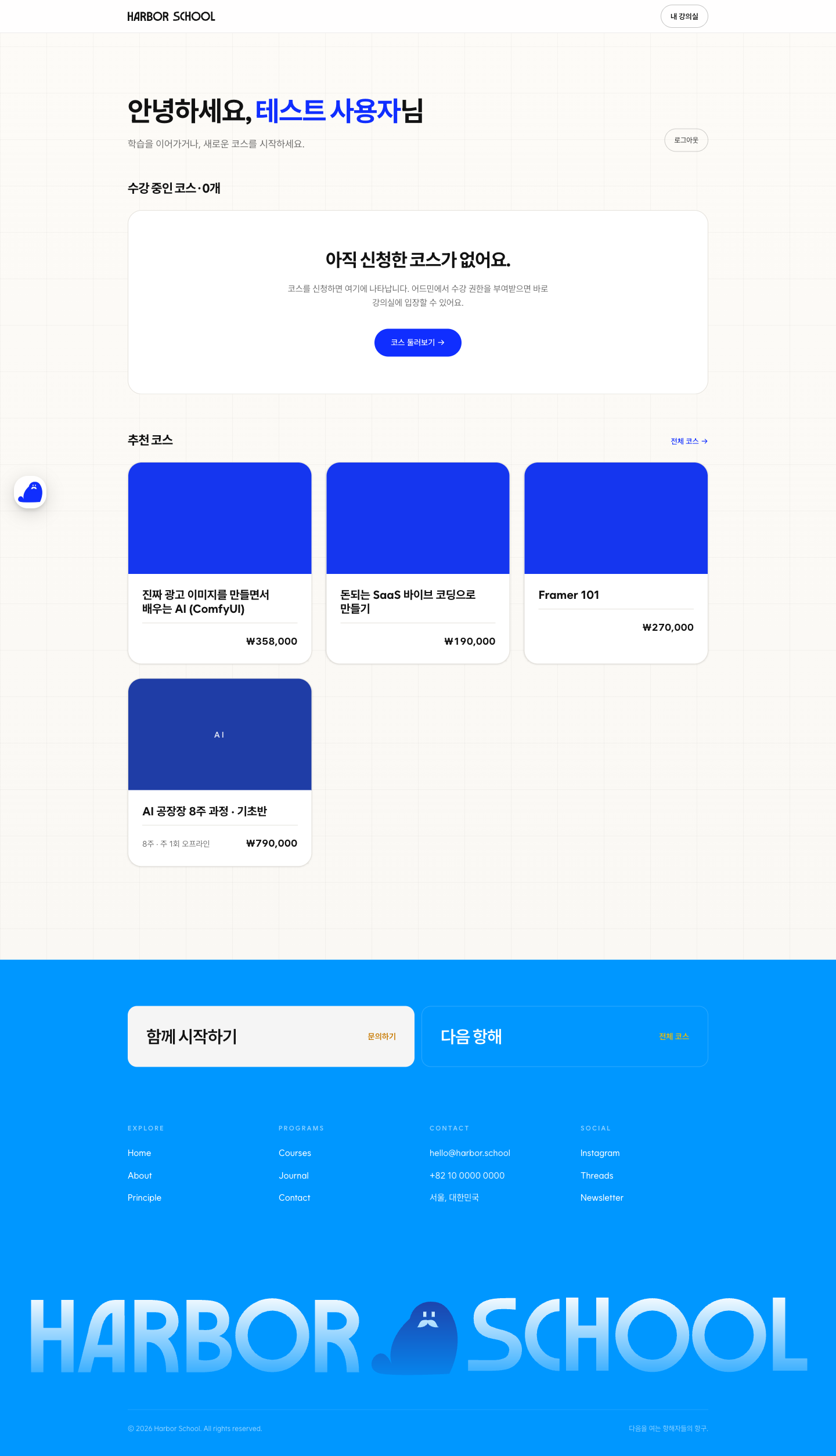
Live exemplar
AI 공장장 — 부트캠프형 풀랜딩 (사전판매 배선 포함)
Compact exemplar
AI Workflow — VOD형 상세 (원조 course-detail 패턴)
블록 갤러리
/system#patterns n=21~33 — 라이브 variation 전부
스킬 파일: .claude/skills/harbor-course-landing/SKILL.md — 골격·블록 배선표·상태 매트릭스·함정(overflow-x-hidden의 sticky 무력화, ISR 캐시, 라벨 중복)·검증 체크리스트까지 담겨 있다.
03 · Mineral matte
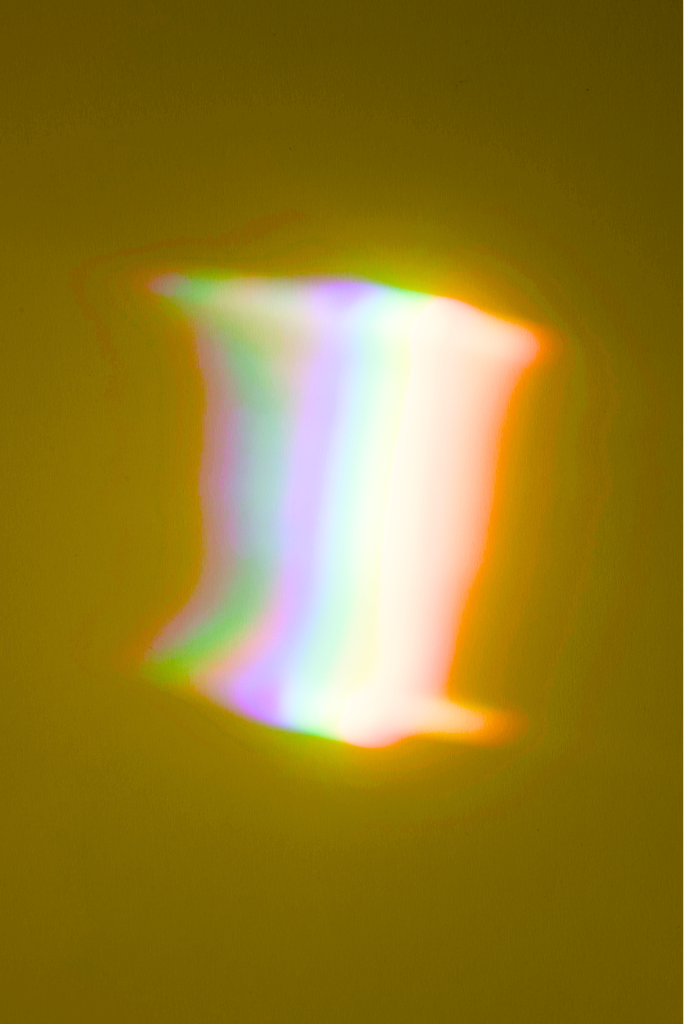
단일 솔리드 형태에 sandblasted powder-coat 표면 + 부드러운 multi-color 그라데이션(블루↔레드↔오렌지↔옐로). isometric three-quarter view, 흰 배경, 약한 그림자. ComfyUI Qwen-Image-Edit 2509 기반 `mineral-matte` 스킬로 생성.
스킬에 번들된 ref 이미지 —--ref sphere/cube/pyramid 플래그로 색감 컨트롤. 곡선 ref → 곡선 결과, 각진 ref → 각진 결과가 가장 안정적.
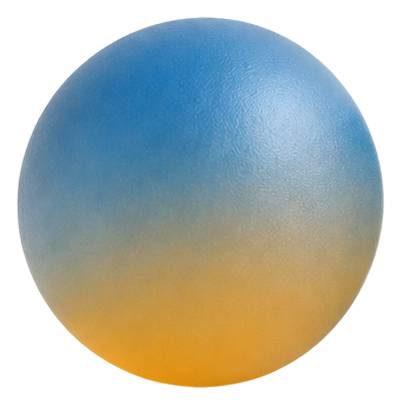
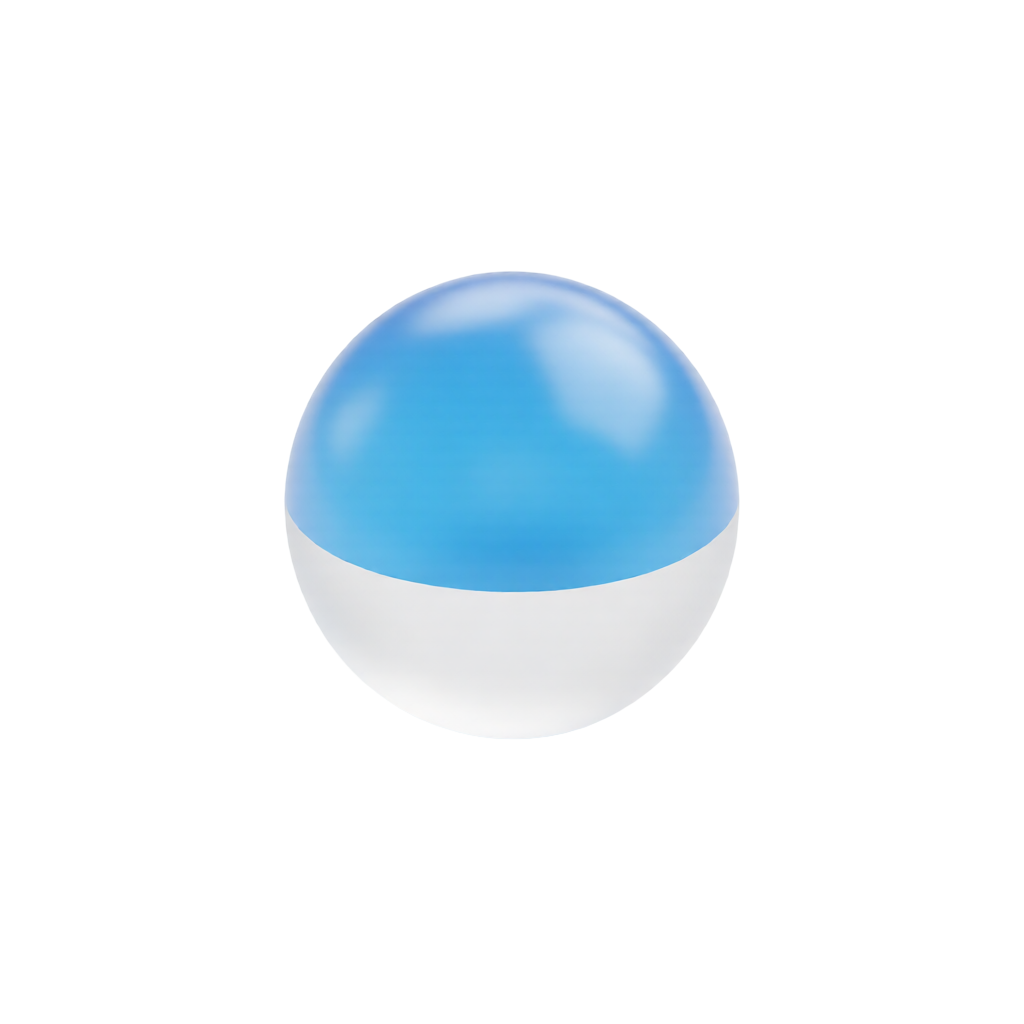
card/1.png — Sphere
blue → orange (수직 2톤)
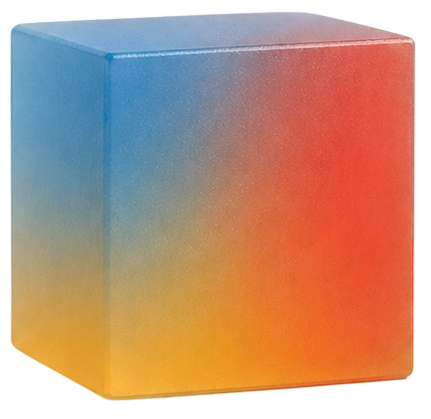
card/2.png — Cube
blue + red + orange tri (per-face 분포)
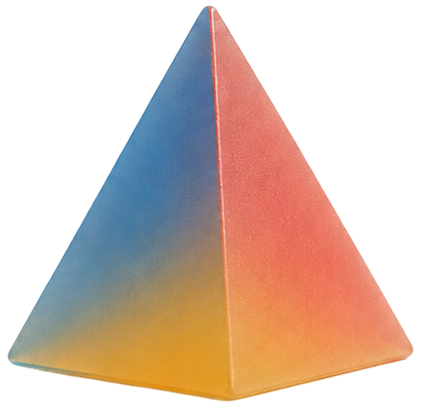
card/3.png — Pyramid
blue + red + yellow tri (per-face 분포)
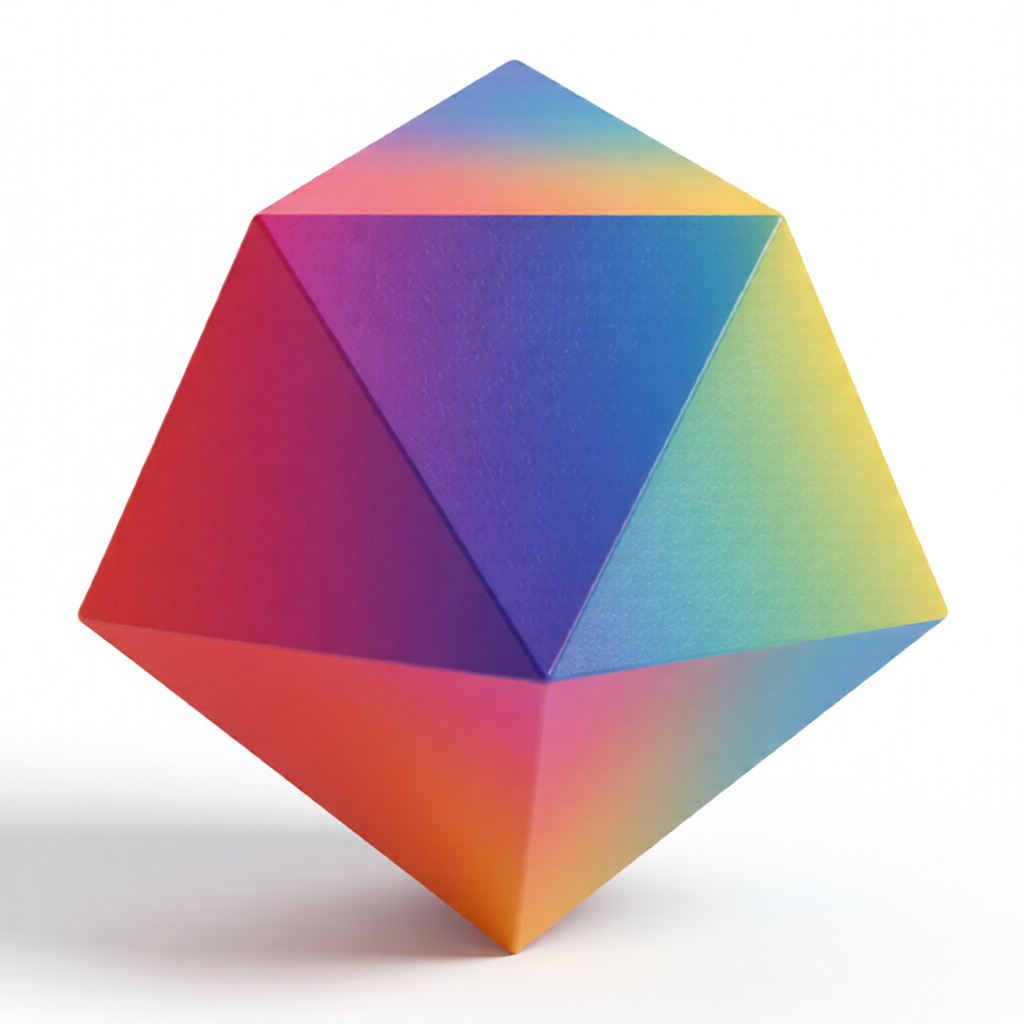
점수 = 시리즈 미감 일치도(100점 만점). ⭐ 85+ 즉시 채택 · ✓ 75–84 보정 후 채택 · ⚠ 75 미만 재시도 권장. icosahedron(60→92) · torus(50→88)는 평가 md의 부작용 차단안 적용 후 큰 폭 개선됨.
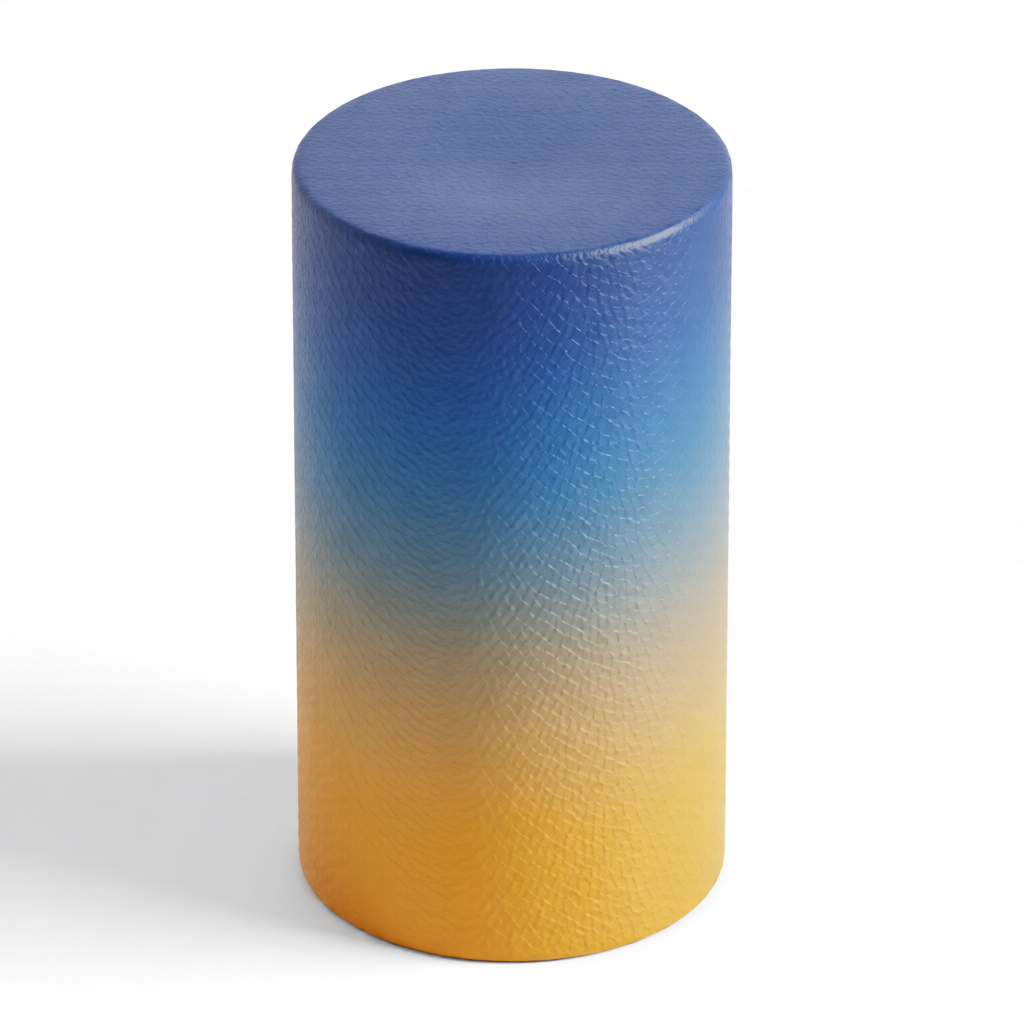
Cylinder
⭐ 95/mineral-matte cylinder 만들어줘
ref · sphere
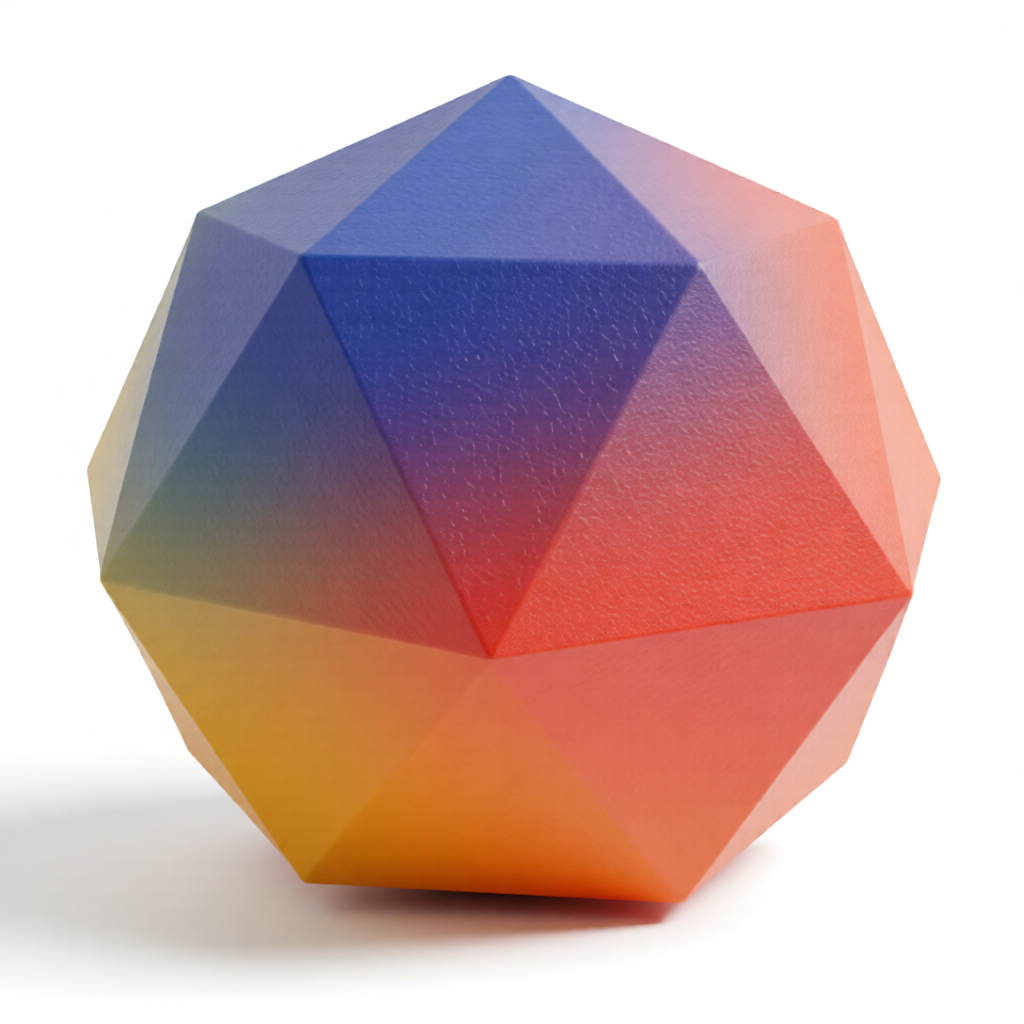
Icosahedron
⭐ 92/mineral-matte icosahedron 만들어줘 (표면 마킹 없이)
ref · cube
Octahedron
⭐ 88/mineral-matte octahedron 만들어줘
ref · cube
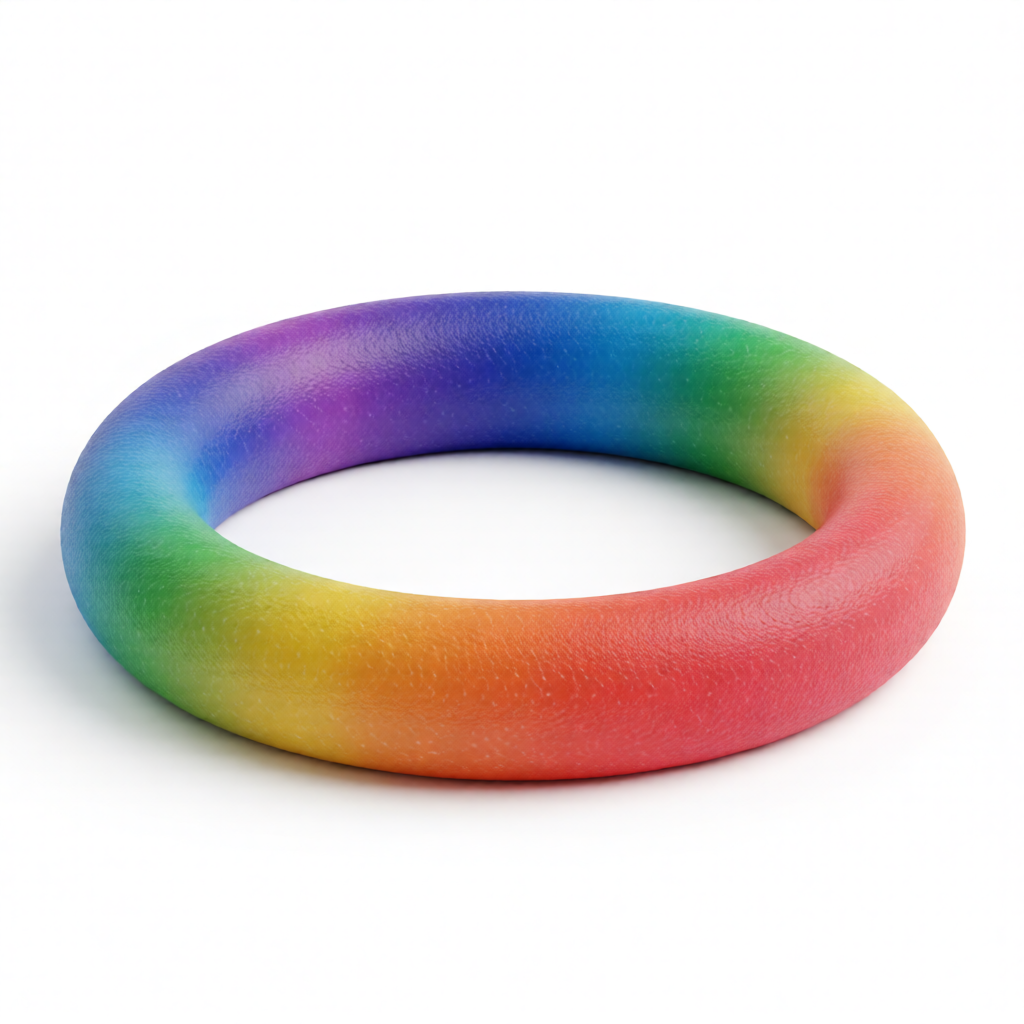
Torus
⭐ 88/mineral-matte ring 만들어줘 (도넛 말고)
ref · cube
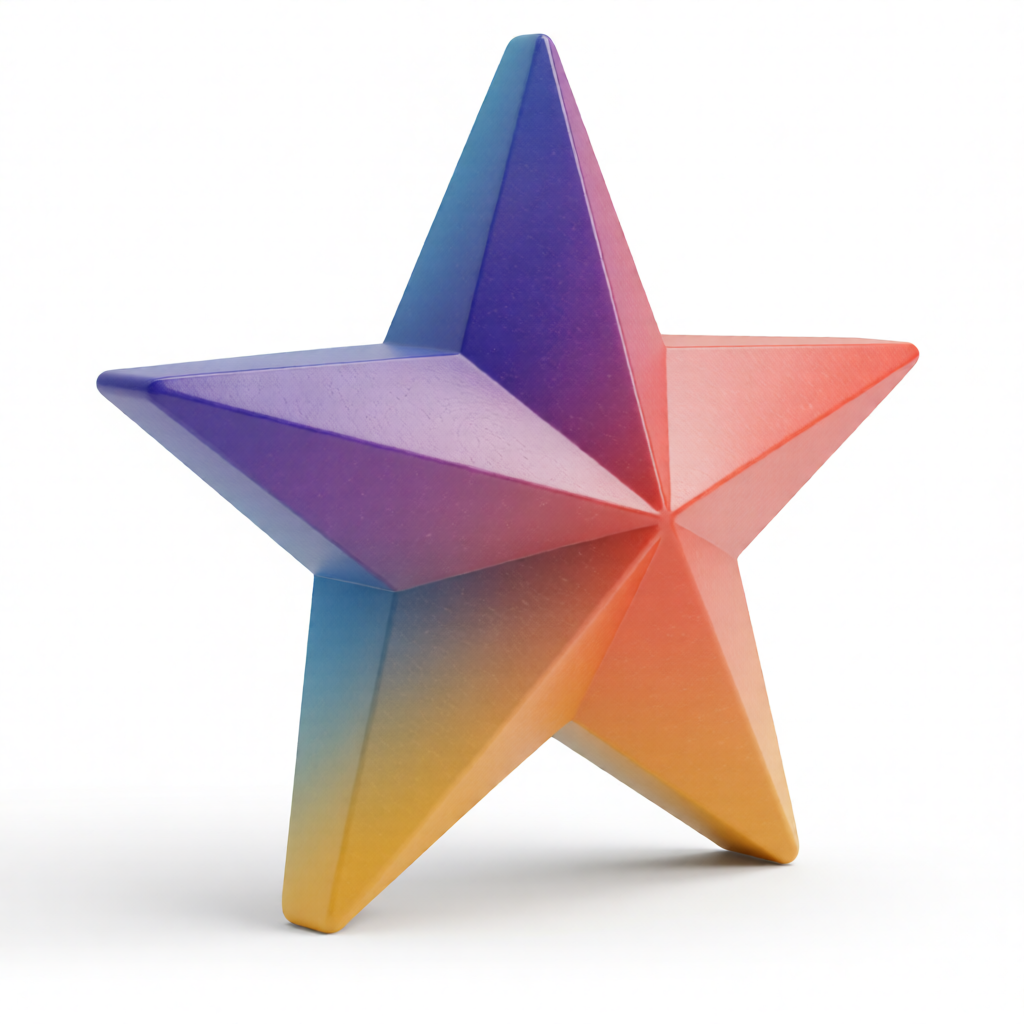
Star
⭐ 85/mineral-matte star 만들어줘
ref · pyramid
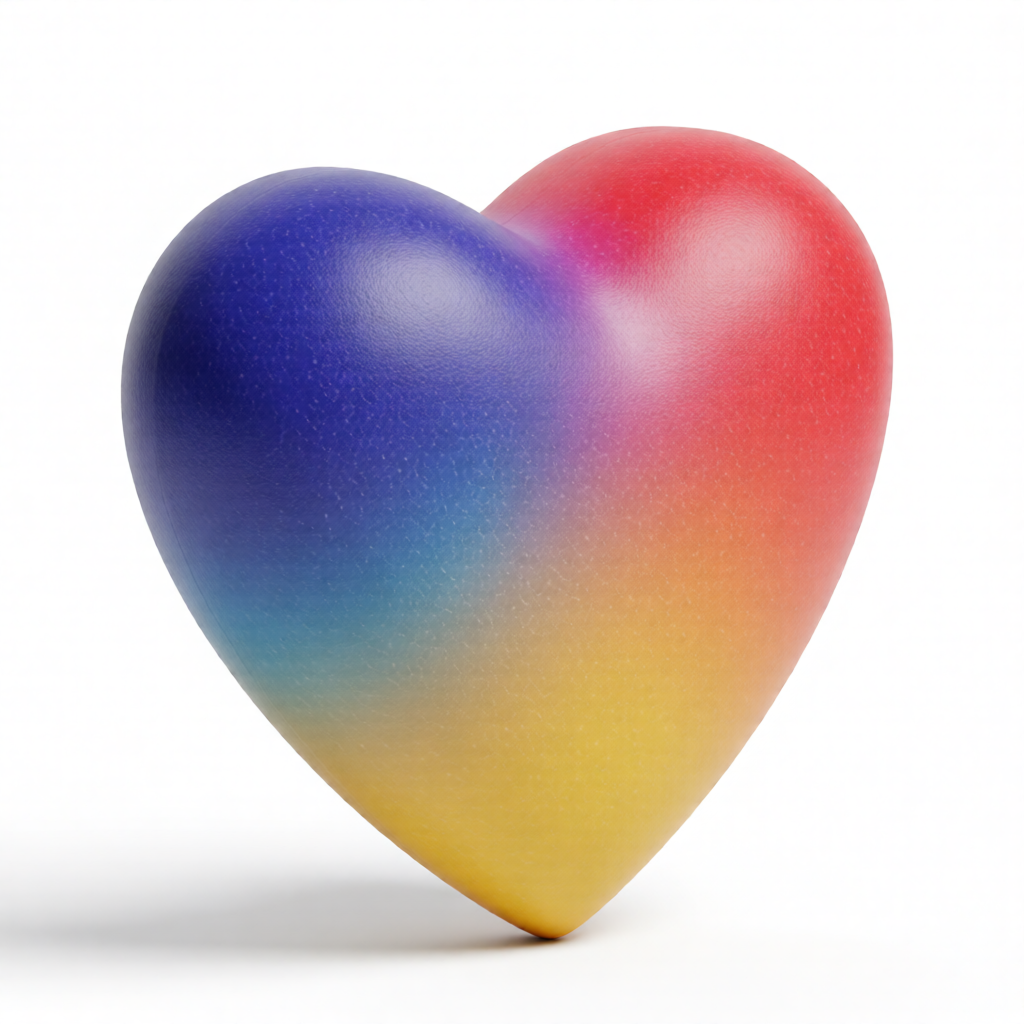
Heart
✓ 78/mineral-matte heart 만들어줘
ref · pyramid
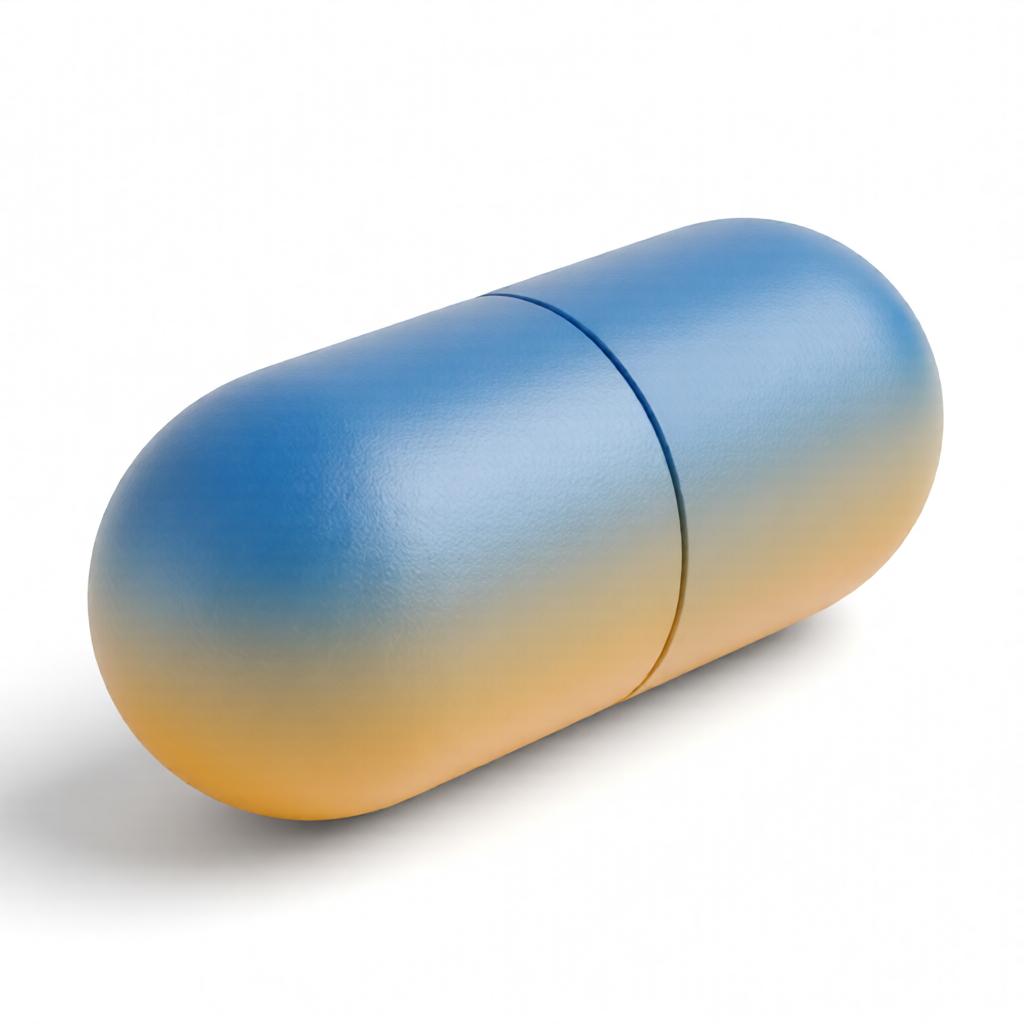
Capsule
✓ 75/mineral-matte capsule 만들어줘 (이음새 없이)
ref · sphere
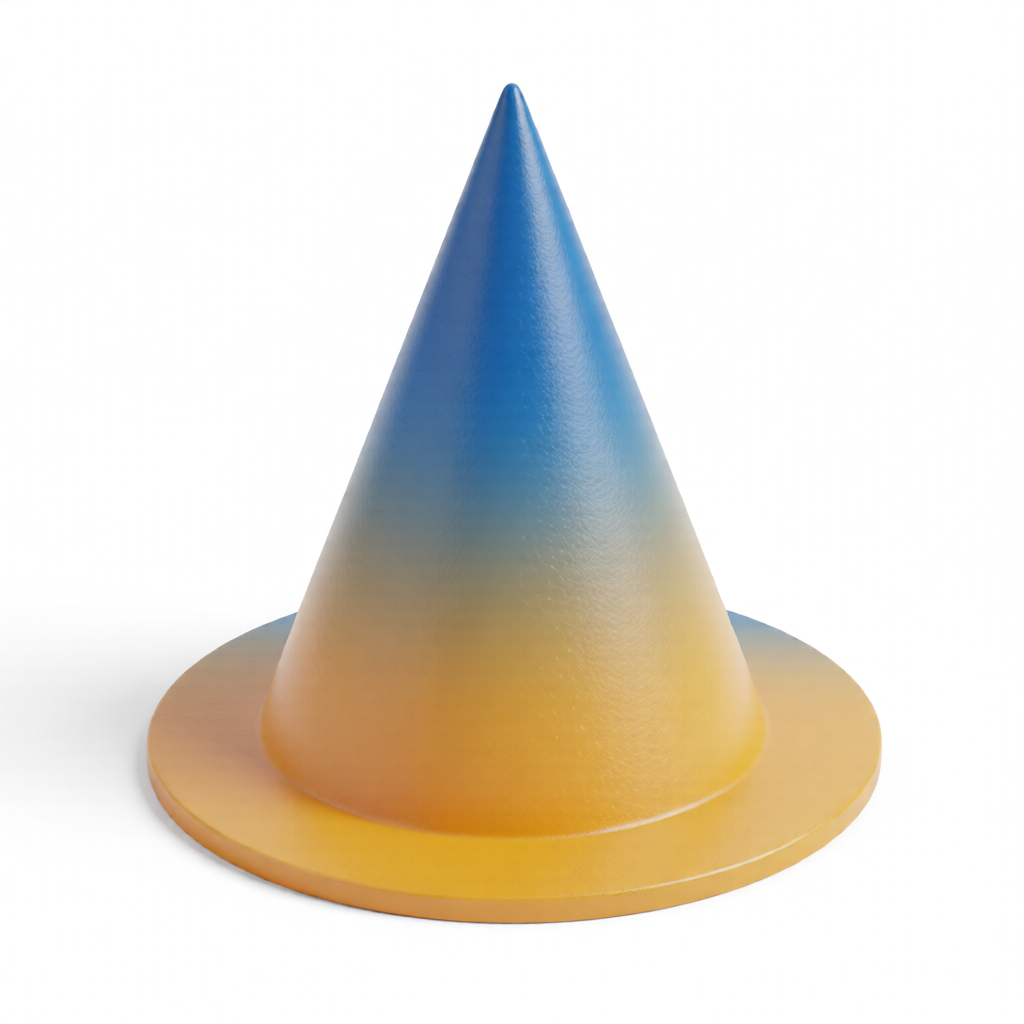
Cone
⚠ 70/mineral-matte cone 만들어줘 (받침 없이)
ref · sphere
Skill usage
Claude에 자연어 (“미네랄 매트로 cylinder 만들어줘”)로 호출하거나 CLI로 직접 실행. 레퍼런스 이미지는 스킬에 번들되어 있어 외부 의존성 없이 폴더 통째 공유 가능.
python3 .claude/skills/mineral-matte/scripts/generate.py \
  --shape "tall solid cylinder with heavy grit matte texture" \
  --ref sphere \
--output web/apps/web/public/objects/card/generated/cylinder.png.claude/skills/mineral-matte/
04 · Mineral glass
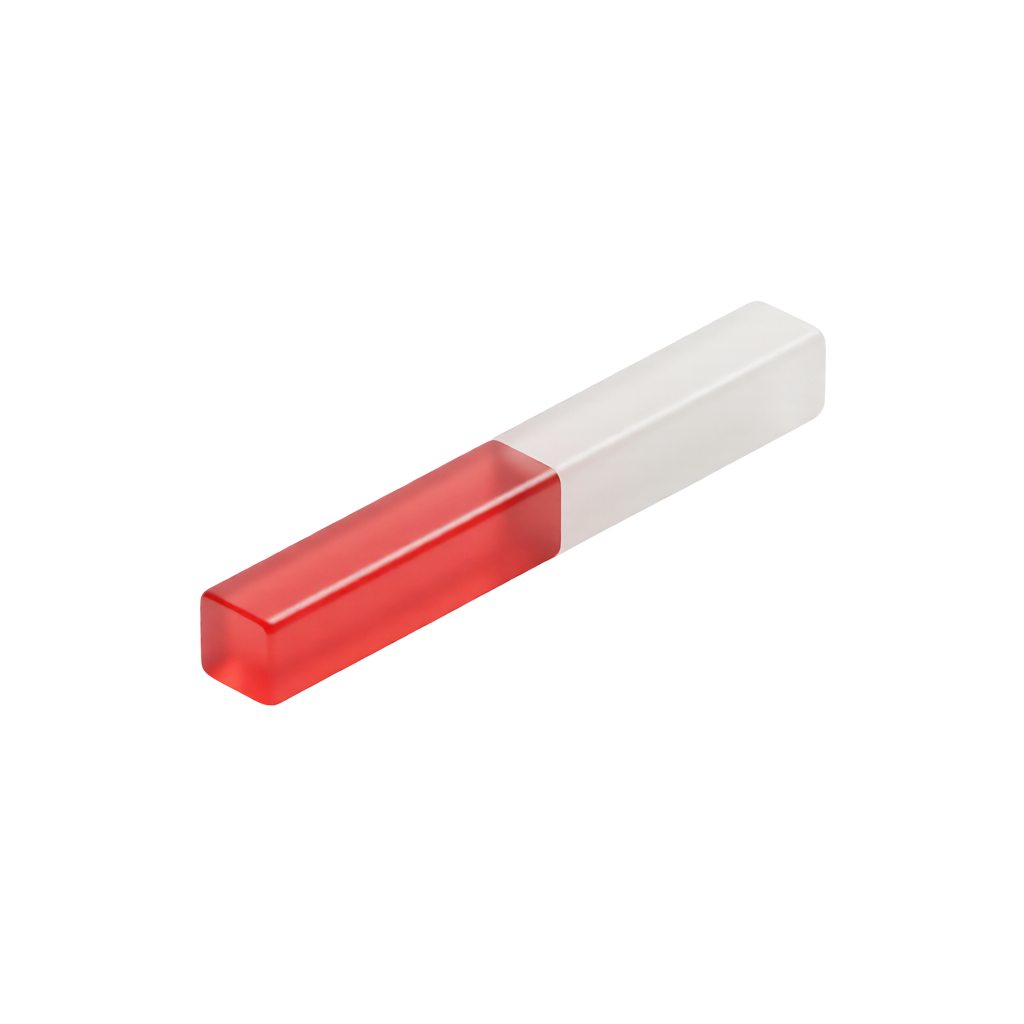
흰 frosted matte + 컬러 translucent jelly 두 파트가 결합된 형태. brand palette(red #DD3631 / yellow #DDA637 / blue #3A95CE)와 isometric three-quarter view 유지. ComfyUI Qwen-Image-Edit 2509 기반 `mineral-glass` 스킬로 생성.
스킬에 번들된 ref 이미지 —--ref disks/l/ramp 플래그로 색감 + 결합 패턴 컨트롤. stack 컨셉(disks)이 가장 안정적, curve(ramp)는 ref 형태에 강하게 묶이는 경향.
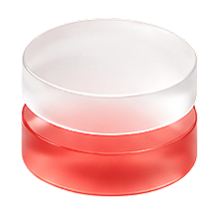
object_eg_2.png — Stacked disks
white frosted top + red translucent bottom
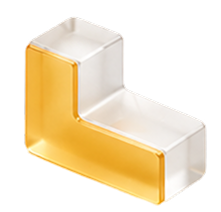
object_eg_3.png — L-shape
white frosted + yellow translucent
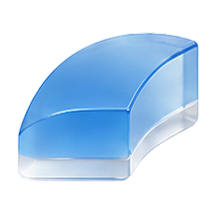
object_eg_4.png — Curved ramp
blue translucent + white frosted base
점수 = 시리즈 미감 일치도(100점 만점). 두 파트 결합 + 갯수 + translucent 제약이 동시에 걸려 단일 형태(card 시리즈)보다 prompt 부담이 큰 편. dome_on_base(65→88)는 ‘Completely change’ 표현으로 ref-lock 해제 성공.
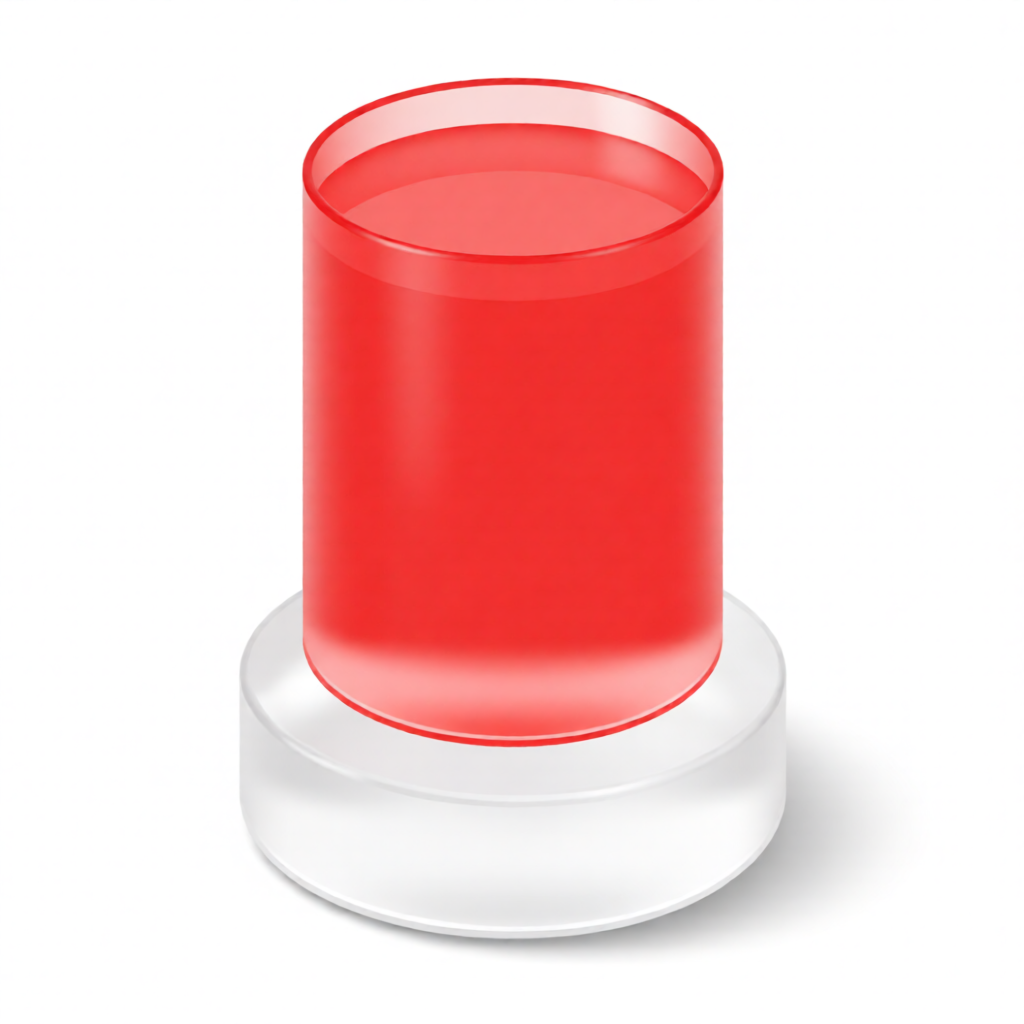
Cylinder stack
⭐ 92/mineral-glass tall cylinder stack 만들어줘
ref · disks
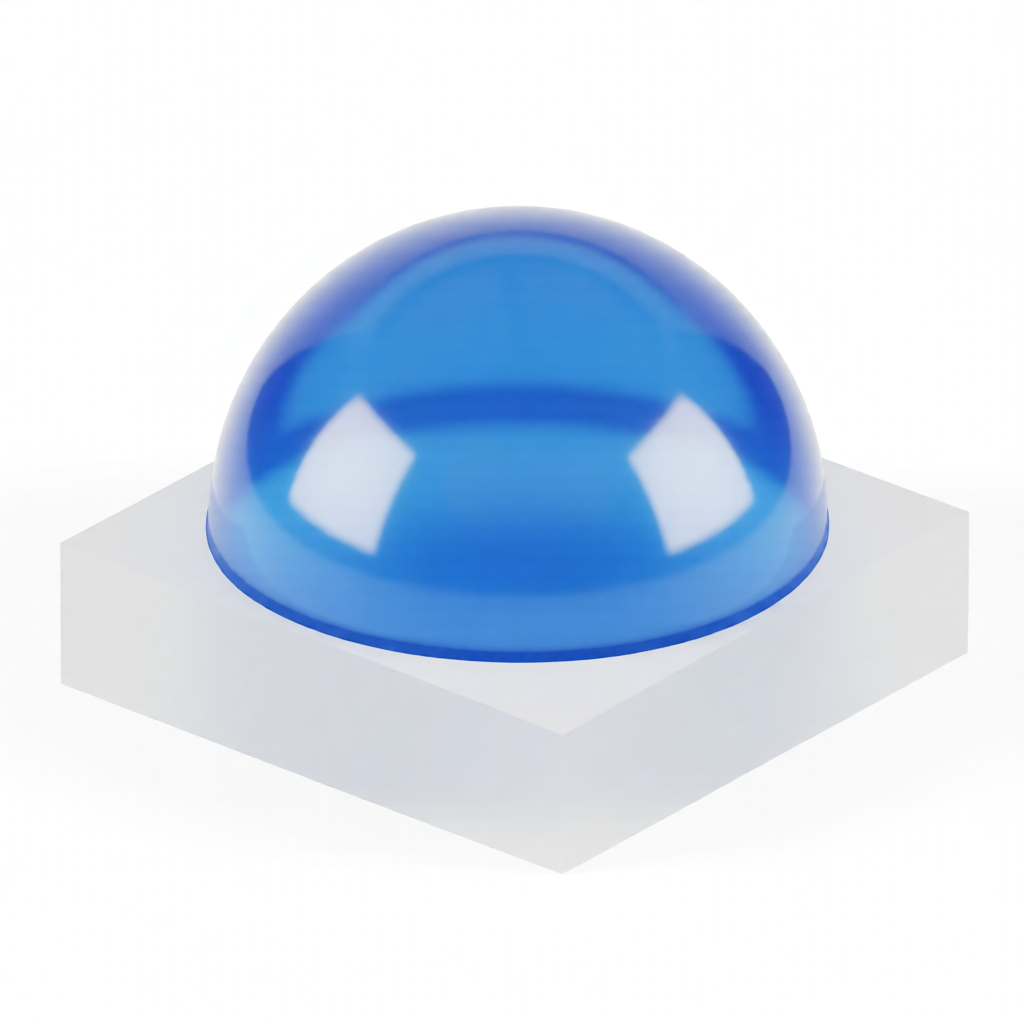
Dome on base
⭐ 88/mineral-glass dome on base 만들어줘 (반구 + 직사각 base)
ref · ramp
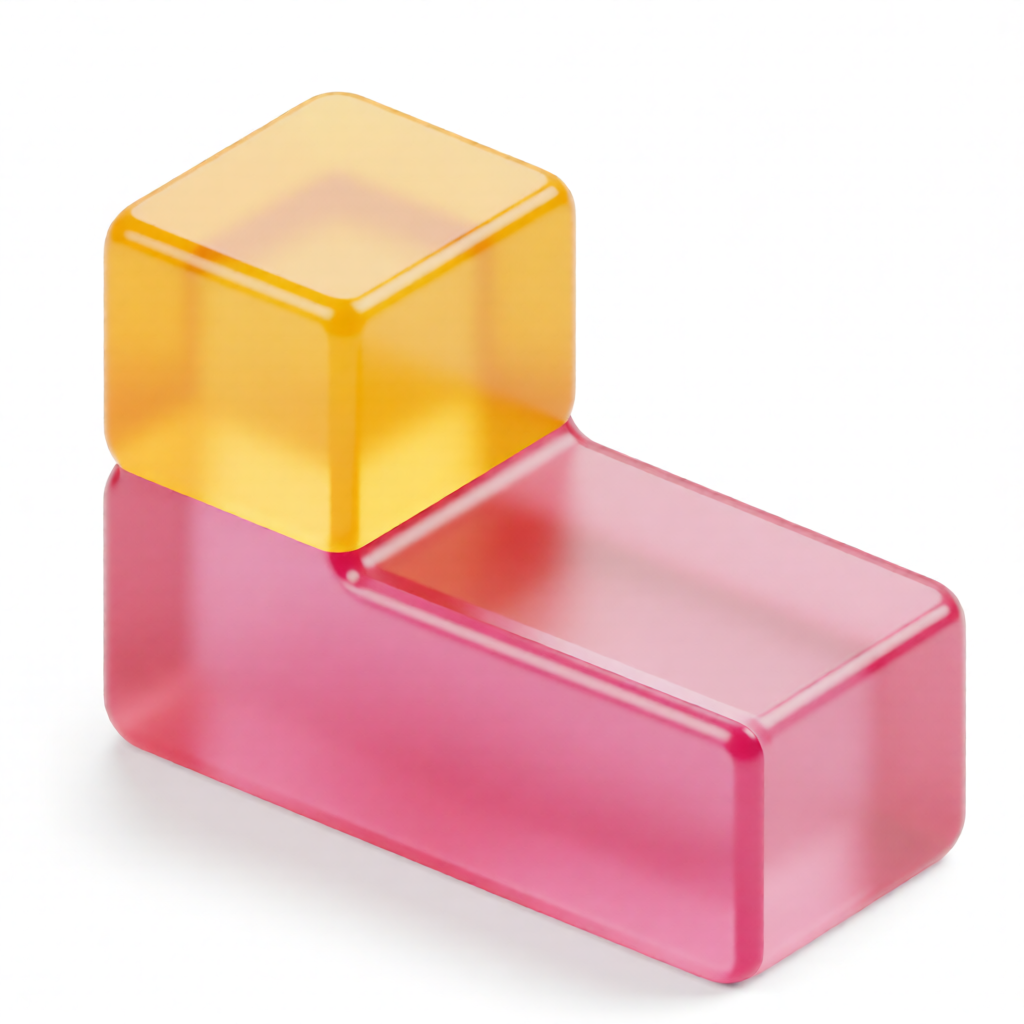
T-shape
⭐ 85/mineral-glass T-shape 만들어줘 (큐브 2개)
ref · l
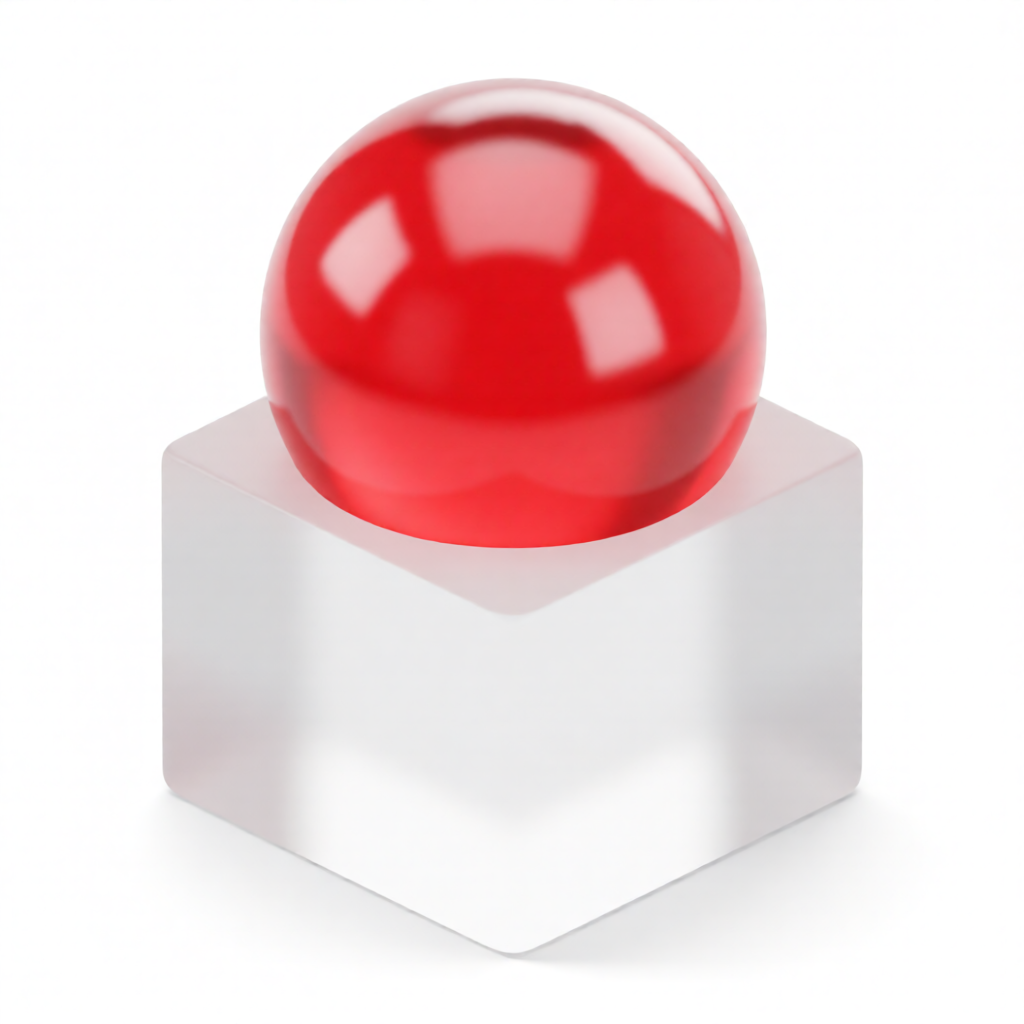
Sphere on cube
✓ 80/mineral-glass sphere on cube 만들어줘
ref · disks
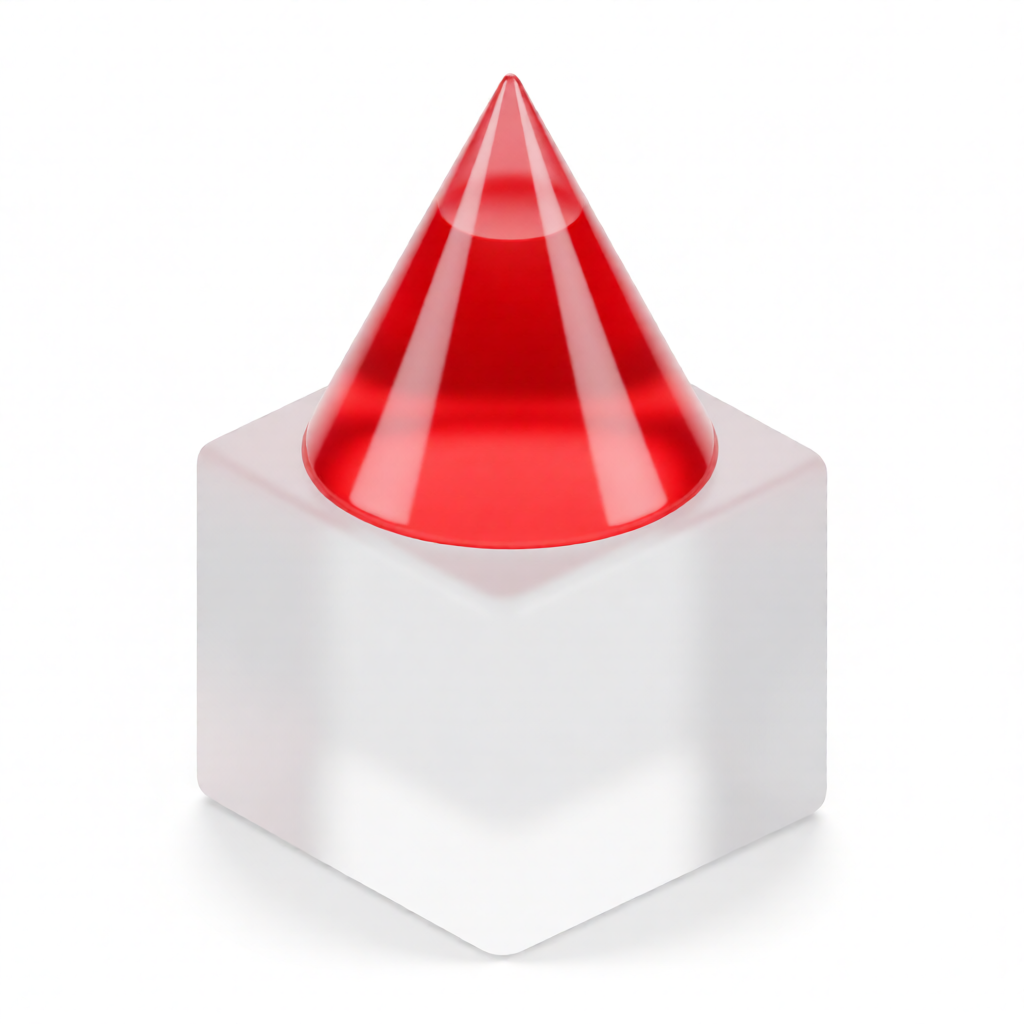
Cone on cube
✓ 78/mineral-glass cone on cube 만들어줘
ref · disks
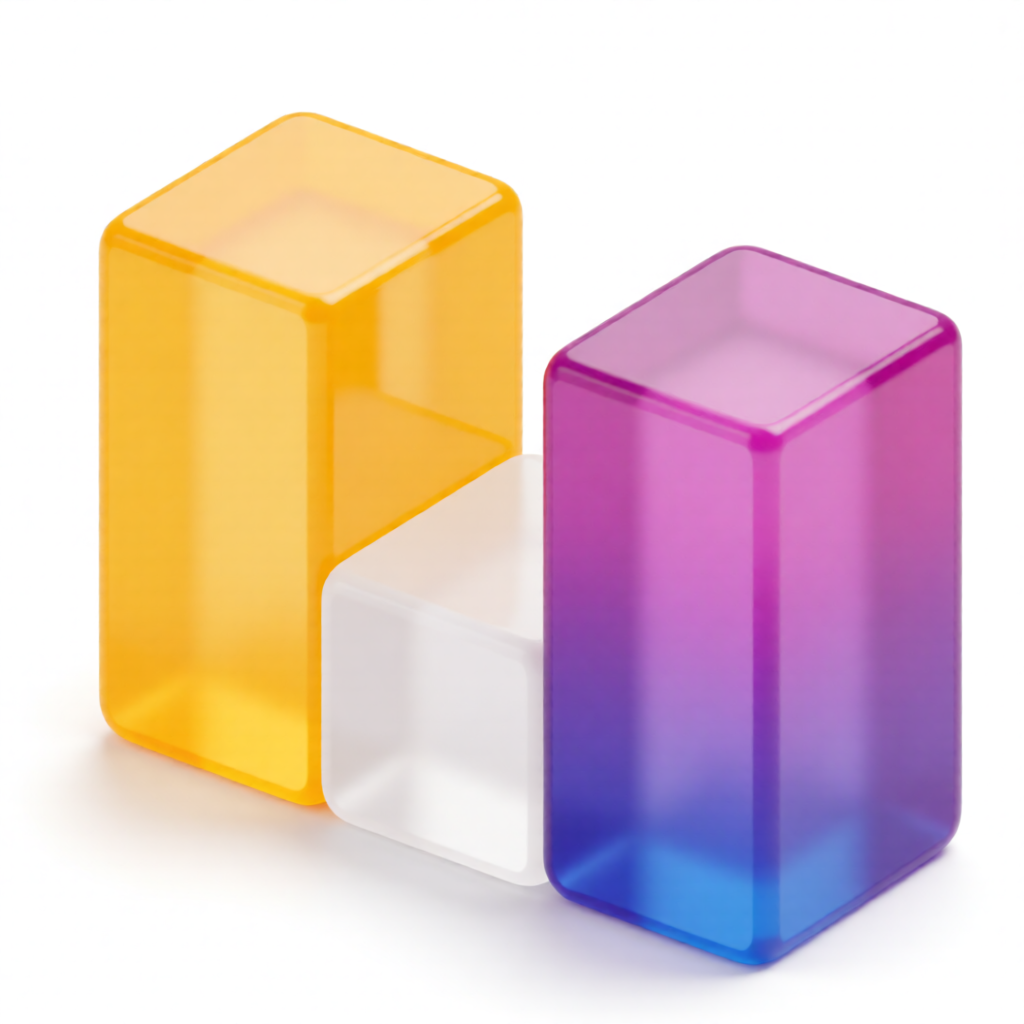
U-shape
⚠ 65/mineral-glass U-shape 만들어줘 (큐브 3개)
ref · l
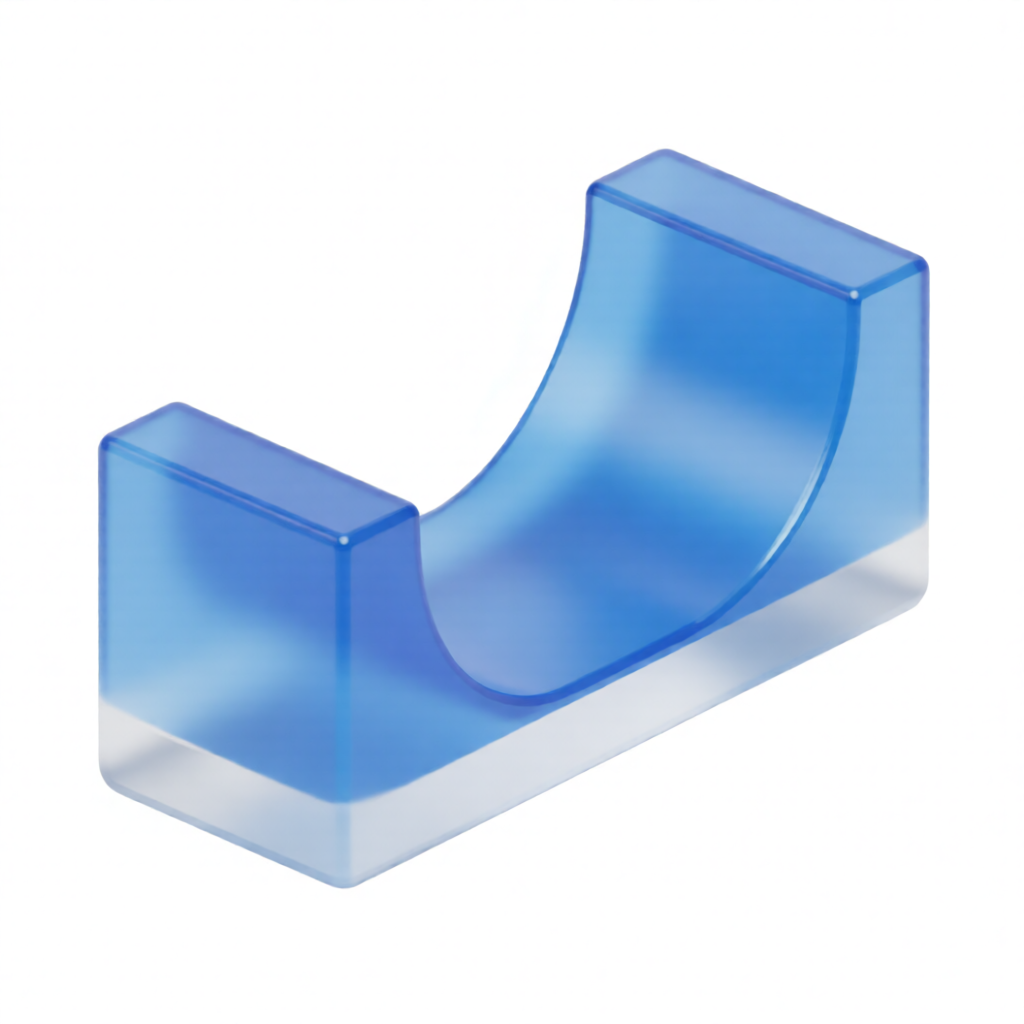
Solid arch
⚠ 60/mineral-glass solid quarter-pipe wedge 만들어줘 (속이 꽉 찬)
ref · ramp
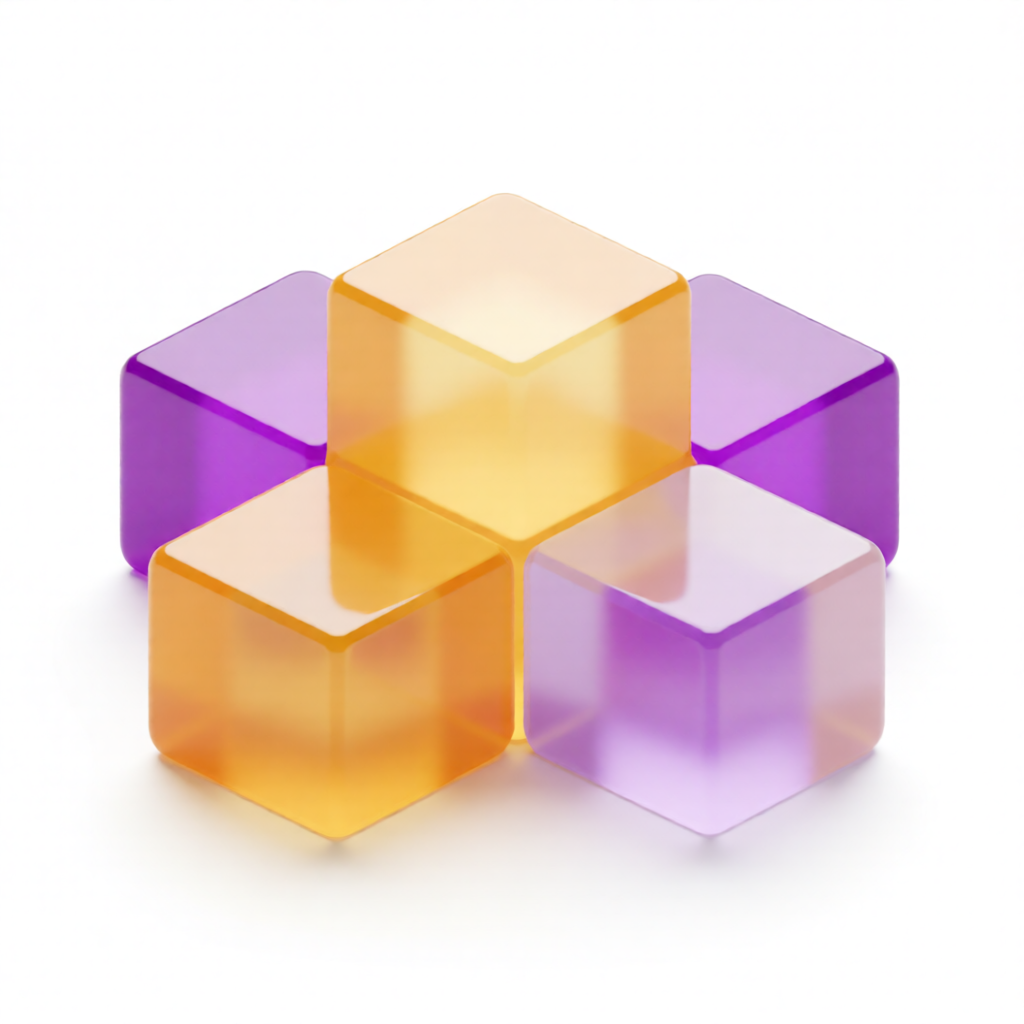
Plus-shape
⚠ 50/mineral-glass plus 모양 만들어줘 (큐브 5개)
ref · l
Skill usage
Claude에 자연어 (“미네랄 글래스로 sphere on cube 만들어줘”)로 호출하거나 CLI로 직접 실행. 레퍼런스 이미지는 스킬에 번들되어 있어 외부 의존성 없이 폴더 통째 공유 가능.
python3 .claude/skills/mineral-glass/scripts/generate.py \
  --shape "a sphere on a cube — red translucent sphere on top, white frosted cube base" \
  --ref disks \
--output web/apps/web/public/objects/generated/sphere_on_cube.png.claude/skills/mineral-glass/
05 · Recruit endcards
AI 공장장 부트캠프 모집 캠페인의 엔드카드 파이프라인. 카드 이미지는 HTML 템플릿 치환으로 찍고, 이미 나간 광고 영상은 재편집 없이 꼬리 카드만 갈아끼운다. 2026-07 — 3기 광고 영상 21개를 4기 버전으로 전환하는 데 실사용.
01
카드 생성 — harbor-endcard-gen
HTML 템플릿(스킬에 번들)의 기수 텍스트만 sed로 치환하고 Playwright CLI 스크린샷. 비율 4종(1:1 · 9:16 · 1900×1060 · 얼리버드)이 픽셀 동일 디자인으로 나온다.
02
영상 꼬리 교체 — video-endcard-swap
광고 영상 끝의 정적 카드 구간(~5초)만 ffmpeg 오버레이로 덮어쓴다. 오디오·길이·앞부분 무손상, 원본은 별도 폴더 보존. 편집 프로젝트 없이 기수 갱신 완료.
3기 캠페인 실사용 디자인 그대로, 기수 텍스트만 치환. 원본 템플릿은 스킬 assets/에 번들되어 있어 어느 기수든 재생성 가능.
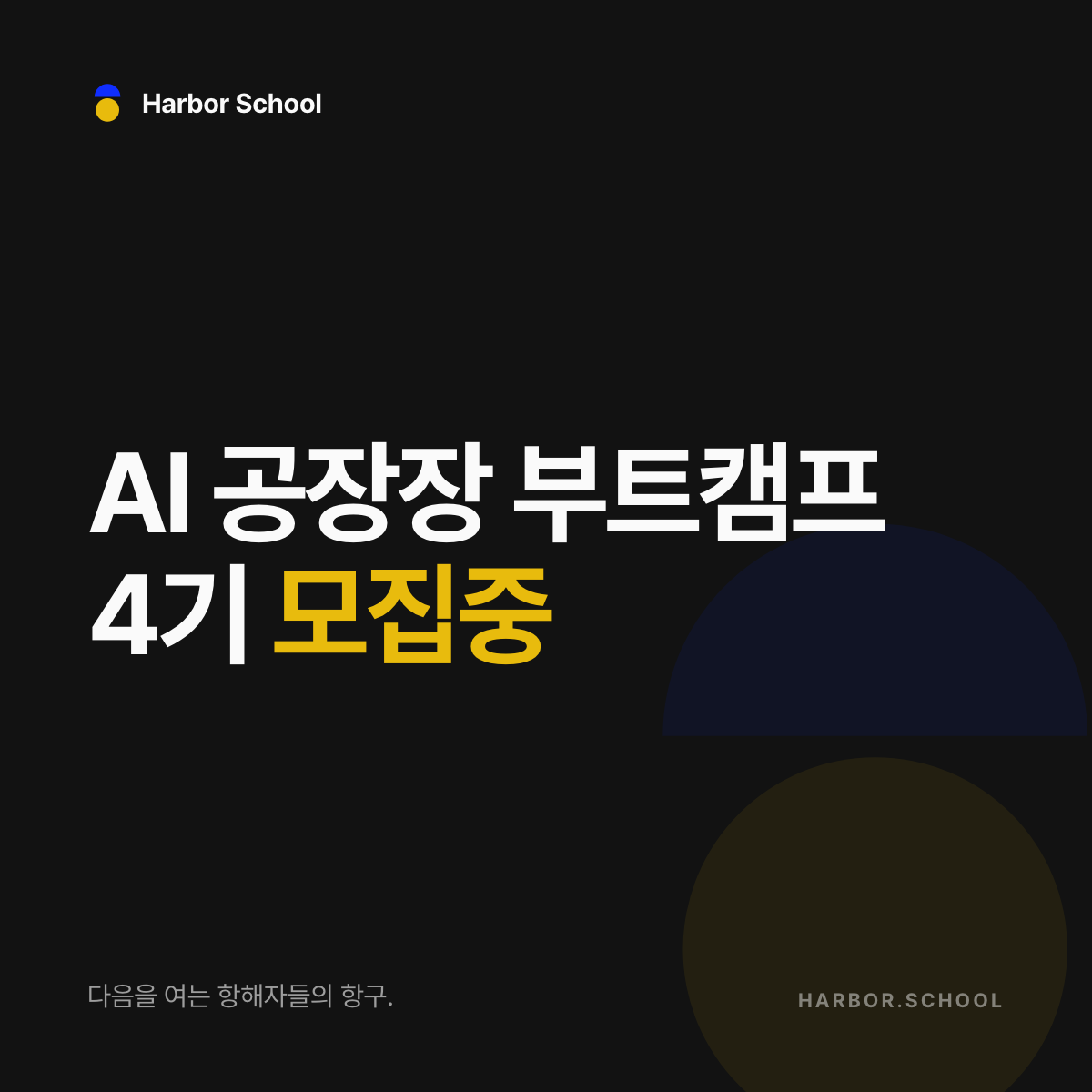
1:1 — 1200×1200
OG 이미지 · 피드 광고 (1080 영상용은 sips 리사이즈)
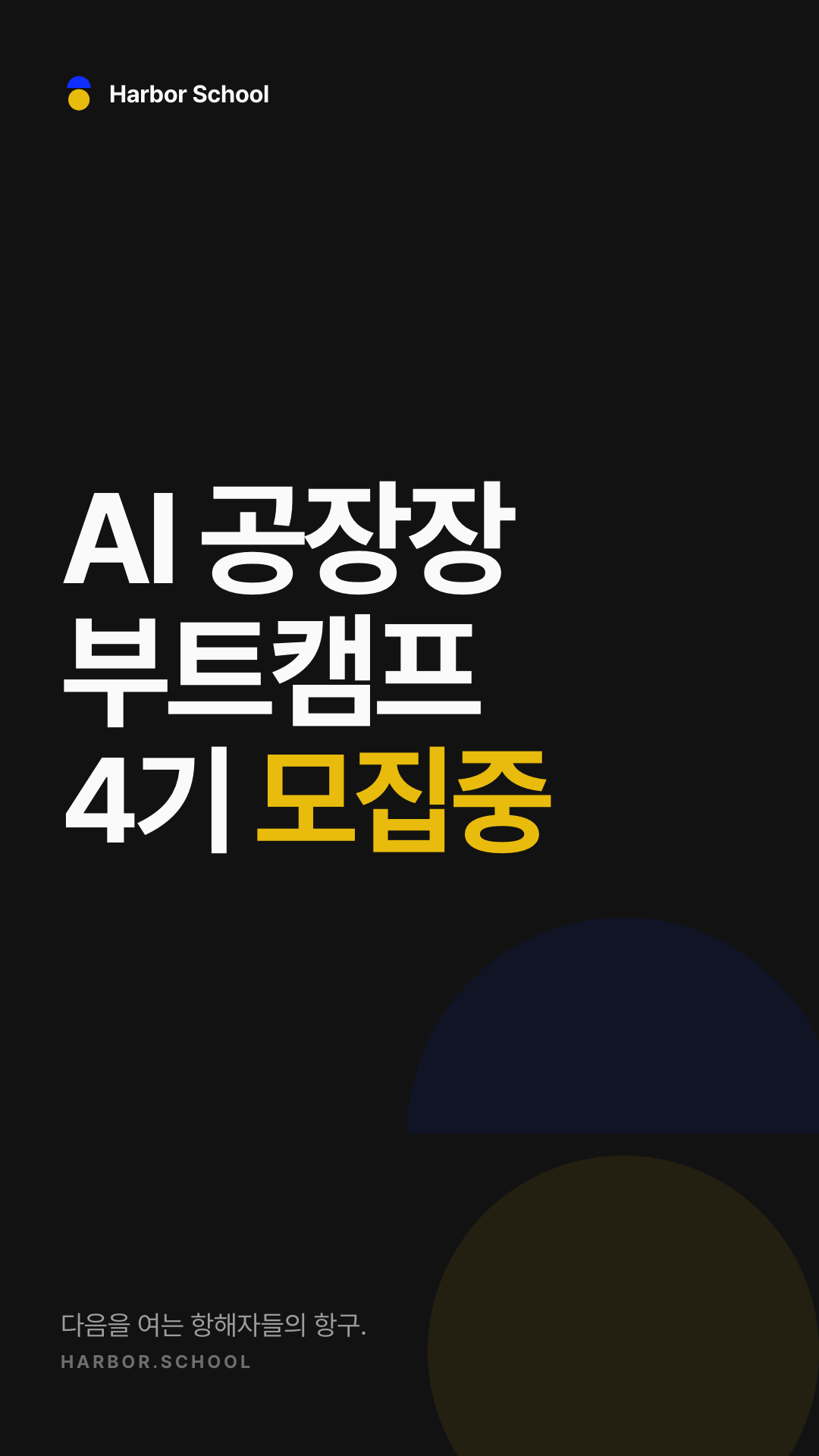
9:16 — 1080×1920
릴스 · 스토리 세로 영상
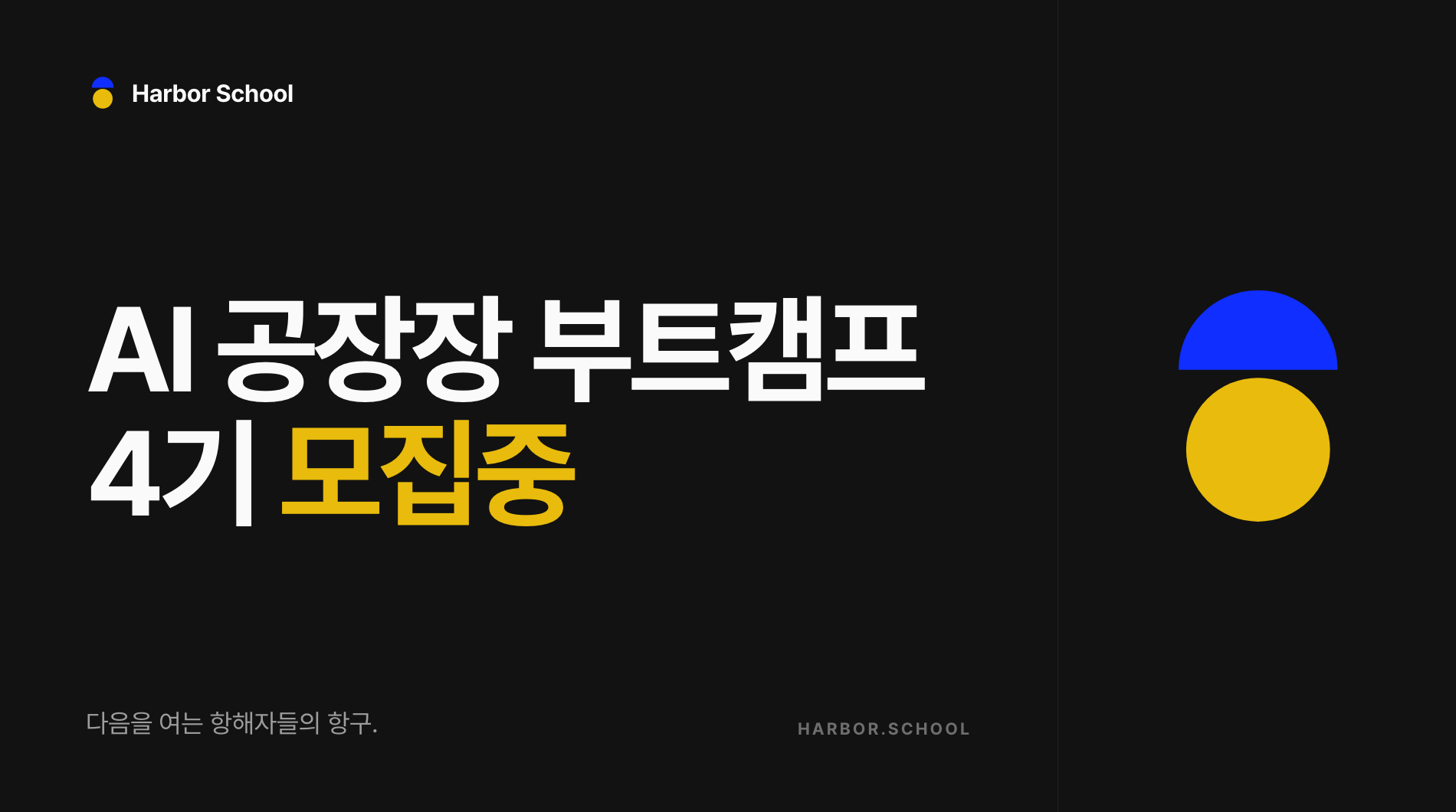
1900×1060
가로 노출면 (3기 영상들의 19:6 비율과 동일)
Skill usage
Claude에 자연어 (“3기 영상들 엔드카드 4기로 바꿔서 별도 저장해줘”)로 호출하거나 CLI로 직접 실행. 레퍼런스 이미지는 스킬에 번들되어 있어 외부 의존성 없이 폴더 통째 공유 가능.
python3 .claude/skills/video-endcard-swap/scripts/swap_endcard.py \
  --src-dir afm3-ad-videos --out-dir afm4-ad-videos \
  --card "card-1-1=endcards/afm4-card-1-1-1080.png" \
  --card "card-9-16=endcards/afm4-card-9-16.png" \
  --card "card-19-6=endcards/afm4-card-1900x1060.png" \
--tail 5.0.claude/skills/video-endcard-swap/
06 · Brand films
버미가 주연인 프리미엄 3D 브랜드 필름 파이프라인. nano_banana_pro로 캐릭터·세계관이 고정된 키프레임을 찍고, Seedance 2.0 i2v로 샷을 만들고, ffmpeg로 엔드카드까지 조립한다. 캐릭터 마스터와 세계관 ref가 스킬에 번들되어 있어 새 스토리도 같은 버미, 같은 홈톤 세계로 나온다. 전 과정 기록은 _graphic/bummy-film/README.md.
「버미, 홈을 짓다」
33.8s · 1080p웹 UI가 실물인 세계 — 필 버튼을 밀어 끼우고, 카드가 Reveal 스태거로 착지하고, 풀백하면 히어로 레이아웃이 완성된다. 디자인 시스템(rounded-full 버튼 · rounded-3xl 카드 · hairline · 도트 그리드)의 물리화.
「등대」
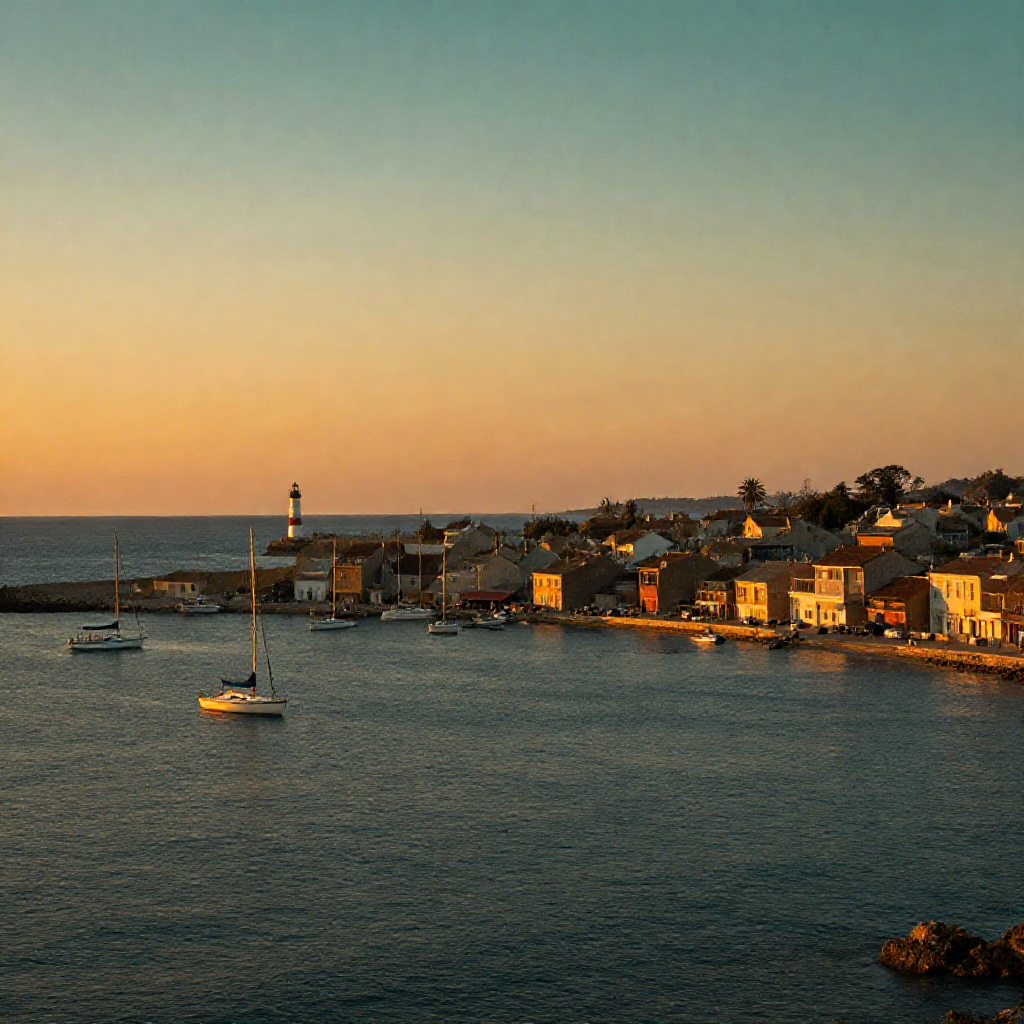
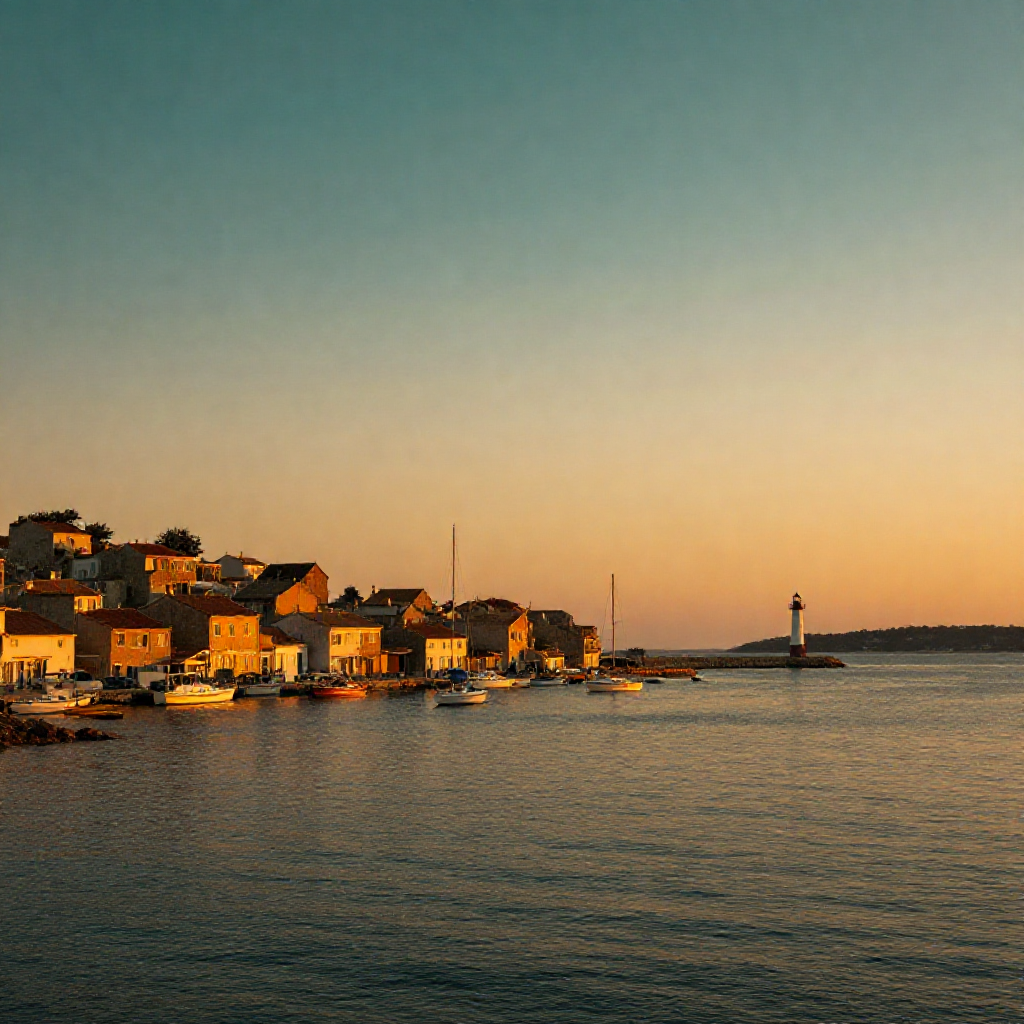
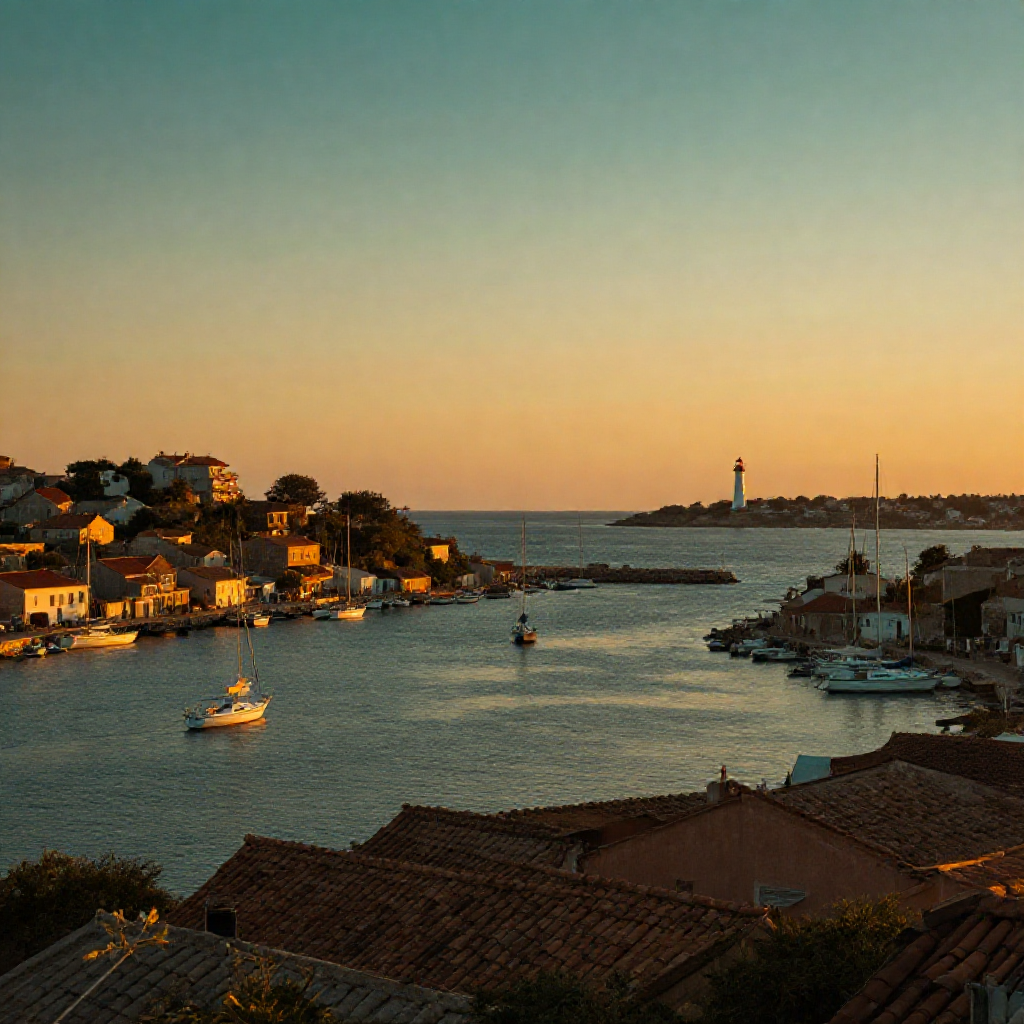
37.8s · 1080p홈톤 그라디언트 세계의 유리 등대와 버미 — 빛이 닿고, 홉으로 나아가고, 풀백으로 닫는다. 브랜드 스테이트먼트 "방향이 있는 배움." 엔드카드.
01
캐릭터 마스터 고정
플랫 버미 일러스트를 픽사 비닐토이 3D로 번역한 마스터 스틸 1장(스킬에 번들)이 기준. 이후 모든 생성의 첫 번째 이미지 ref로 들어가 캐릭터 드리프트를 막는다.
02
키프레임 — nano_banana_pro
샷당 스틸 1장. 원경 샷을 먼저 확정하고 그걸 세계관 ref로 체이닝하면 등대·부두·그라디언트가 유지된다. 퀄리티의 8할이 여기서 결정.
03
모션 검증 — seedance_2_0 720p
키프레임을 --start-image로 i2v. 액션 샷은 종료 상태를 프롬프트에 명시해야 실제로 움직인다("calm minimal"은 액션을 죽임). 통과한 프롬프트만 다음 단계로.
04
본편 — 1080p 재생성
검증된 프롬프트에서 해상도만 올린다. 카메라 이동 샷은 --end-image로 도착 구도를 고정. 인비디오 텍스트는 금지 — 카피는 전부 엔드카드.
05
후반 — ffmpeg 조립
컷 스티치 + 엔드카드(HTML→스크린샷) 1s 크로스페이드. 오디오는 감성 필름이면 seed_audio 단일 베드, 액션 필름이면 샷별 폴리 유지 + 마이크로 페이드.
Skill usage
Claude에 자연어 (“버미가 등대로 항해하는 영상 만들어줘”)로 호출하거나 CLI로 직접 실행. 레퍼런스 이미지는 스킬에 번들되어 있어 외부 의존성 없이 폴더 통째 공유 가능.
# 1) 키프레임 (캐릭터 + 세계관 ref 동봉)
higgsfield generate create nano_banana_pro --prompt "..." \
  --image references/keyframe-v5-pixar-faithful.png \
  --image references/h1-start.png --aspect_ratio 16:9 --resolution 2k --wait

# 2) 모션 테스트(720p) → 3) 본편은 --resolution 1080p 만 변경
higgsfield generate create seedance_2_0 --prompt "..." \
  --start-image keyframe.png --duration 8 --resolution 720p \
--aspect_ratio 16:9 --wait.claude/skills/harbor-bummy-film/
07 · YouTube covers
유튜브 썸네일(1280×720)·채널 아트(2560×423)·OG(1200×630)를 Figma 절대좌표 그대로 React 로 옮긴 것. 유튜브 채널용 이전 기록이고 웹사이트에는 배포되지 않음. Figma 없이 하버 톤으로 새로 그리는 쪽은 harbor-cover-gen 스킬 — 아카이브는 /cover-lab.
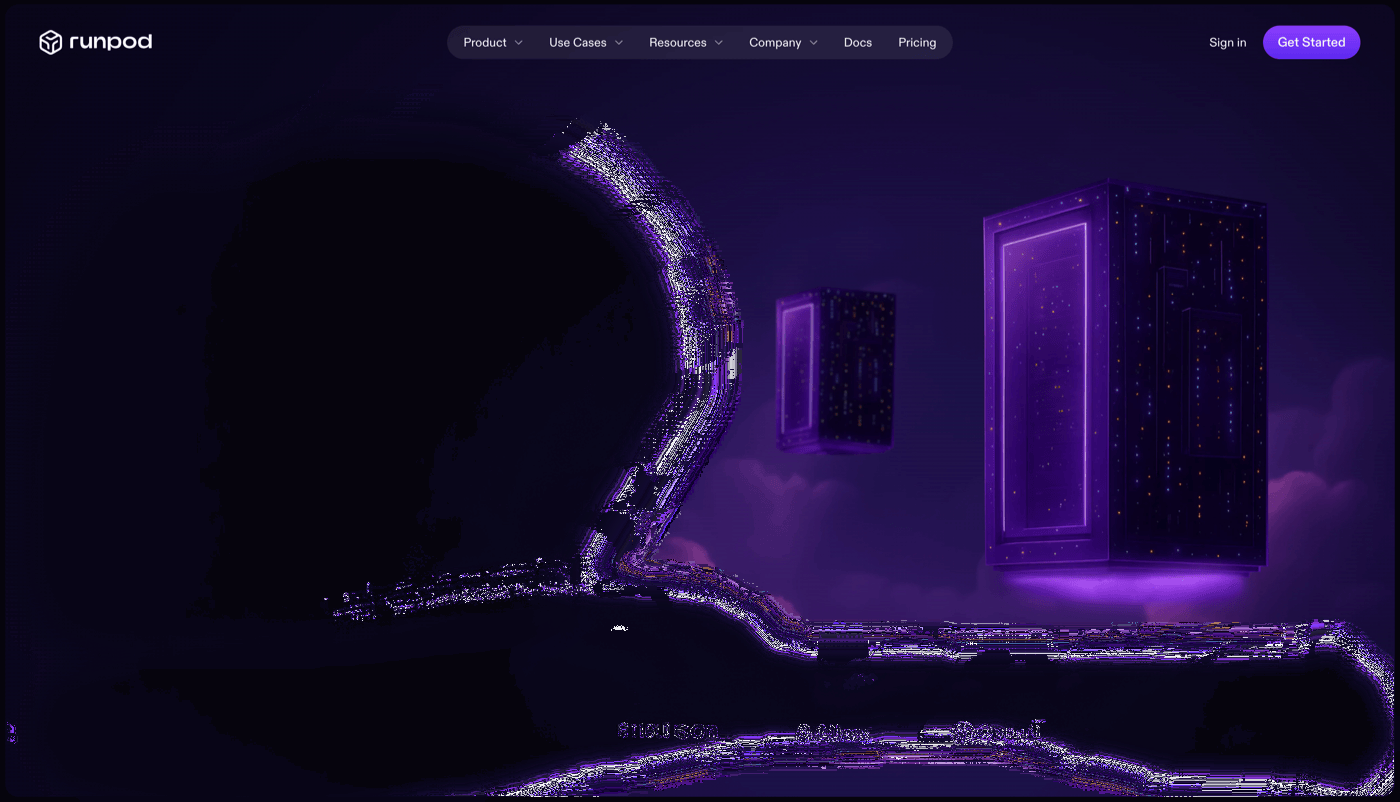
런팟 ComfyUI 시작하기
283:3썸네일 1280×720 · 입문자용 · 보라 배경 + 노란 헤드라인
코딩 0줄, AI가 다 했다
283:4썸네일 1280×720 · AI 로봇 + iMessage 말풍선 + my-courses 목업
코딩 0줄, AI가 다 했다 — 지용민
317:3579썸네일 1280×720 · 초록 매트릭스 배경 + 인물 버전
YouTube 채널 아트
283:6채널 배너 2560×423 · 파랑 블롭 + HARBOR SCHOOL + 카피
OG 공유 이미지
283:7OG 1200×630 · 검정 그리드 + 워드마크 + 버미
08 · 3D Clay library
_assets/3d/ 에 쌓여있는 라이브러리. batch-01 (5종) + batch-02 (20종). 아직 사이트에 배포되지 않았고, 용도 제안만 적혀 있어요. z-image-turbo · 1024×1024 · 시드 3001~3020 / 5005~5018.
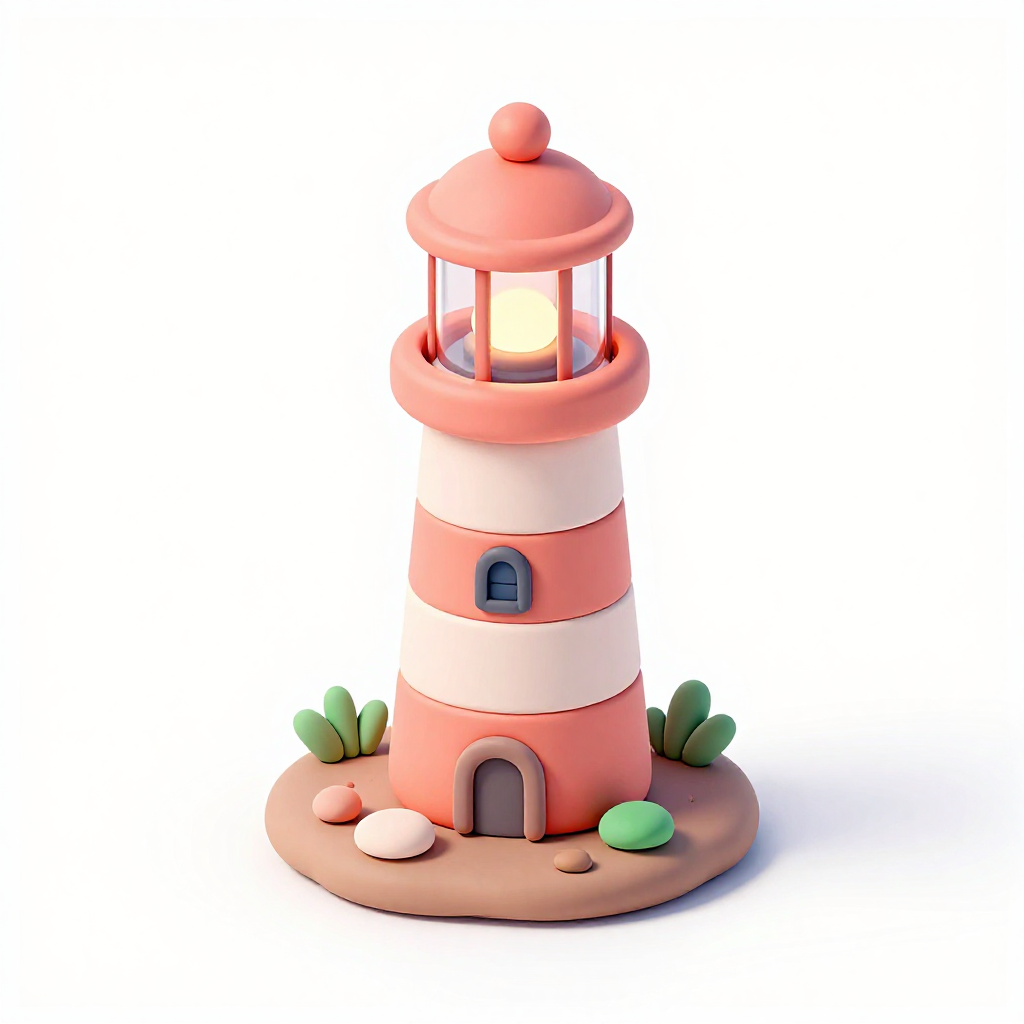
Lighthouse
10/10코랄 + 크림 스트라이프, 세이지 풀 · 앰버 랜턴 글로우
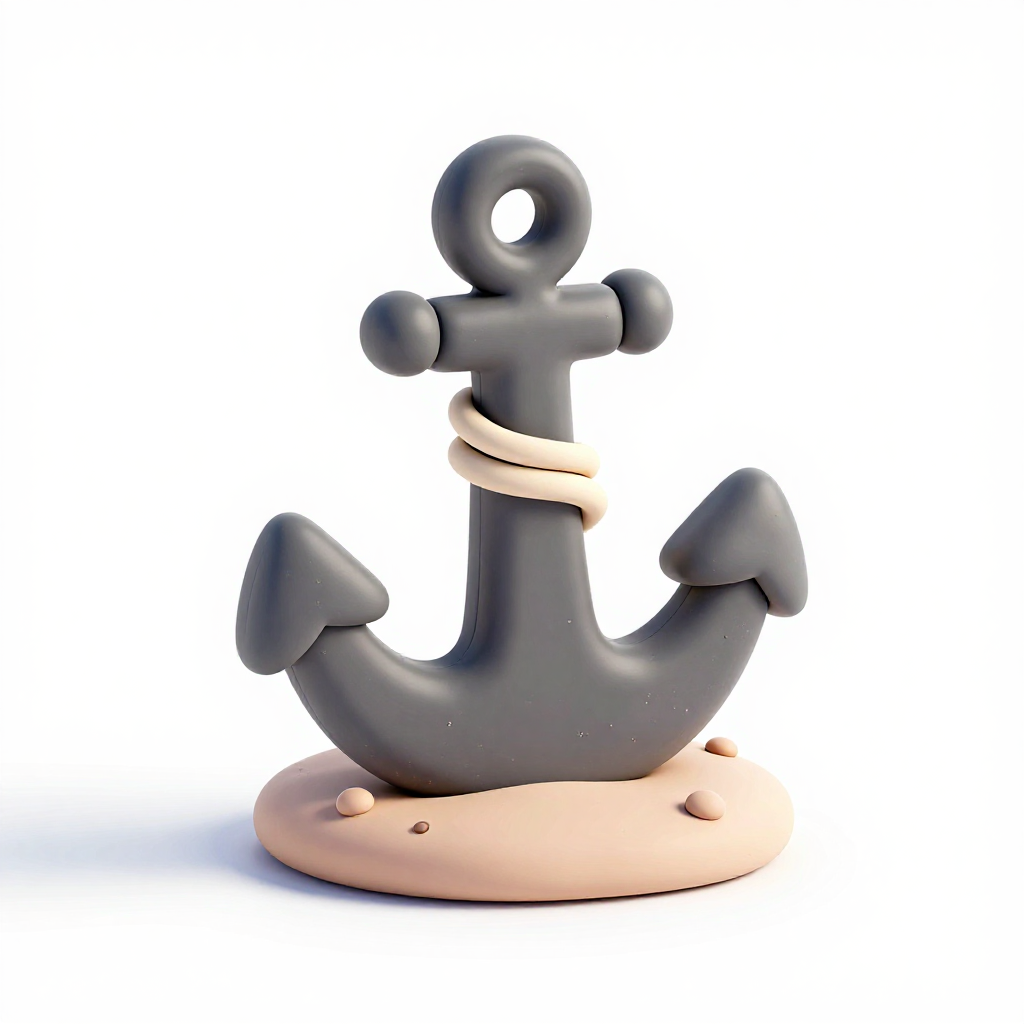
Anchor
8.5/10차콜 clay + 크림 로프 · 샌드 mound
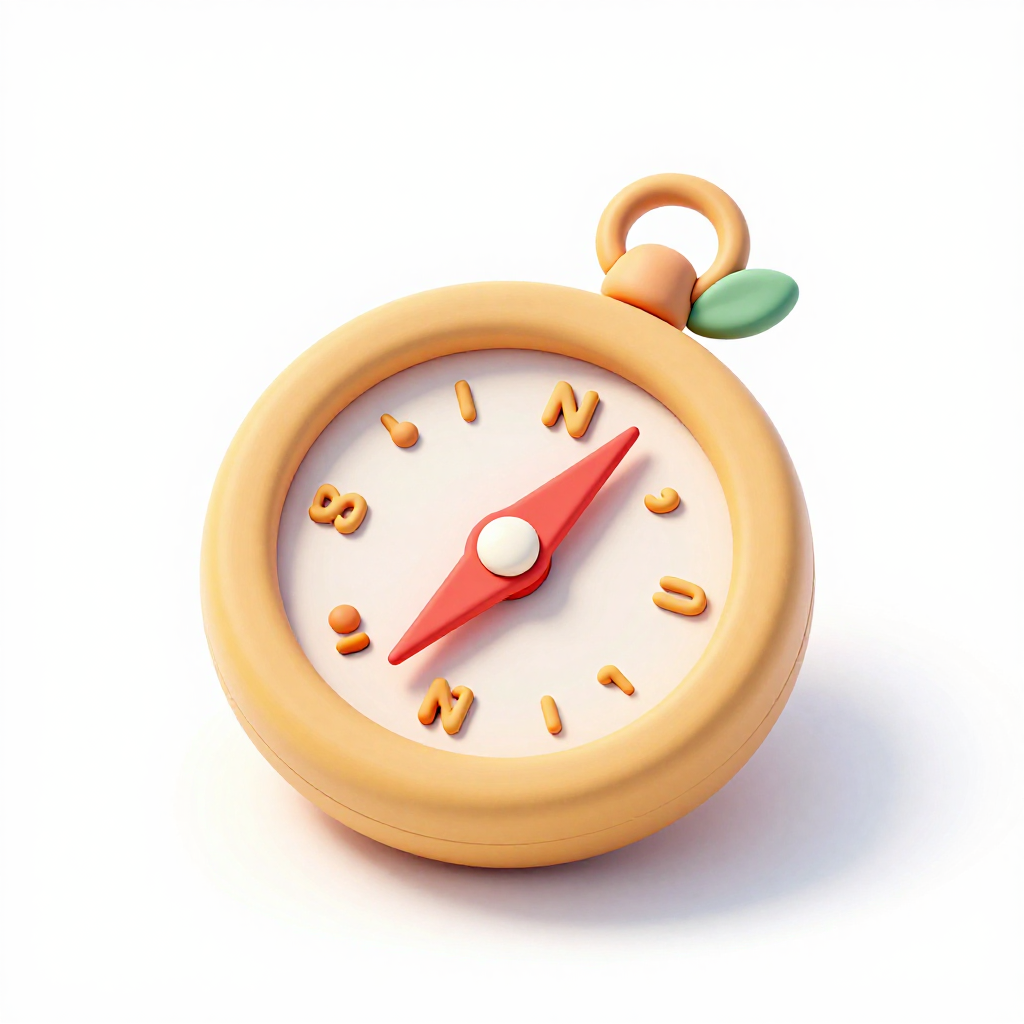
Compass
9/10황동 골든 + N 라벨 · 여행/커리큘럼 마커
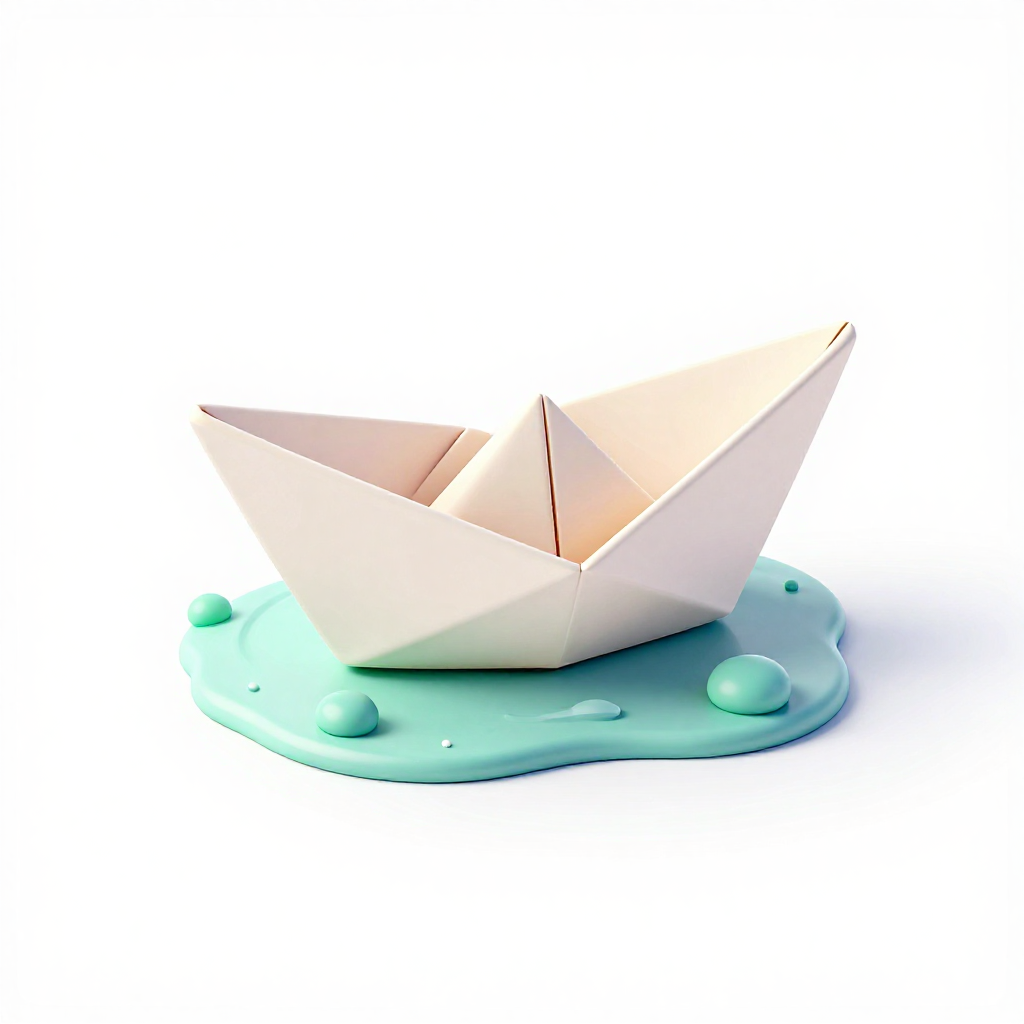
Paper boat
9/10코랄 종이접기 + 민트 물결 · “첫 항해”
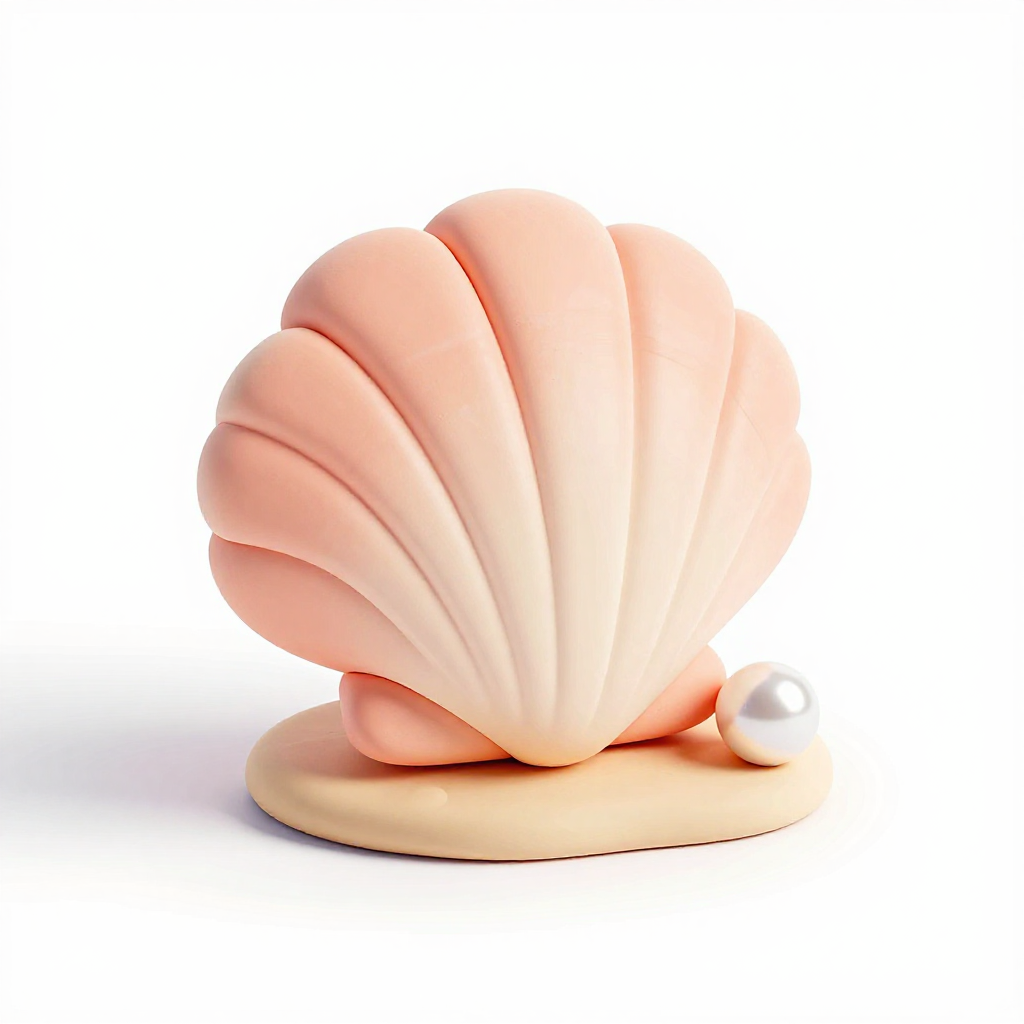
Seashell
9/10피치 + 크림 줄무늬 · About 섹션 장식 후보
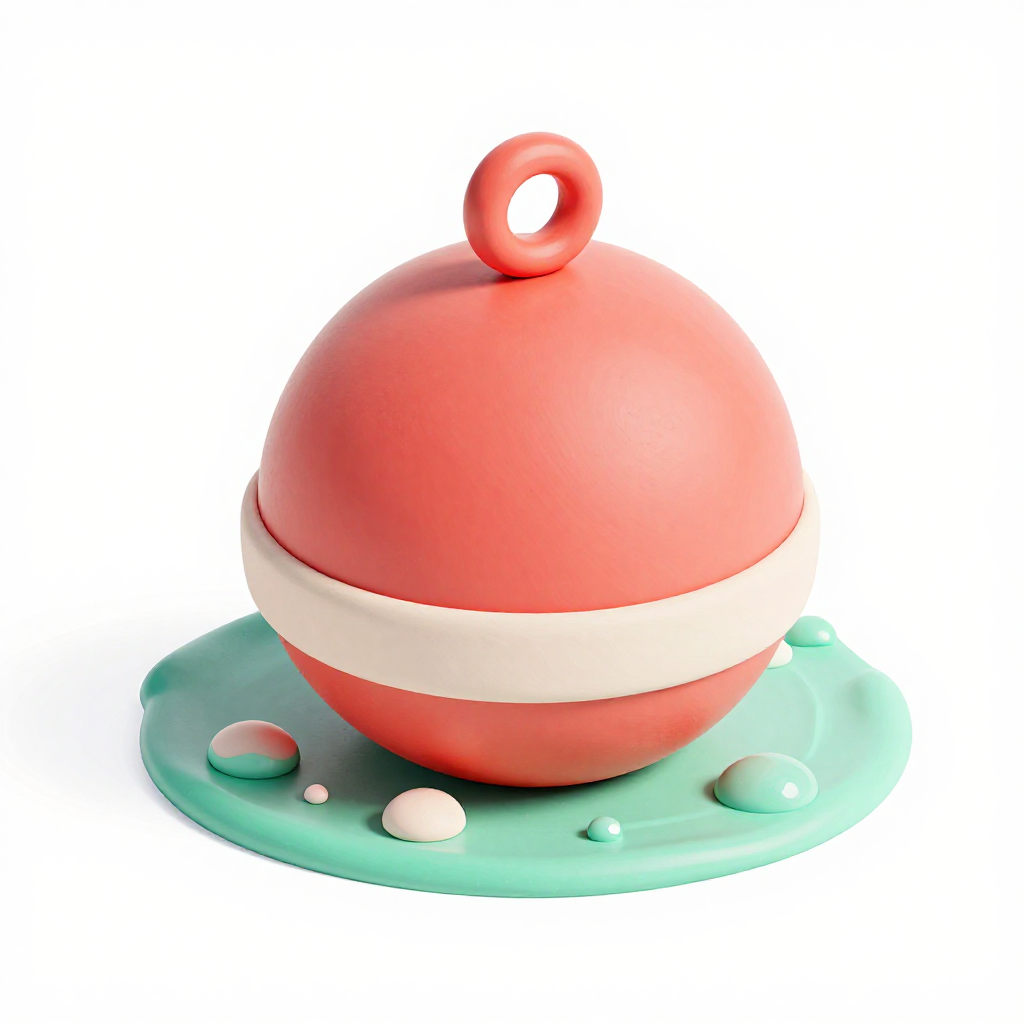
Buoy
10/10코랄 + 크림 + 민트 물 포말
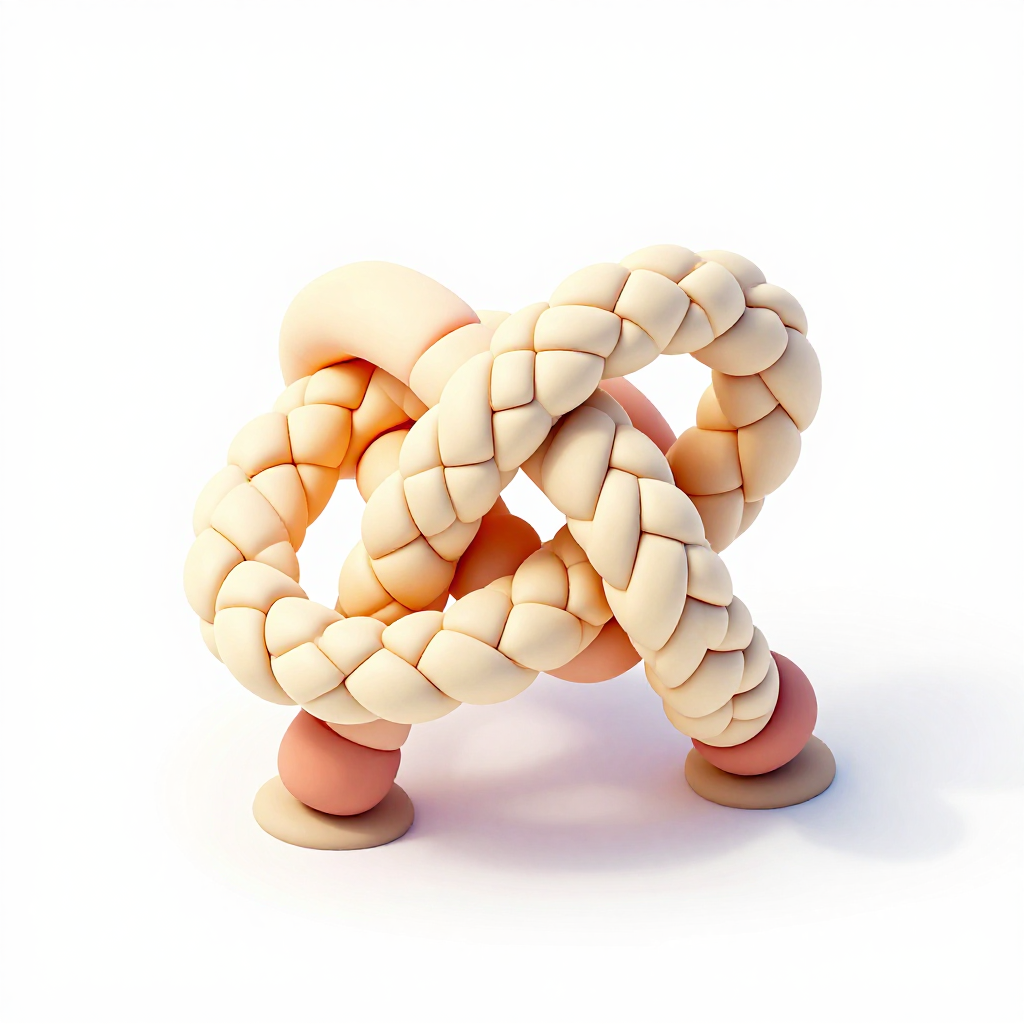
Rope knot
브레이드 텍스처 · 두 다리로 선 해석
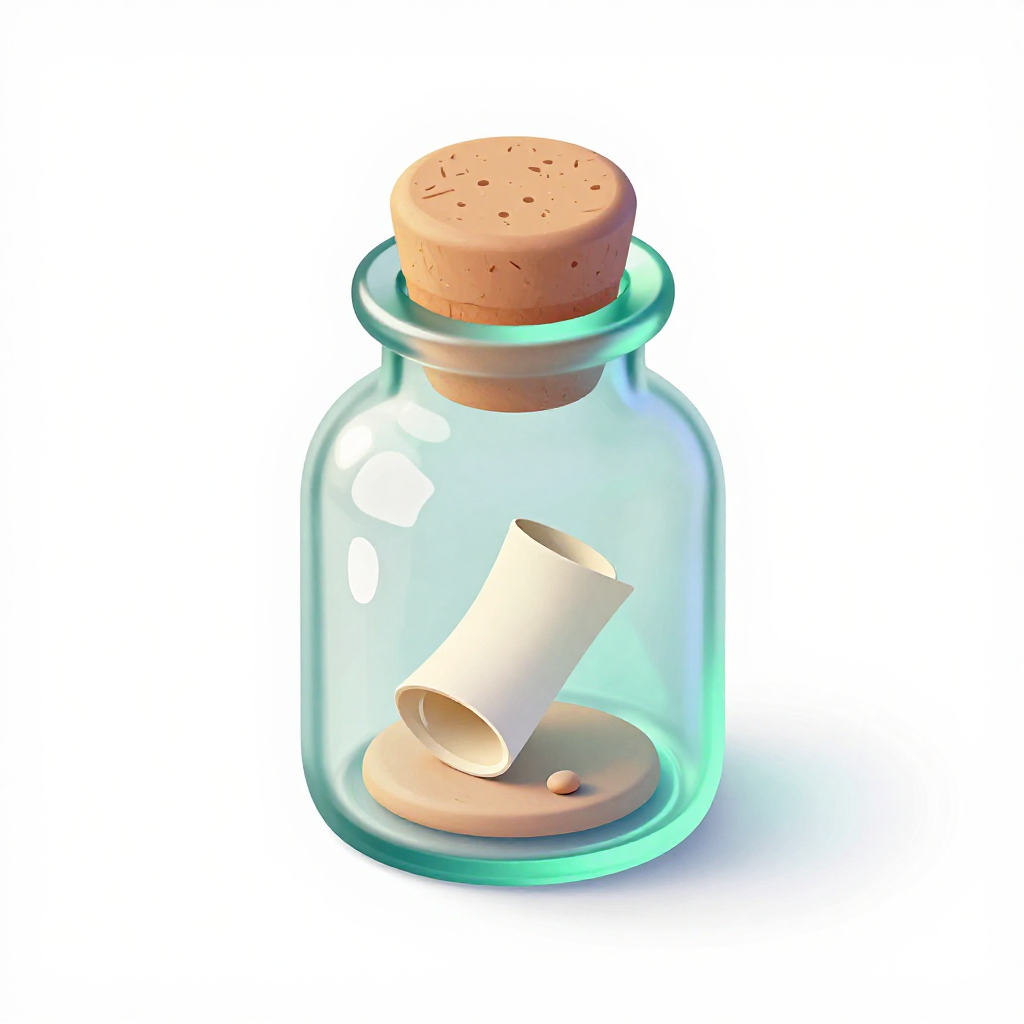
Message bottle
청록 글래스 반투명 + 코르크 + 스크롤
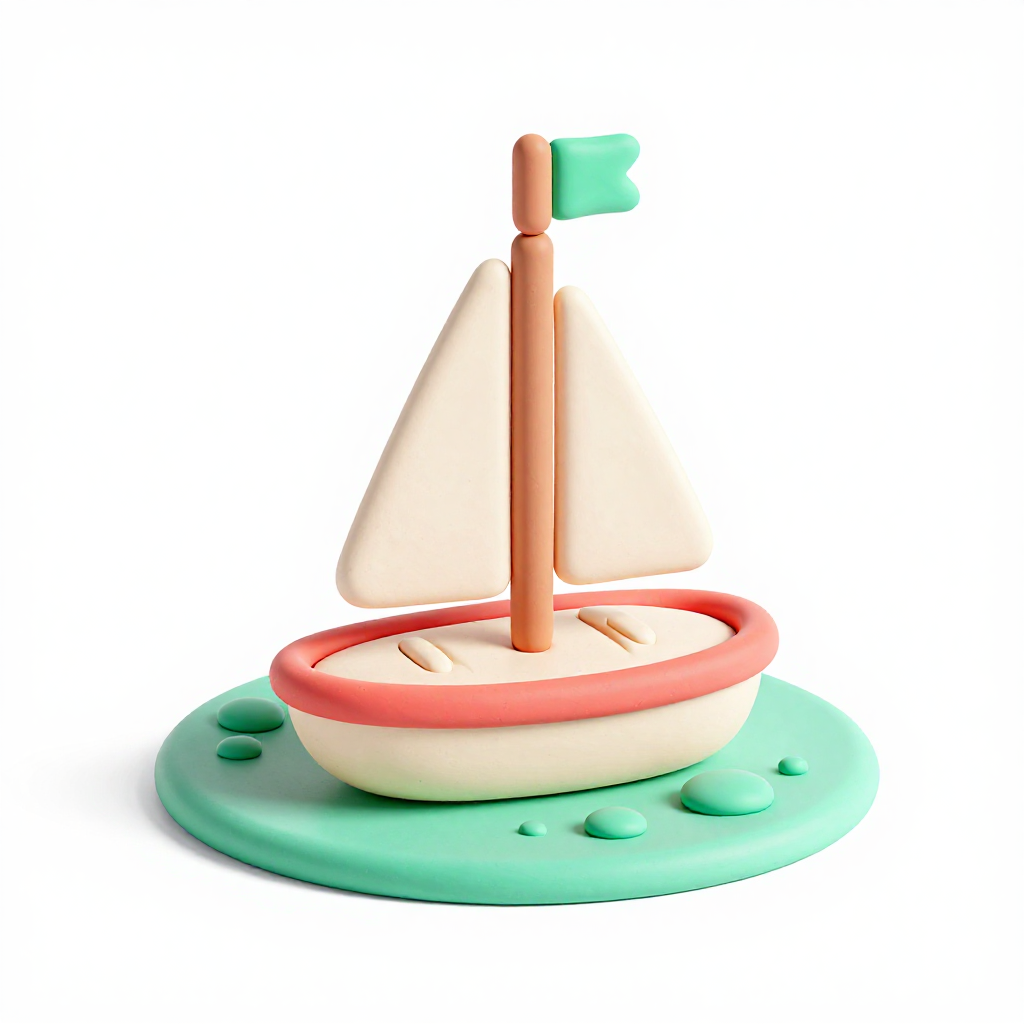
Sailboat
코랄 리밍 + 민트 물 + 세이지 깃발
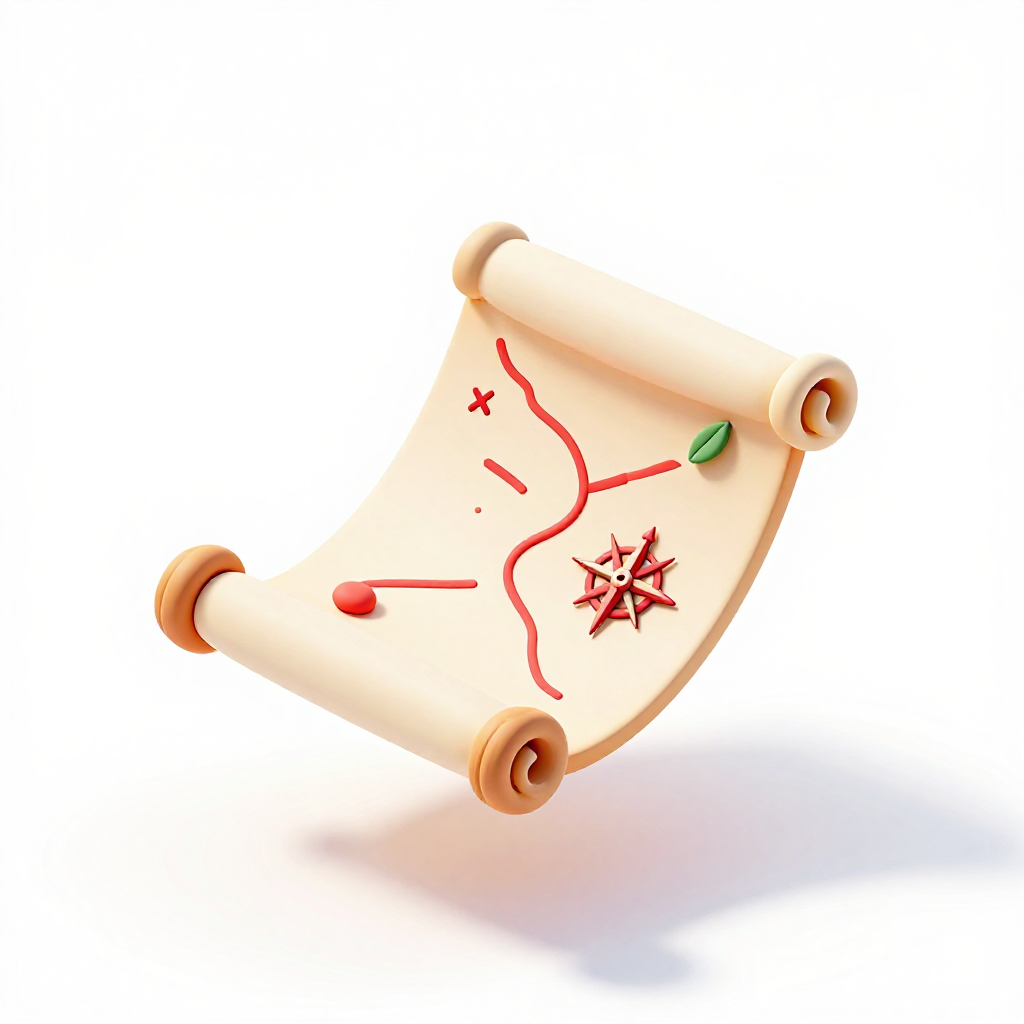
Treasure map
지도·X·컴패스 로즈 · Course roadmap 후보
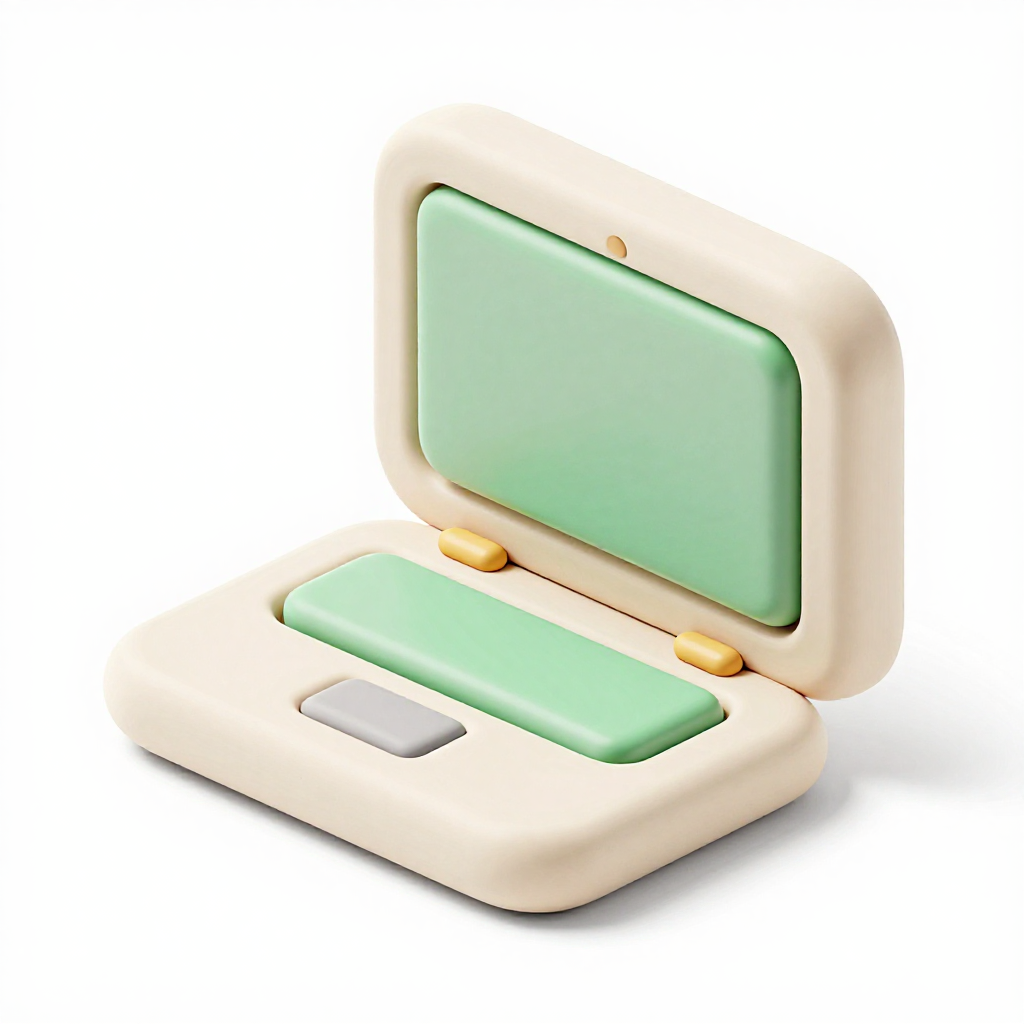
Laptop
세이지 스크린 + 크림 바디
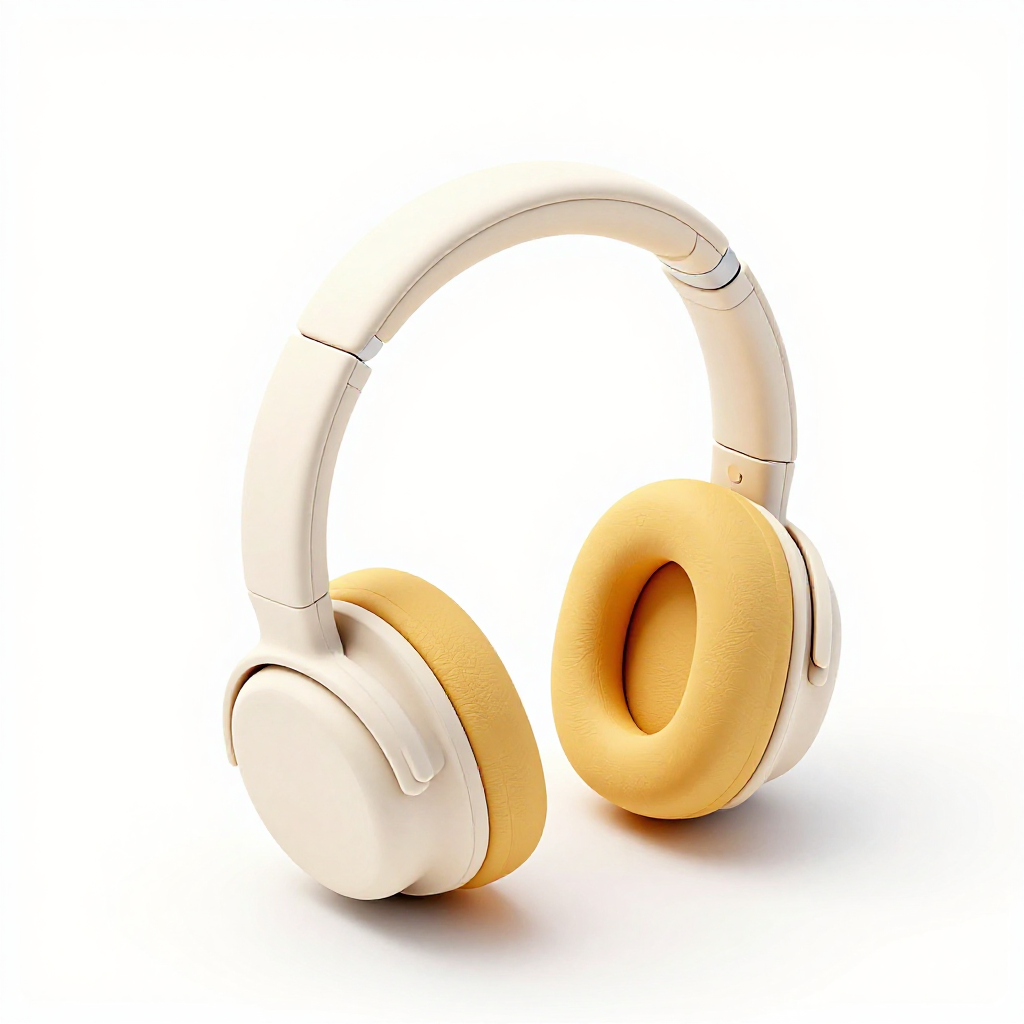
Headphones
머스타드 쿠션 + 크림 바디
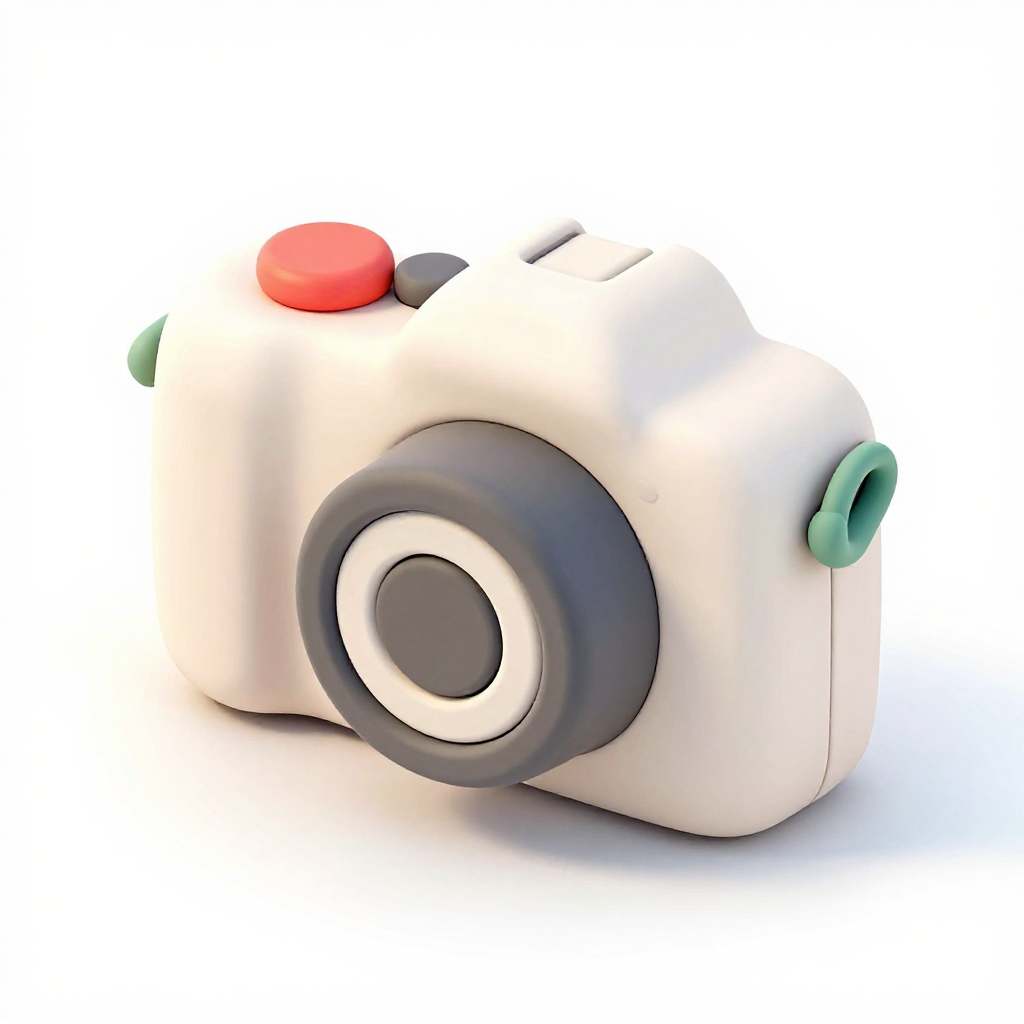
Camera
vintage TLR 실루엣
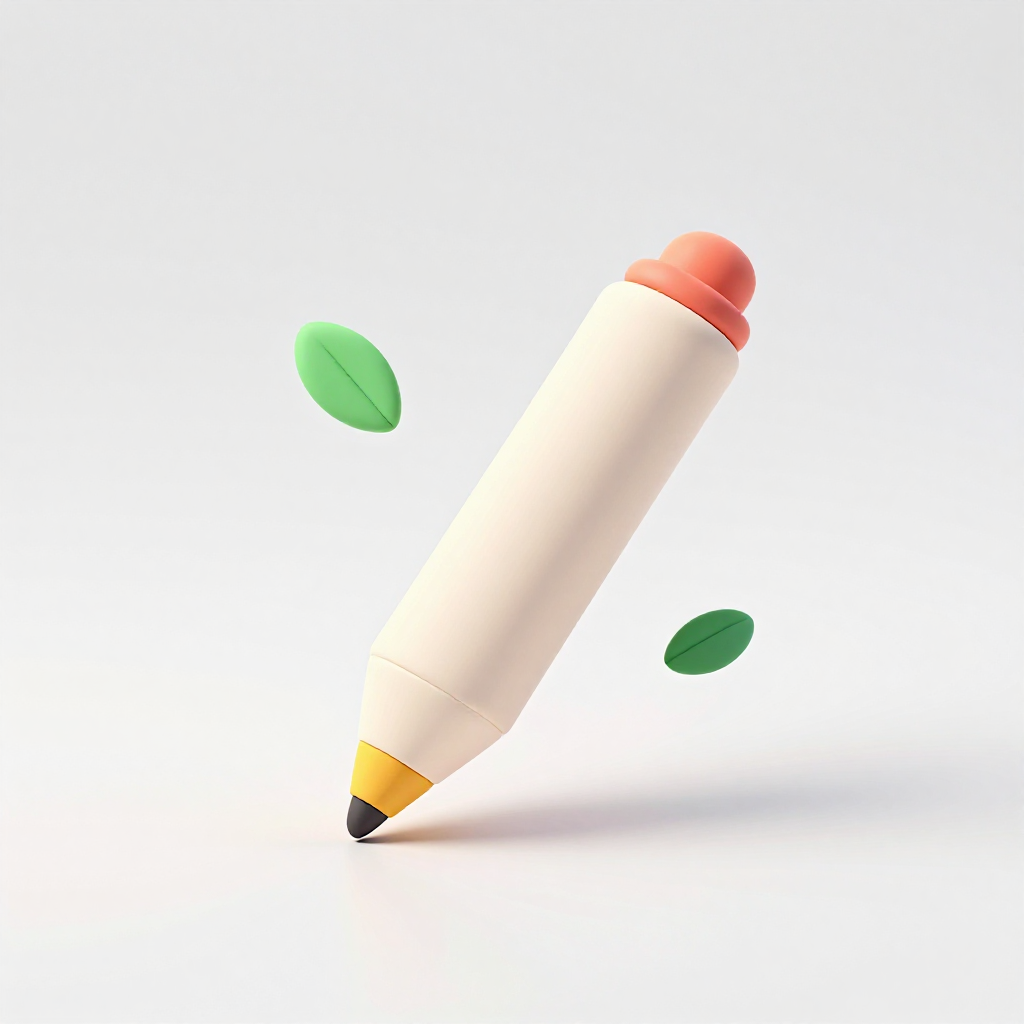
Stylus pen
코랄 + 골드 팁
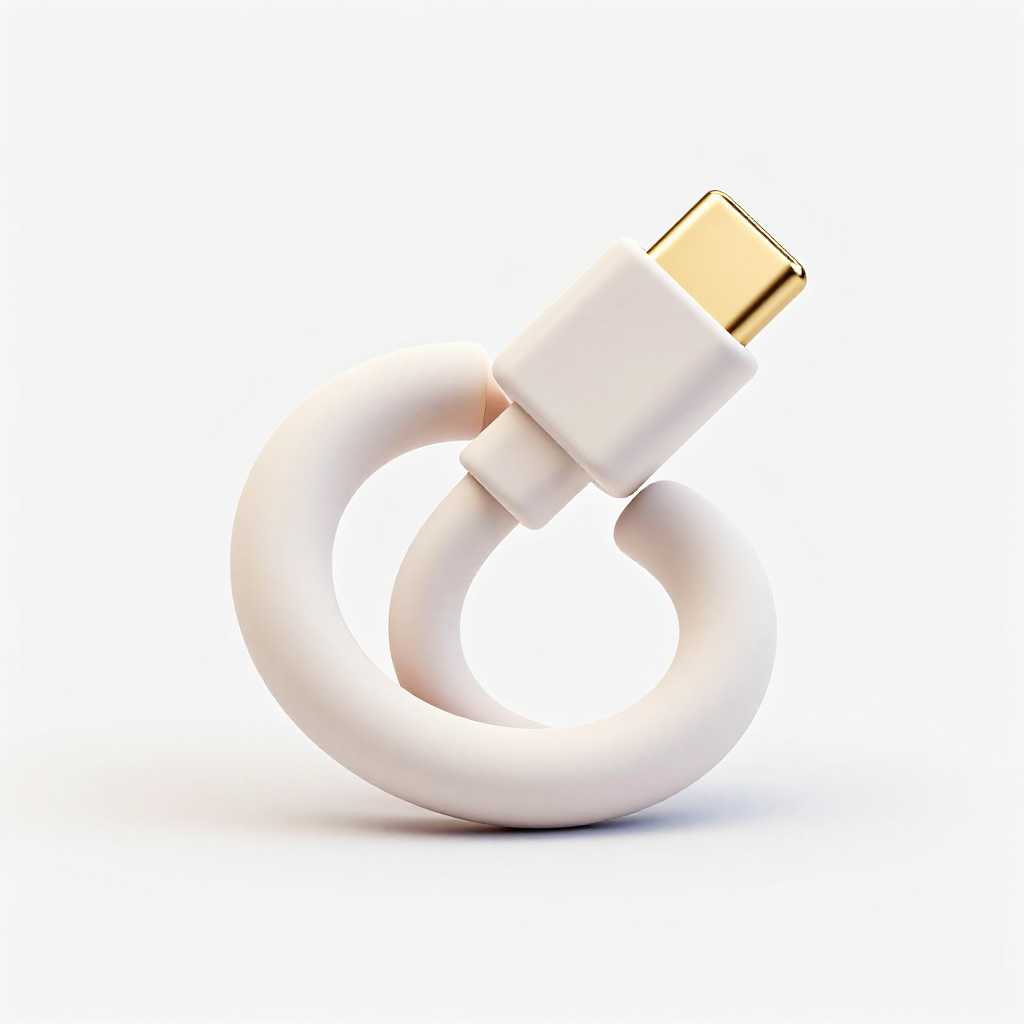
USB cable
두 개 커넥터가 마주보는 연결 은유
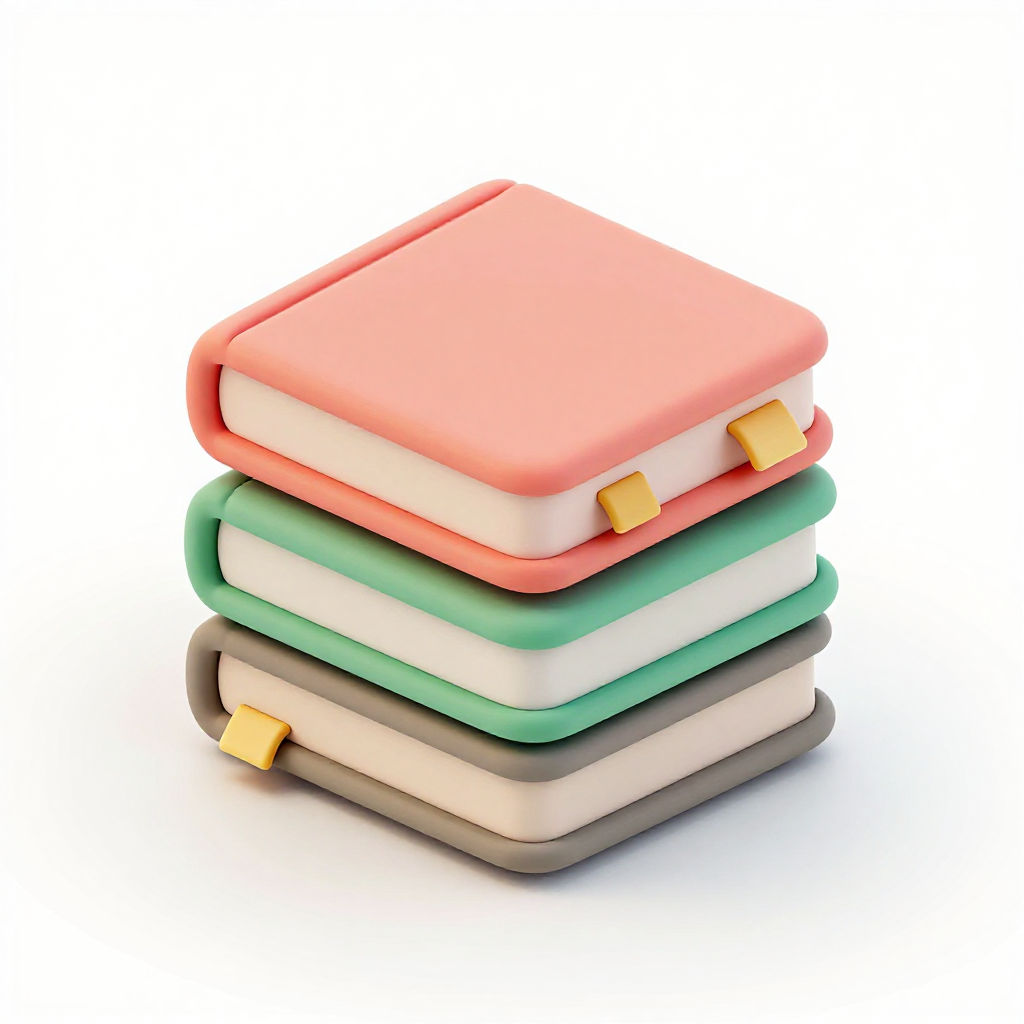
Book stack
3권 쌓인 클레이 책 · Curriculum
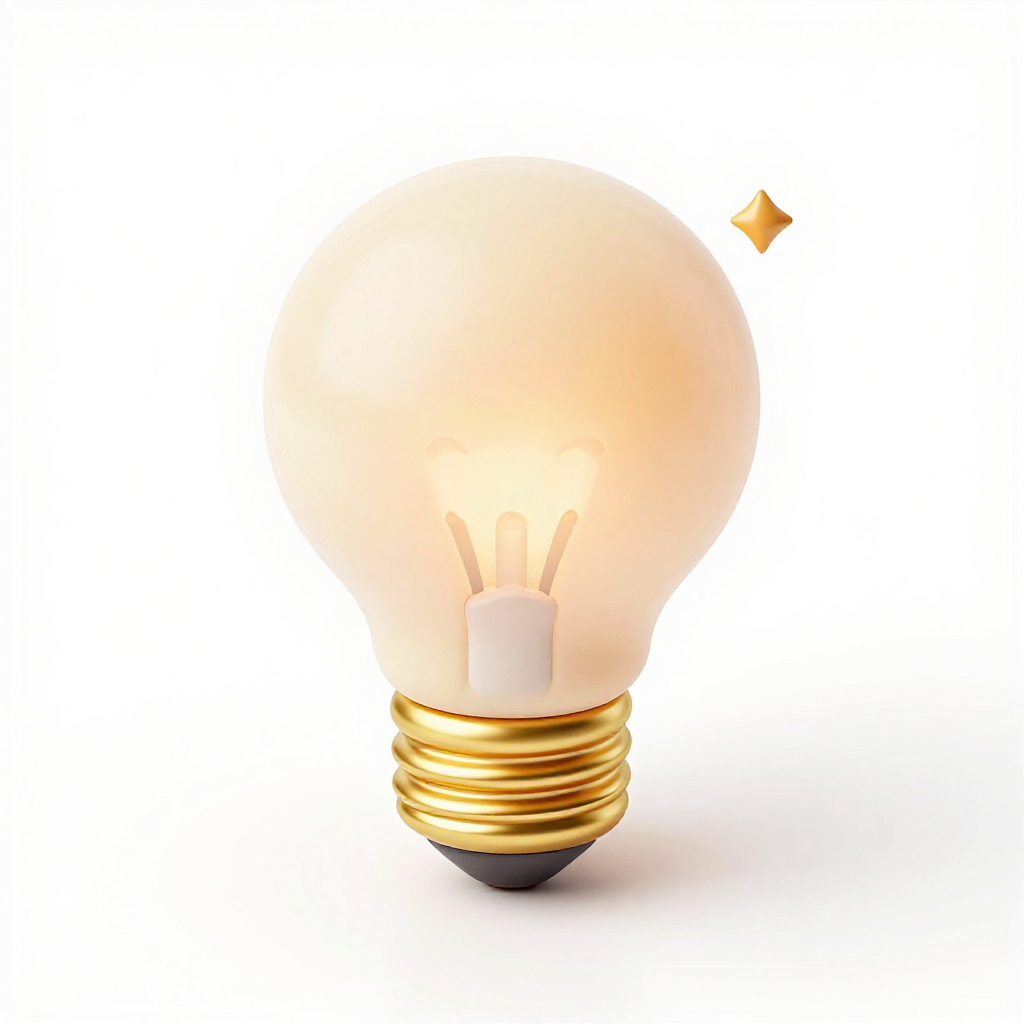
Lightbulb
앰버 필라멘트 · Idea
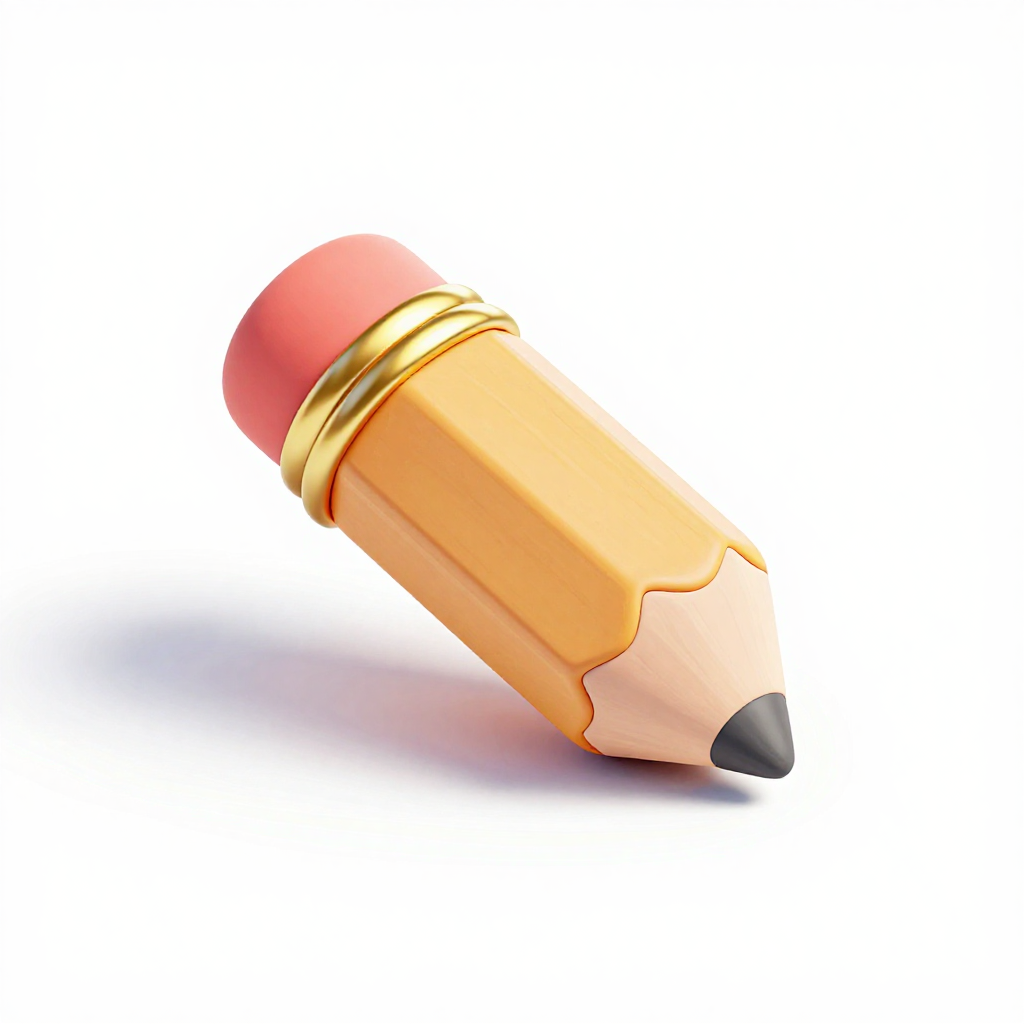
Pencil
2B 연필, 노란 바디
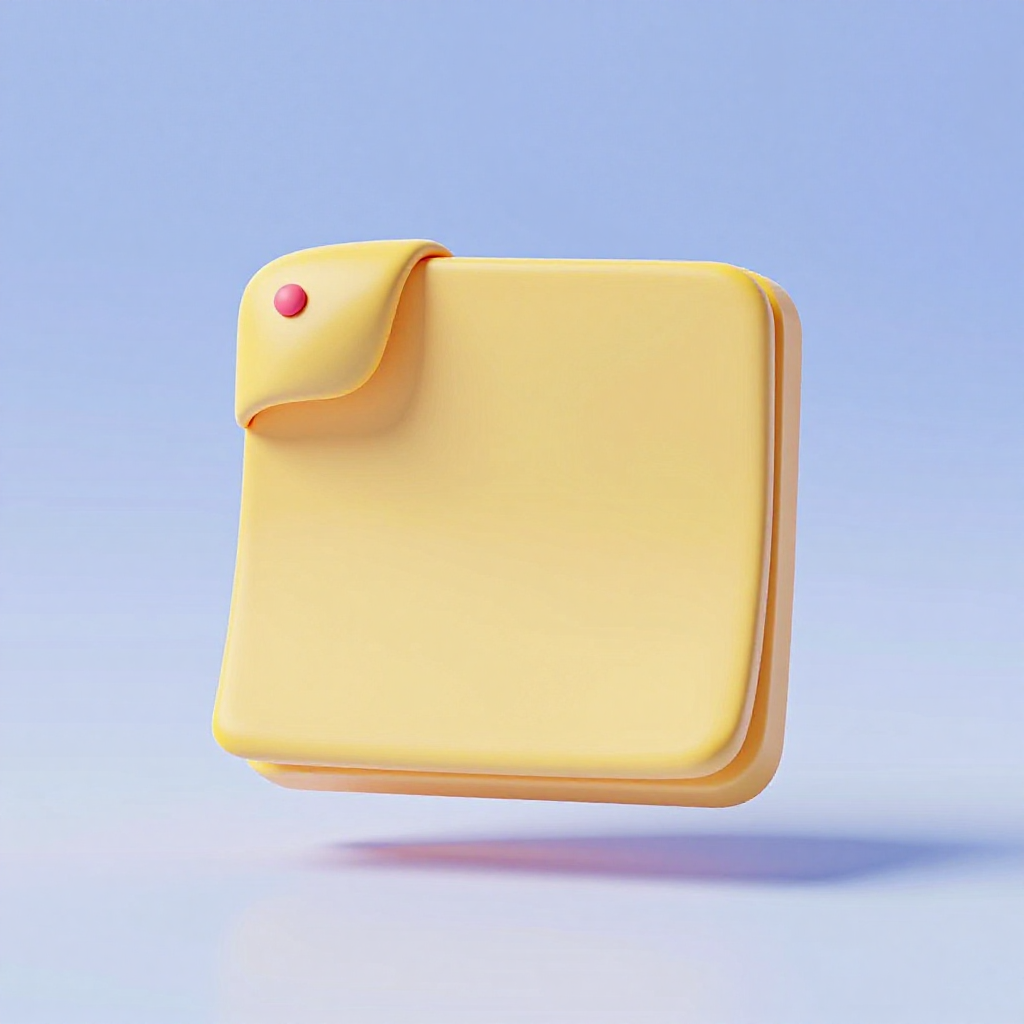
Sticky note
민트 노트 + 접힌 모서리

Checkmark badge
수료 뱃지

Cloud puff
몽글몽글 구름 · 배경 장식
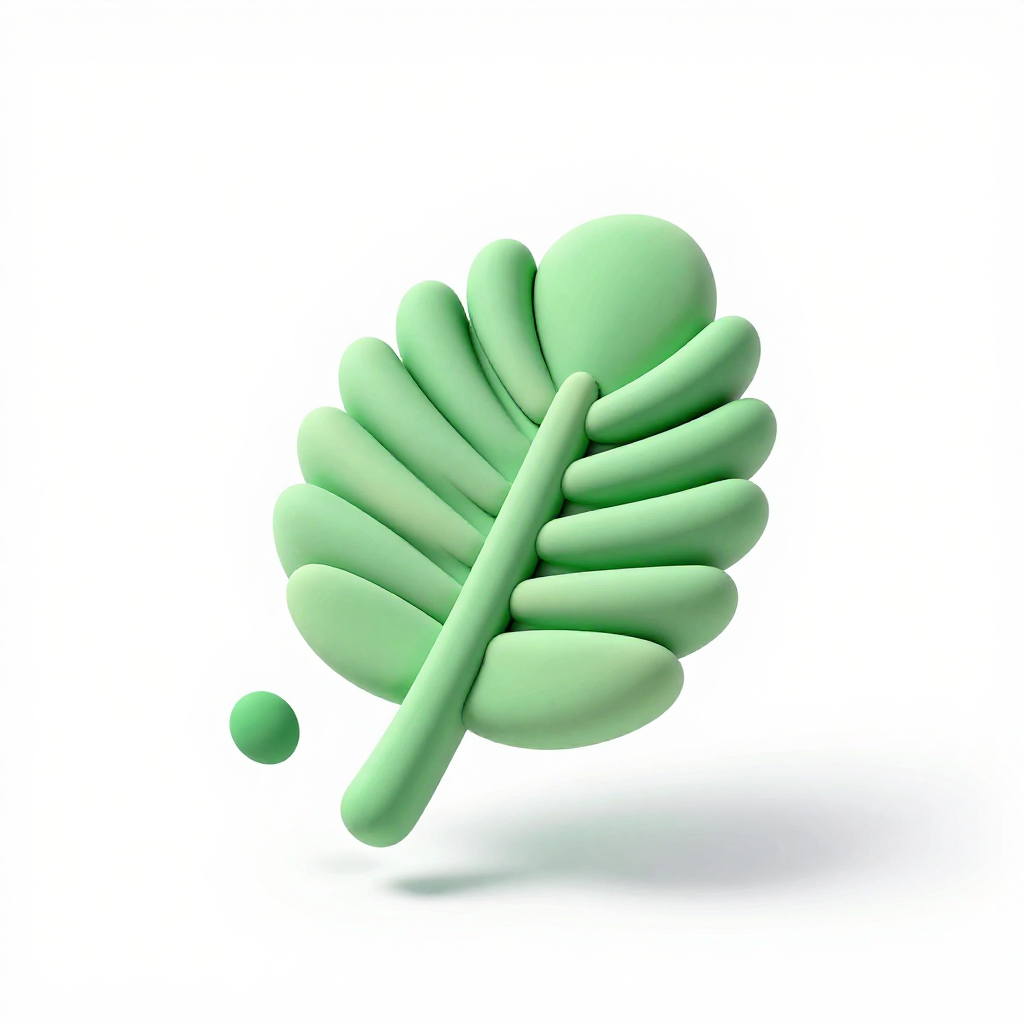
Palm leaf
세이지 그린 야자잎
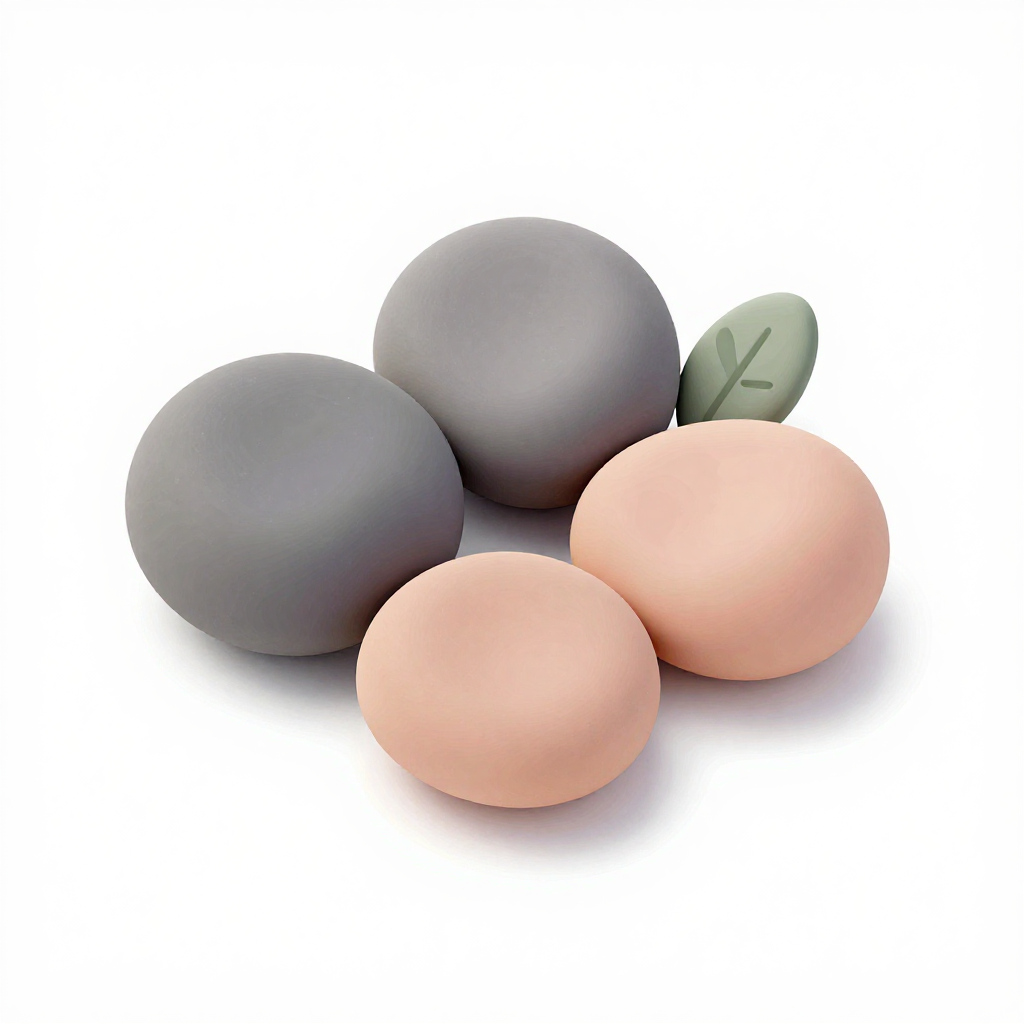
Pebble
누끼 조약돌 · 미니 악센트
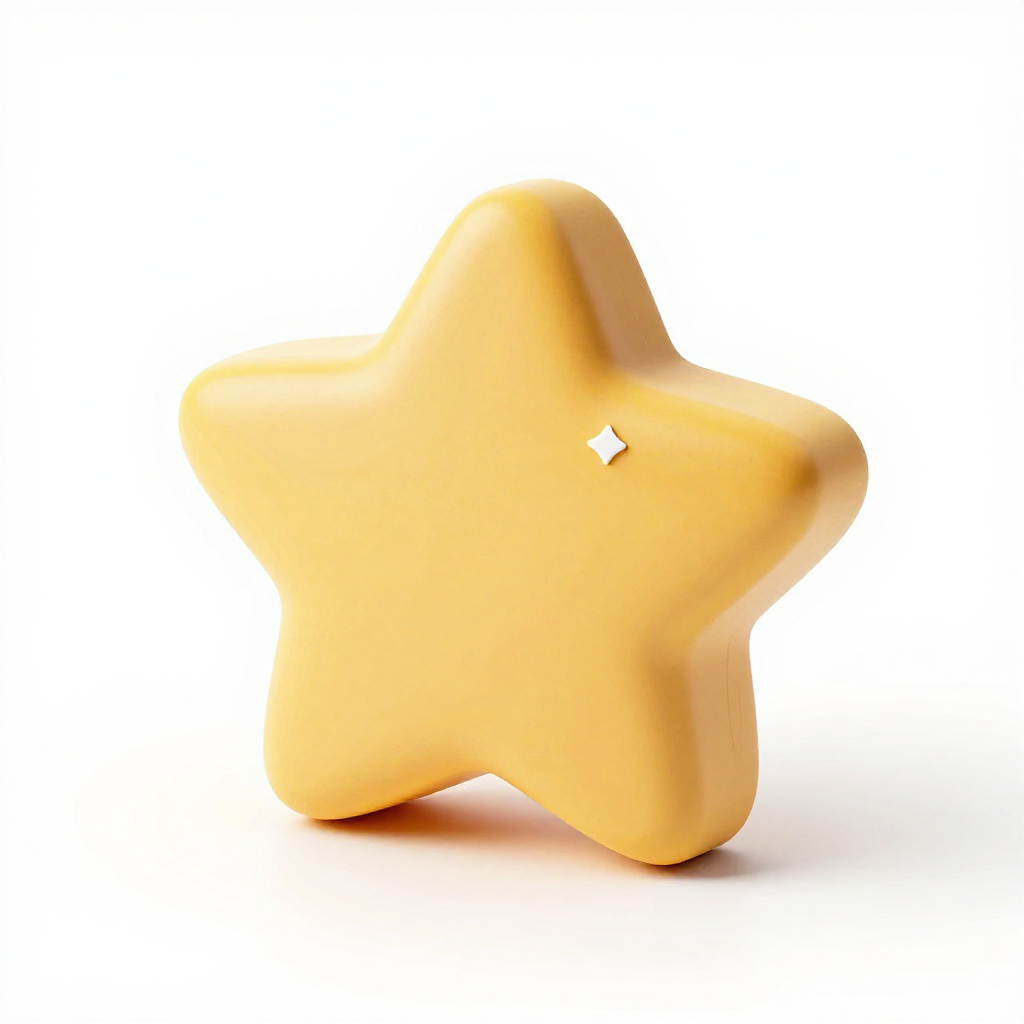
Star
5각 골든 별
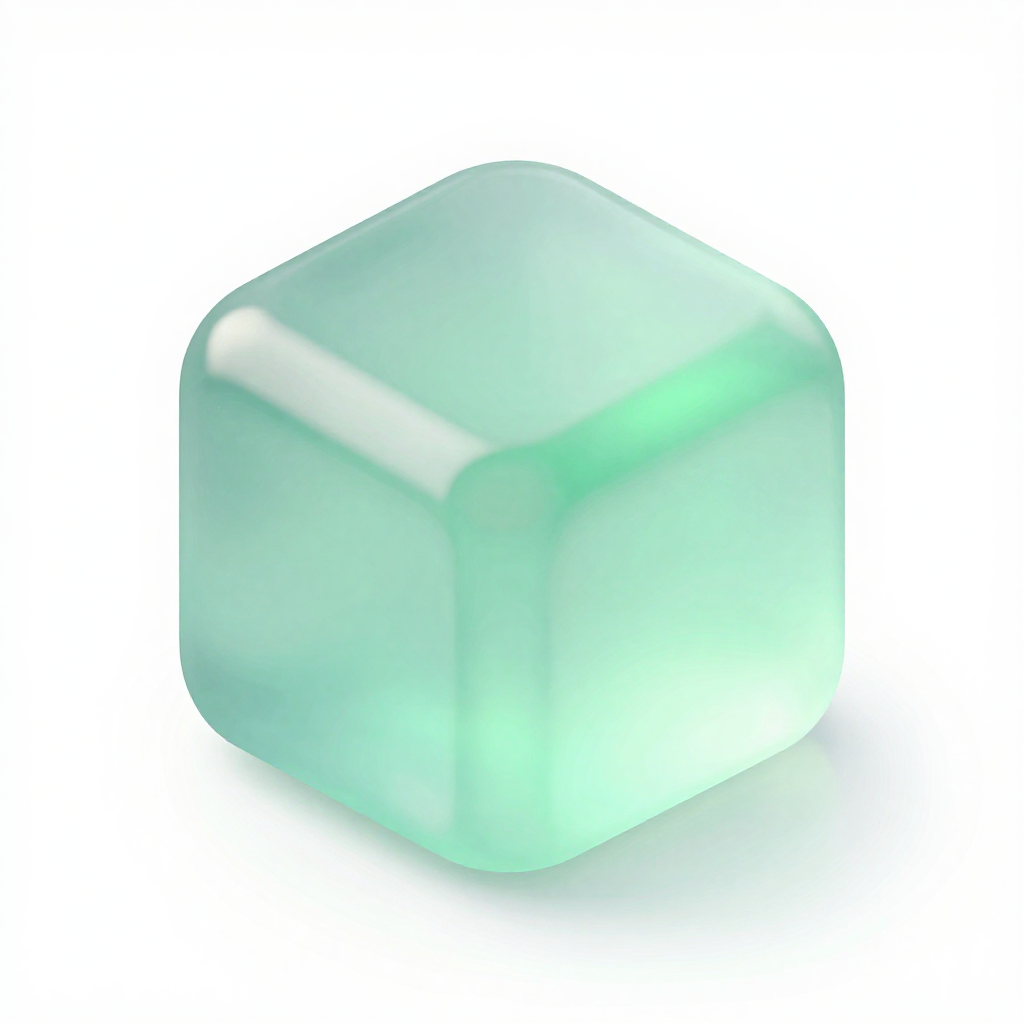
Glass cube
반투명 큐브 · UI 은유
09 · Style references
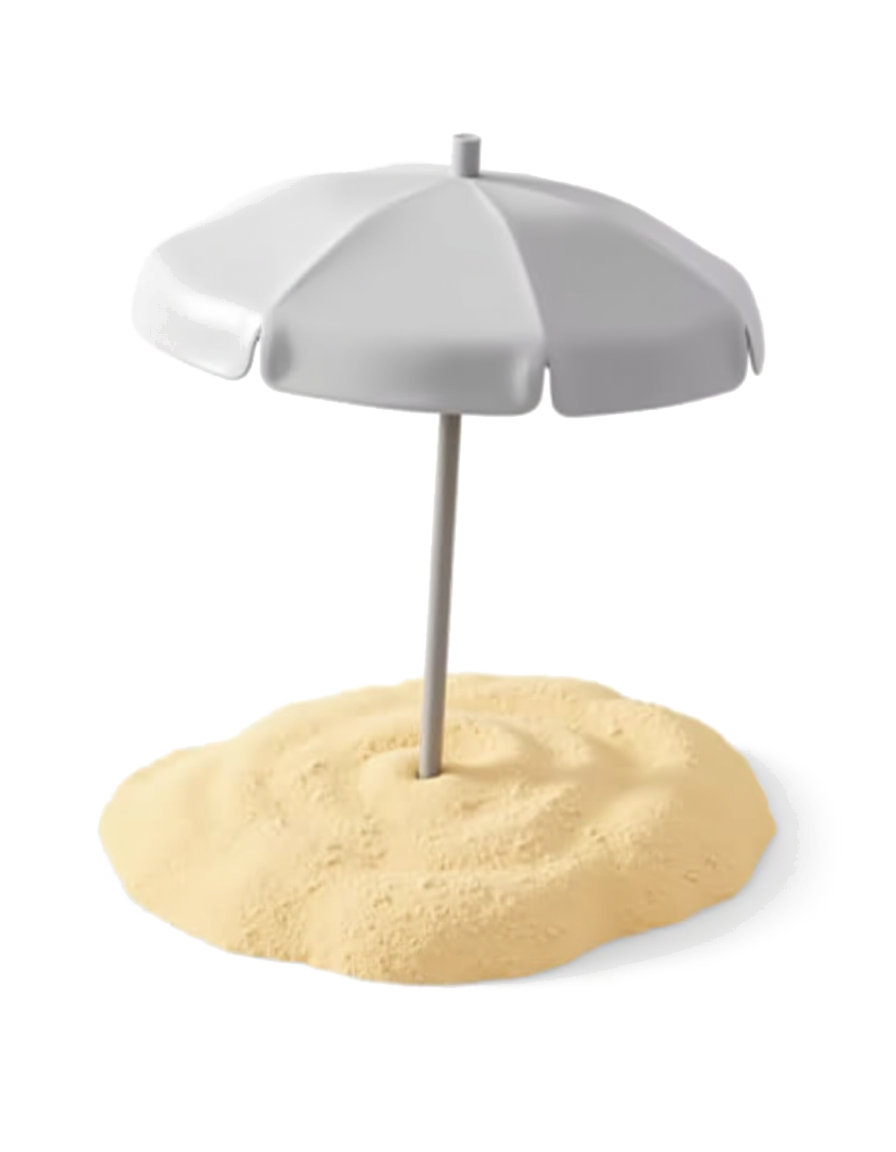
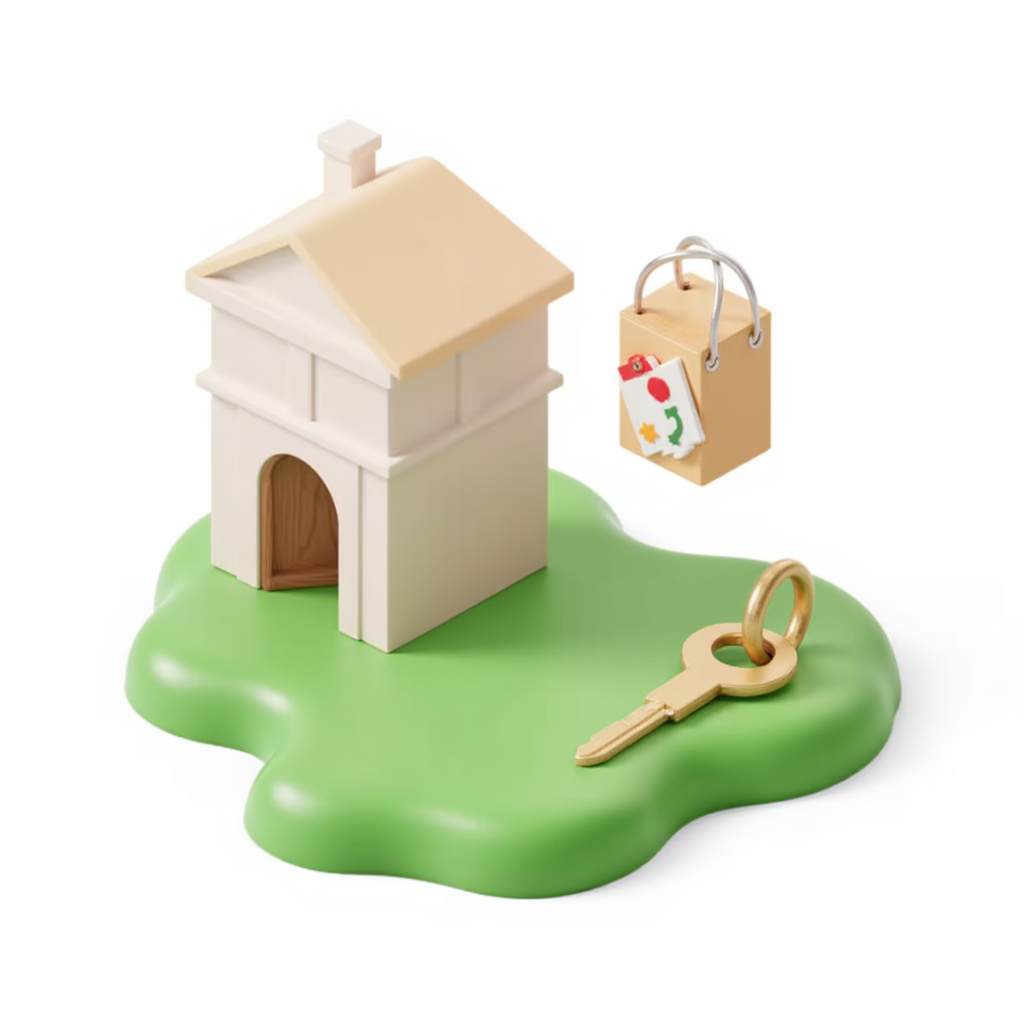
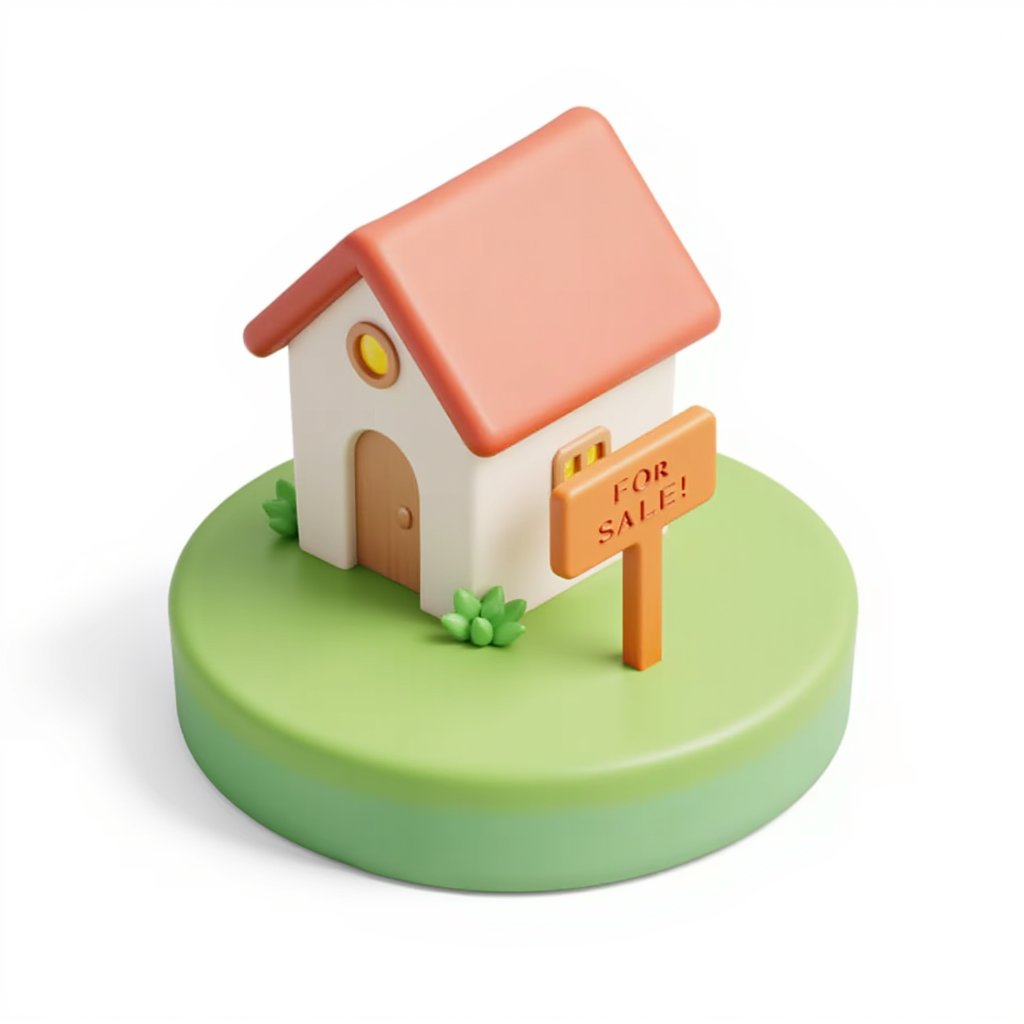
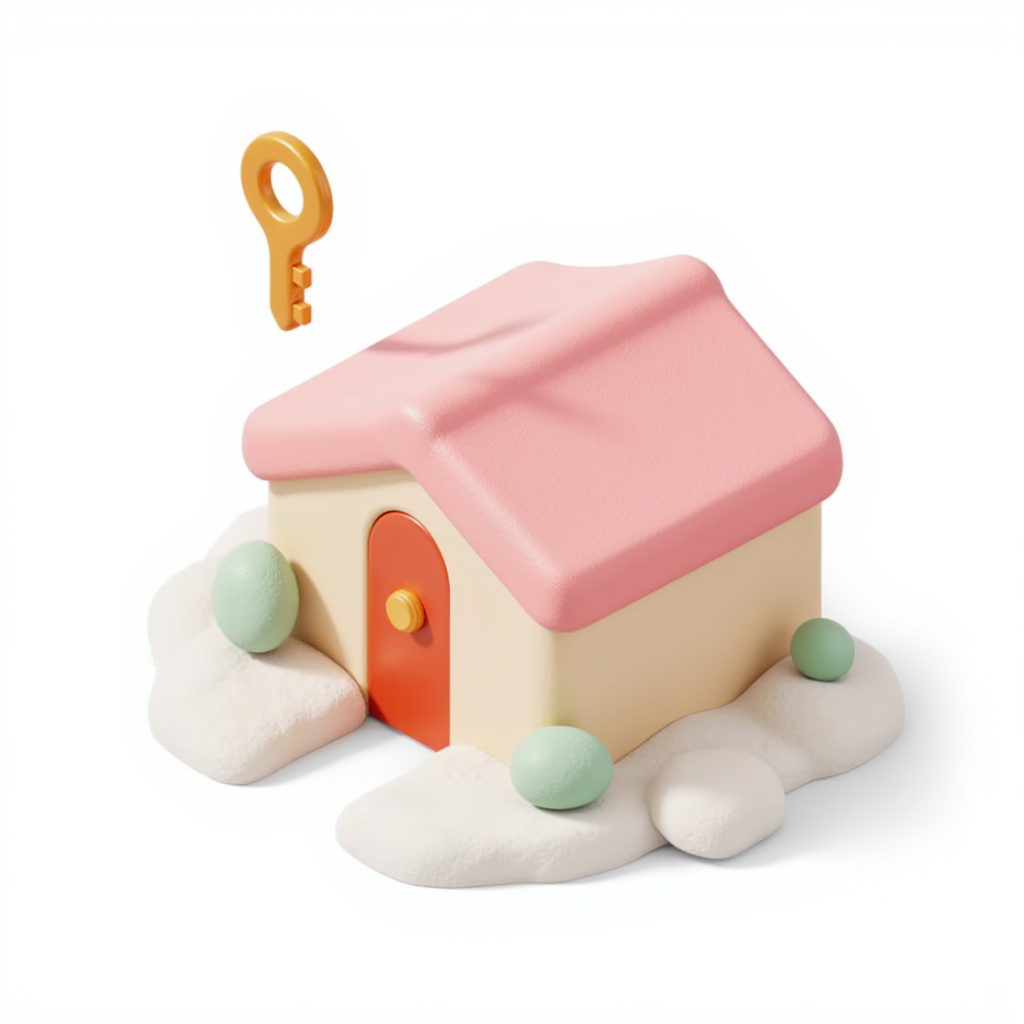
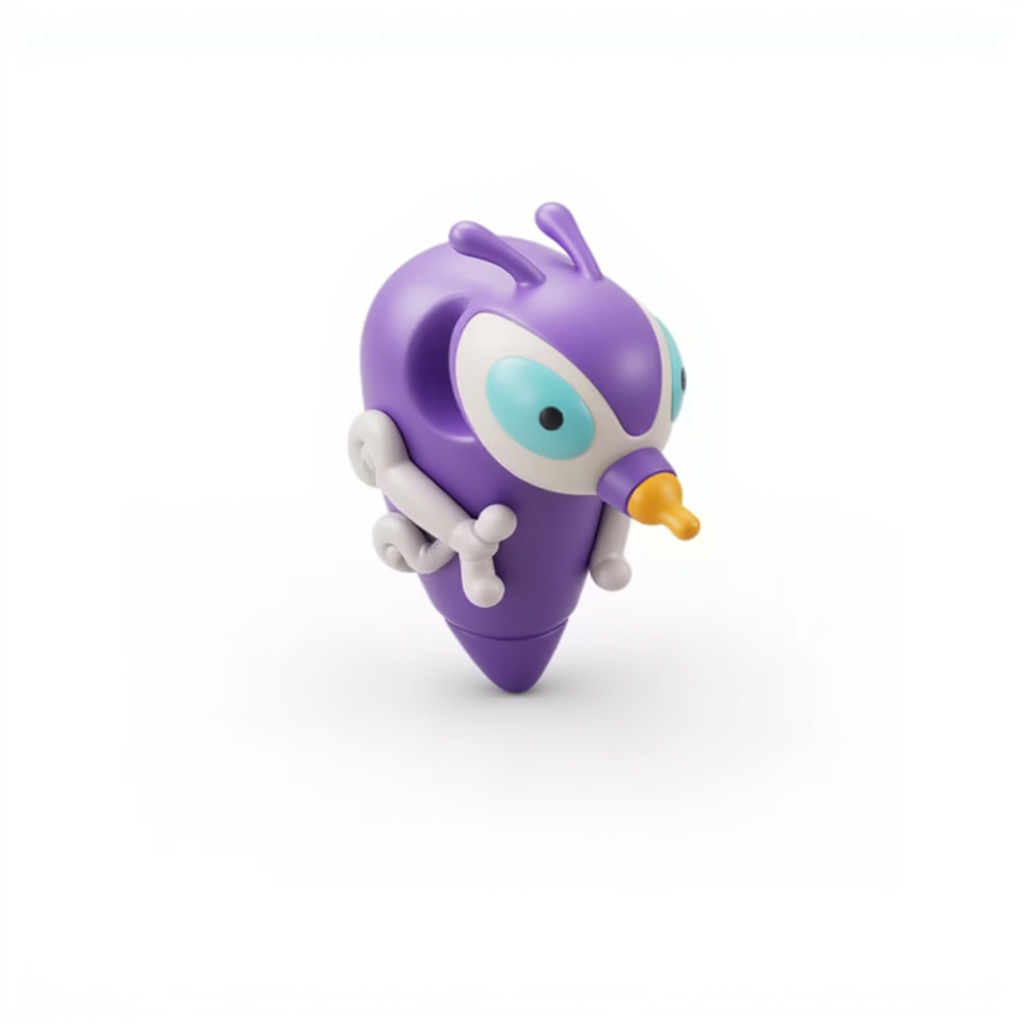
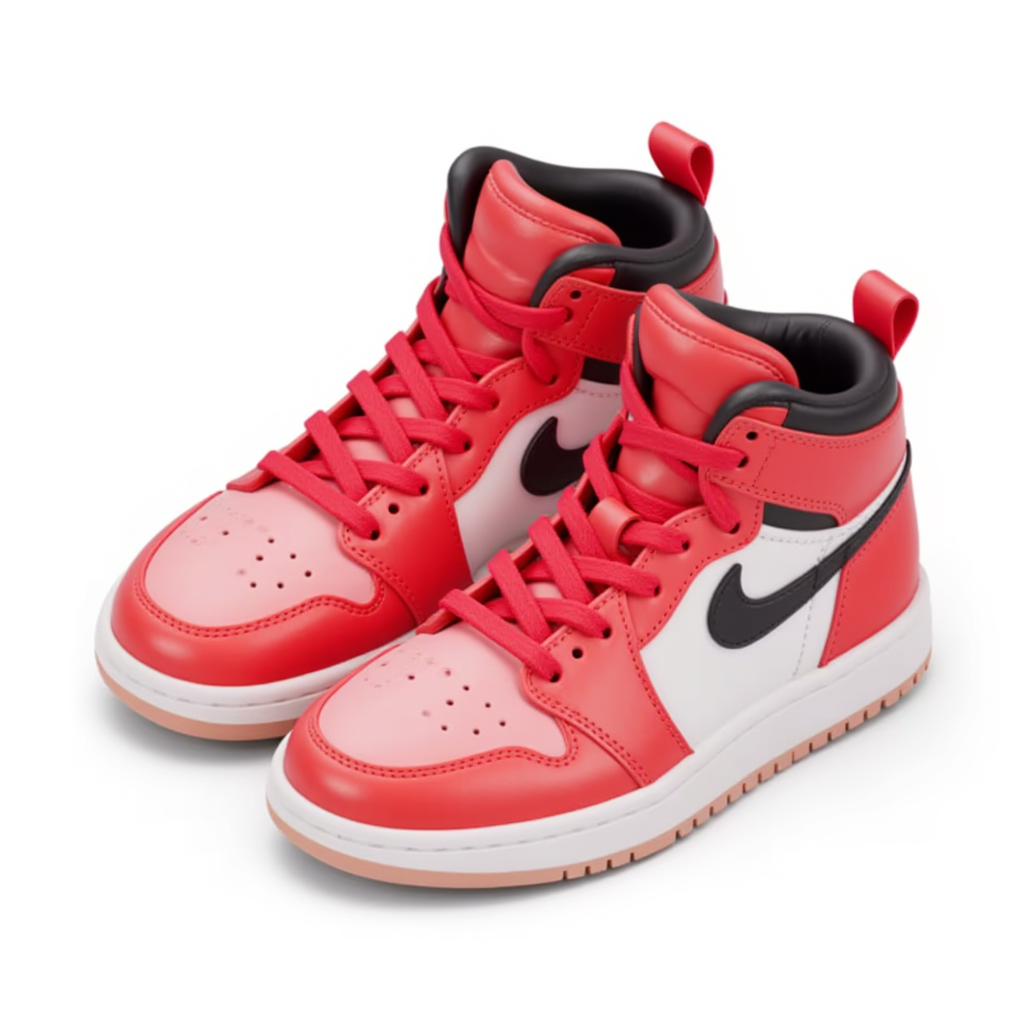
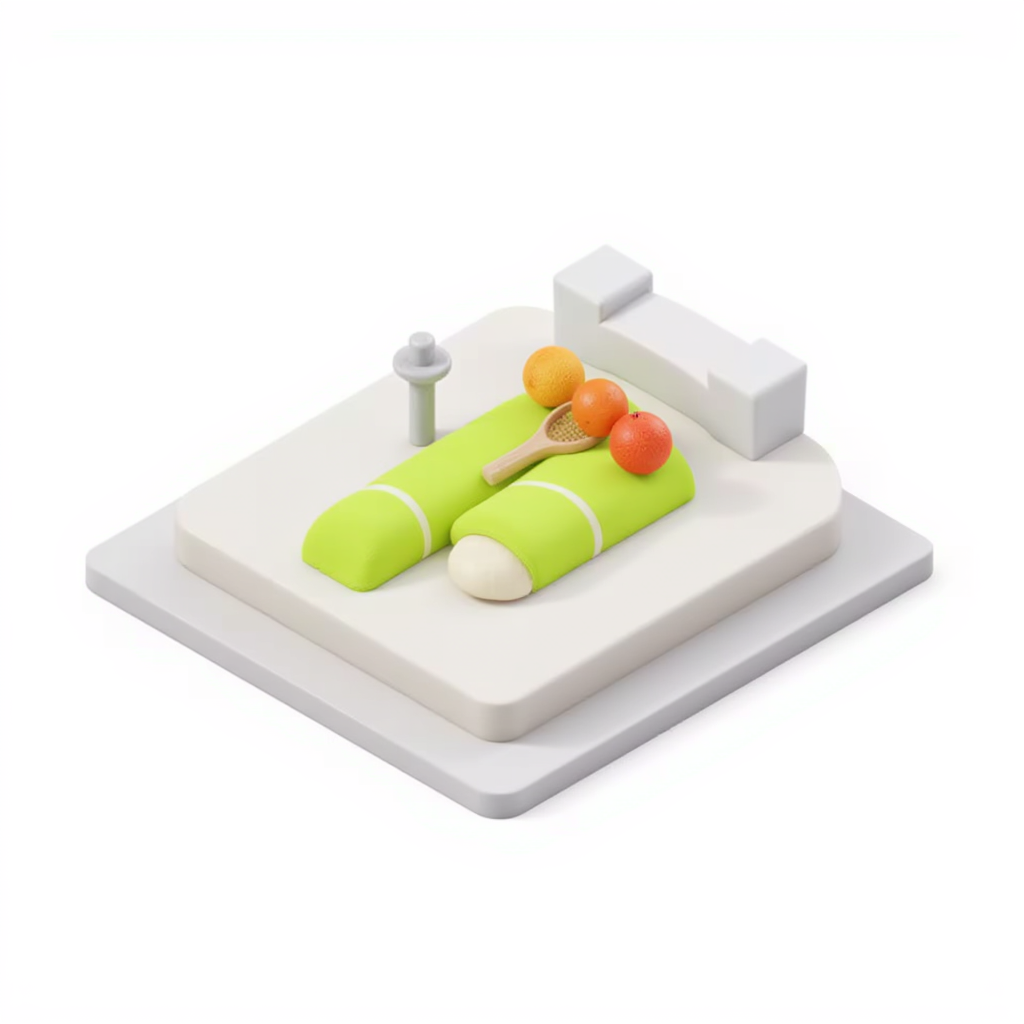
3D 에셋을 찍을 때의 레퍼런스. Chubby, rounded, matte playdoh · pastel warm palette · soft ambient lighting. 실제 생성된 에셋이 여기 톤에 얼마나 붙었는지 비교용. 현행 비주얼은 mineral 시리즈로 넘어가 이 톤은 보관 상태.
10 · Mineral glass grid
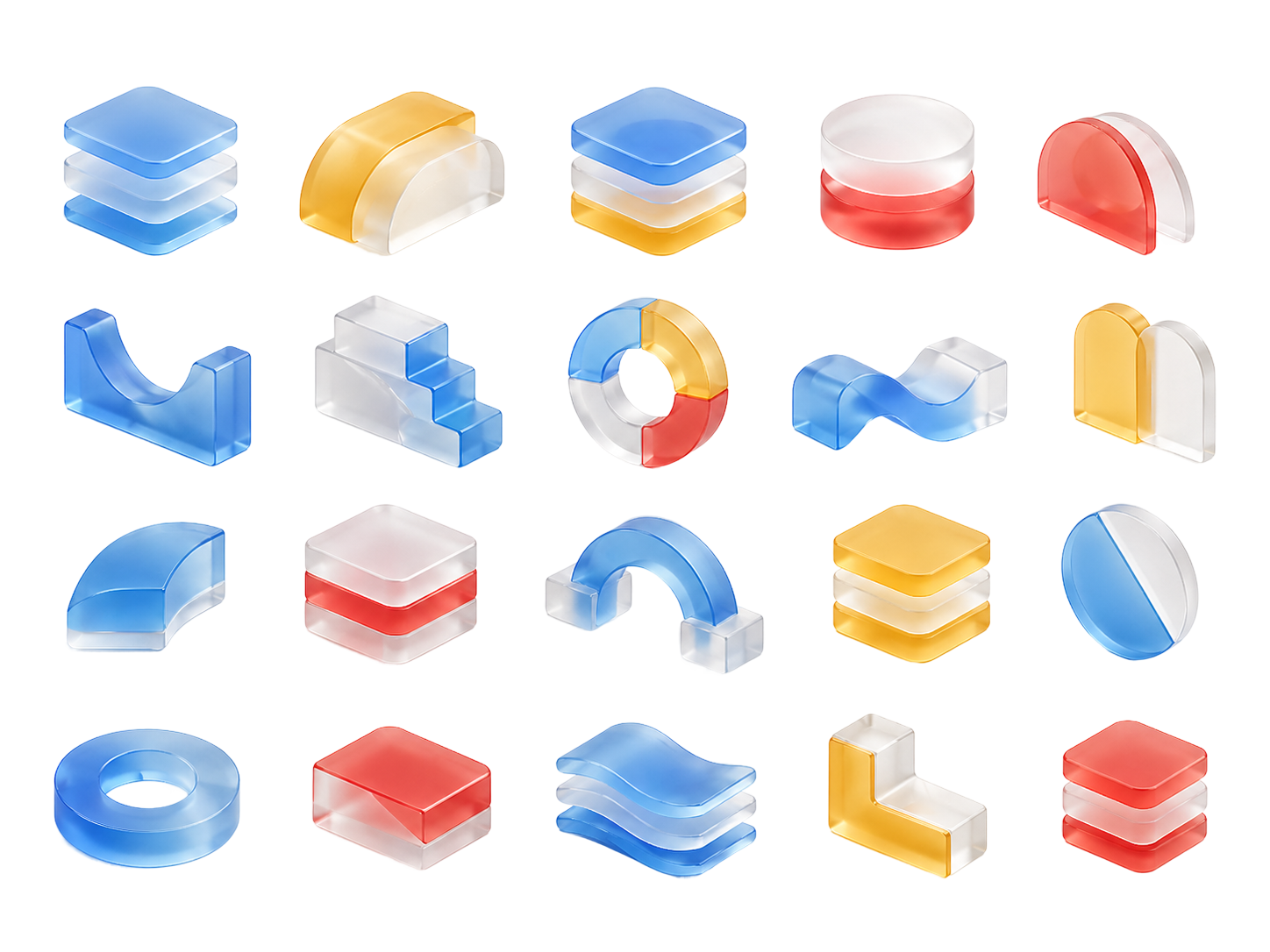
`mineral-glass`의 변형 — 단일 형태 ref 3장 대신, 20개 자산이 그리드로 배치된 한 장의 카탈로그(`_graphic/3d_asset.png`)를 ref로 사용. `--ref` 플래그 없음. 같은 8개 형태를 같은 seed로 생성해 직접 비교.
Qwen Edit 2509에 한 장만 입력. BASE_RULES에 “single isolated object, NOT a grid” 강제 추가로 그리드 결과 차단.
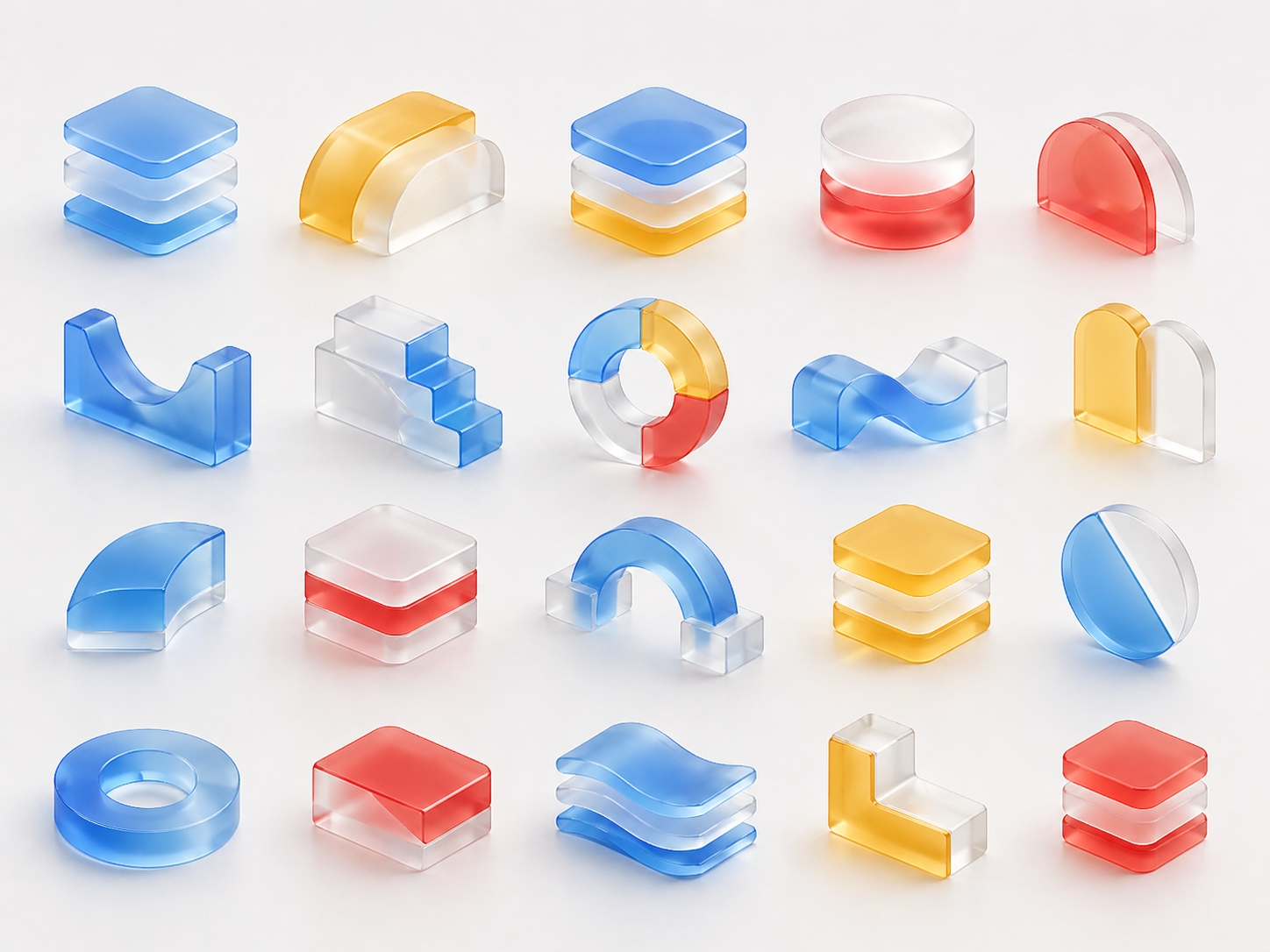
_graphic/3d_asset.png — Catalog grid
20-asset frosted glass + translucent jelly 카탈로그 (red / yellow / blue / white)
mineral-glass(75)보다 약간 높음. U-shape(65→85)는 카탈로그가 다양한 형태를 학습 신호로 줘서 큰 개선. sphere_on_cube(80→70)는 카탈로그의 multi-color 영향으로 marbled drift 발생.
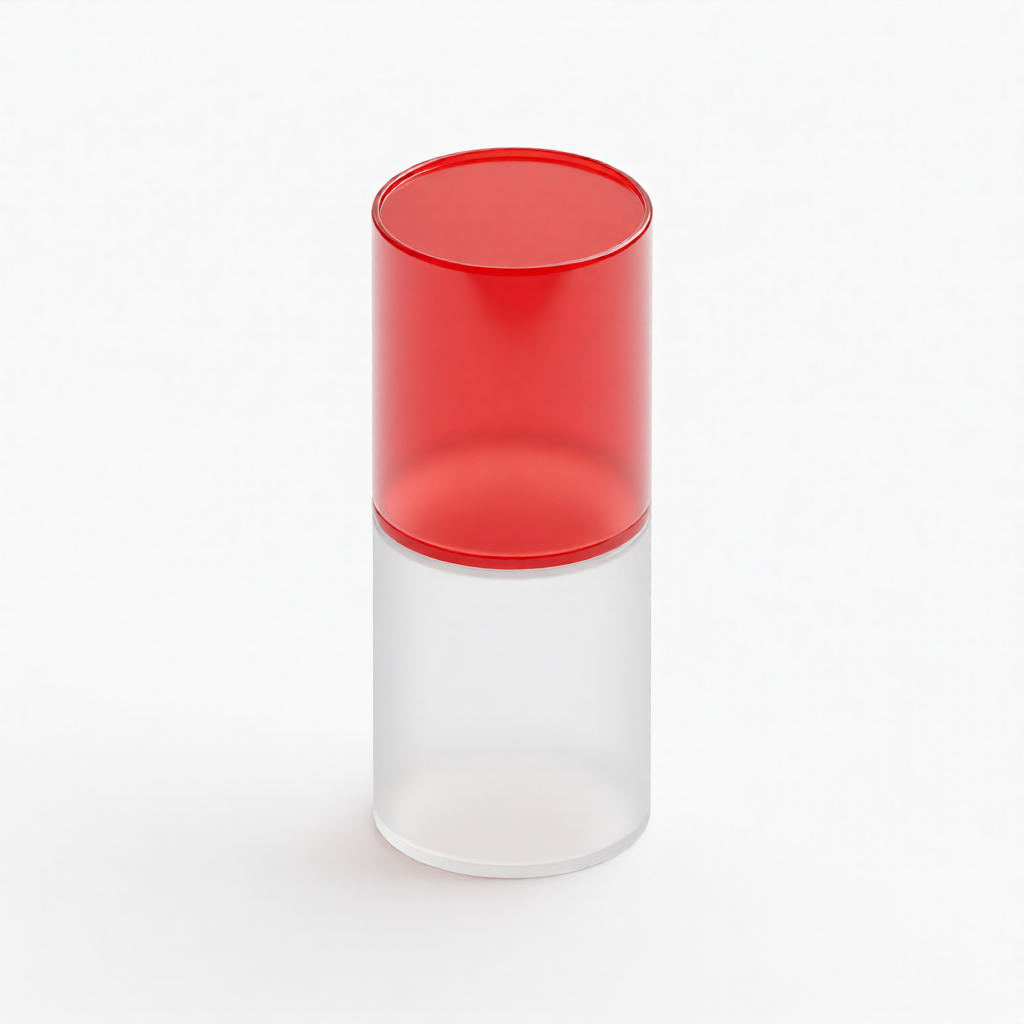
Cylinder stack
⭐ 90/mineral-glass-grid tall cylinder stack 만들어줘
ref · grid
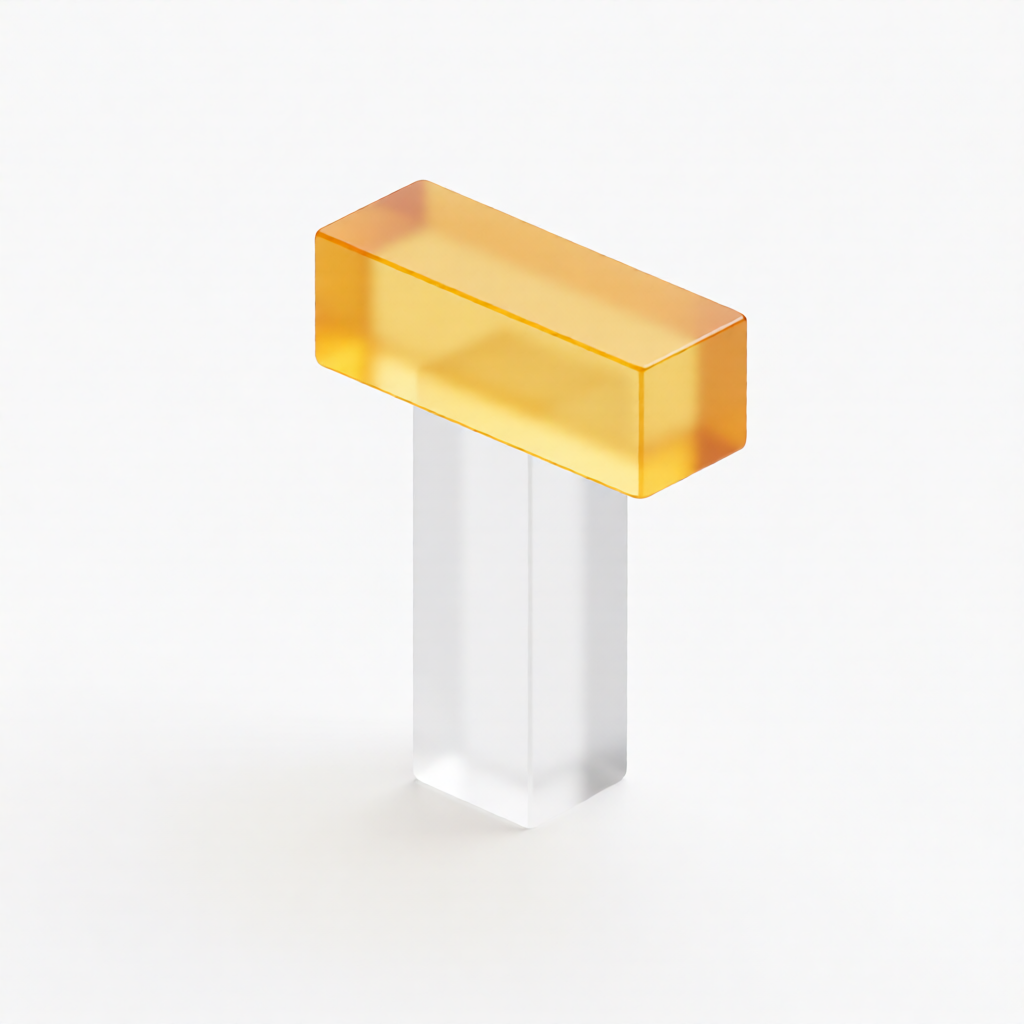
T-shape
⭐ 88/mineral-glass-grid T-shape 만들어줘 (큐브 2개)
ref · grid
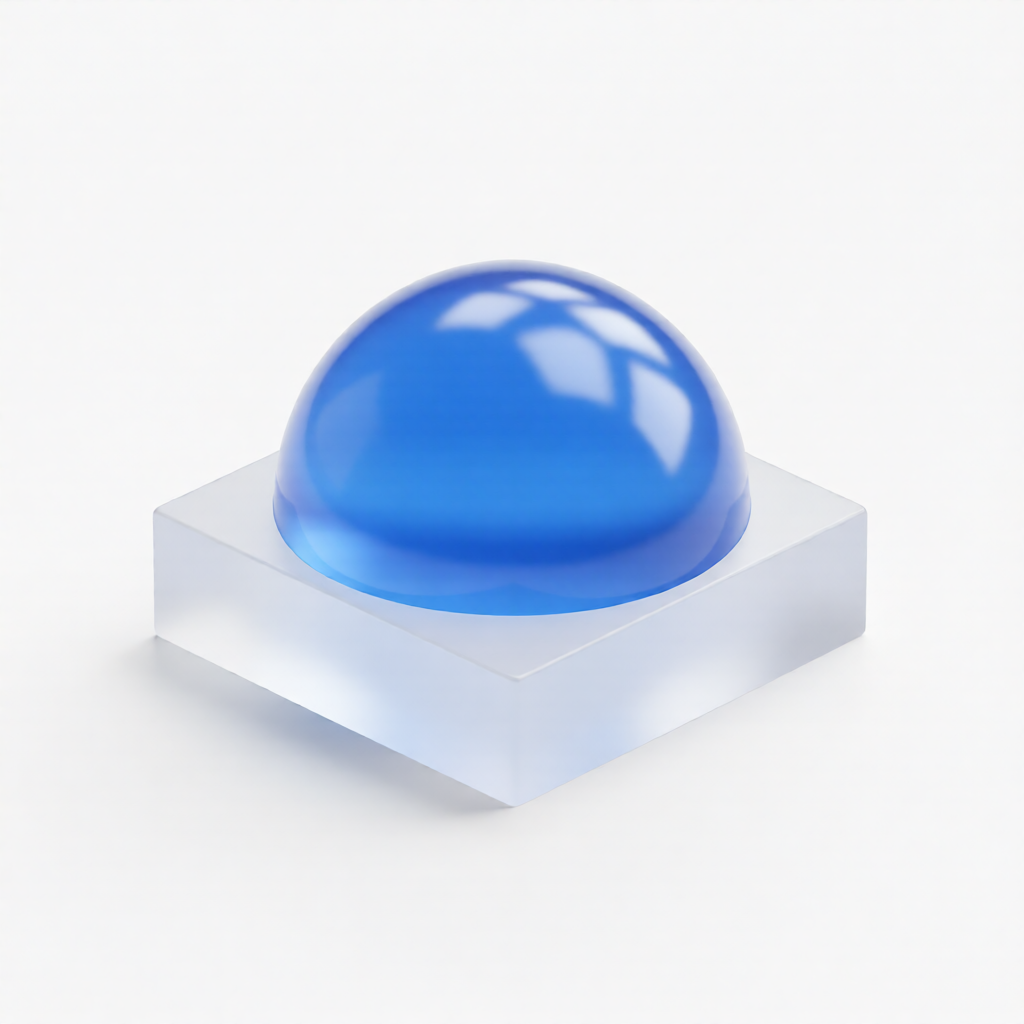
Dome on base
⭐ 88/mineral-glass-grid dome on base 만들어줘
ref · grid
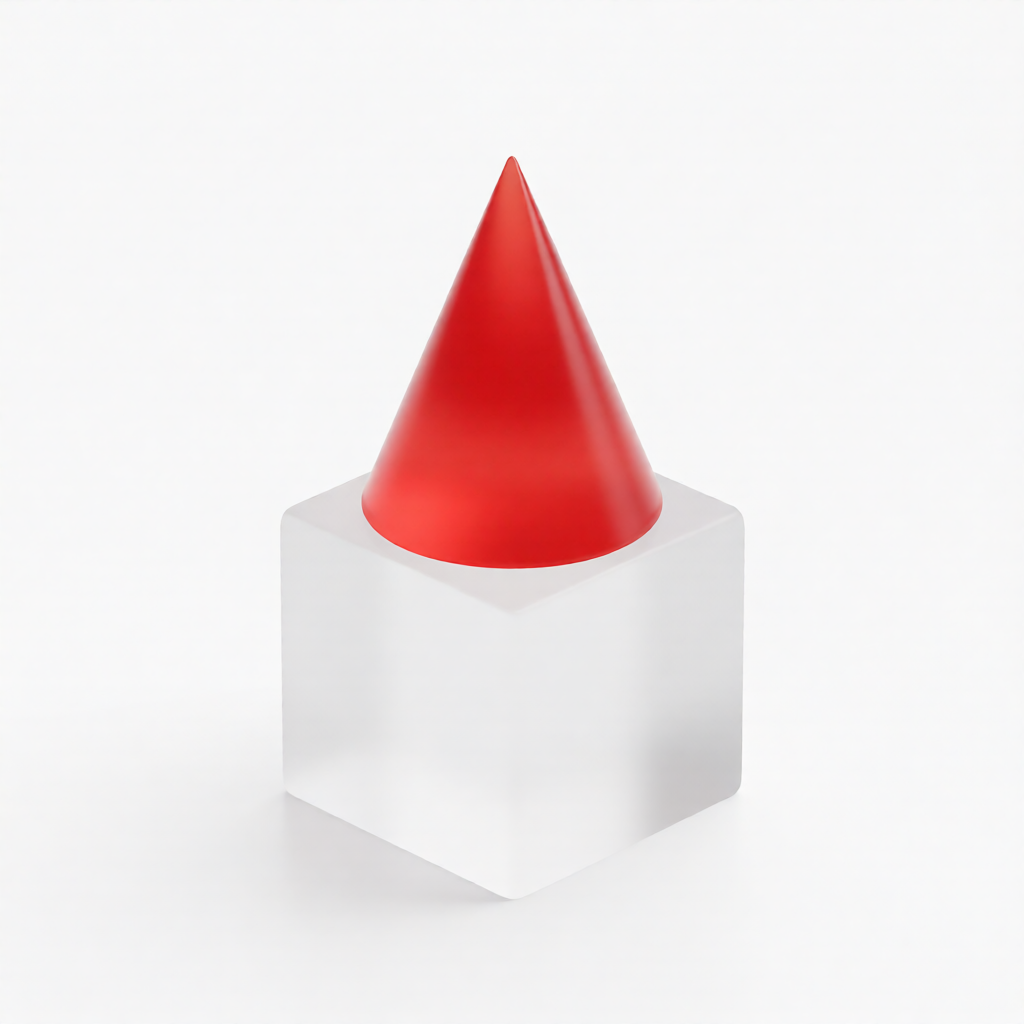
Cone on cube
⭐ 85/mineral-glass-grid cone on cube 만들어줘
ref · grid
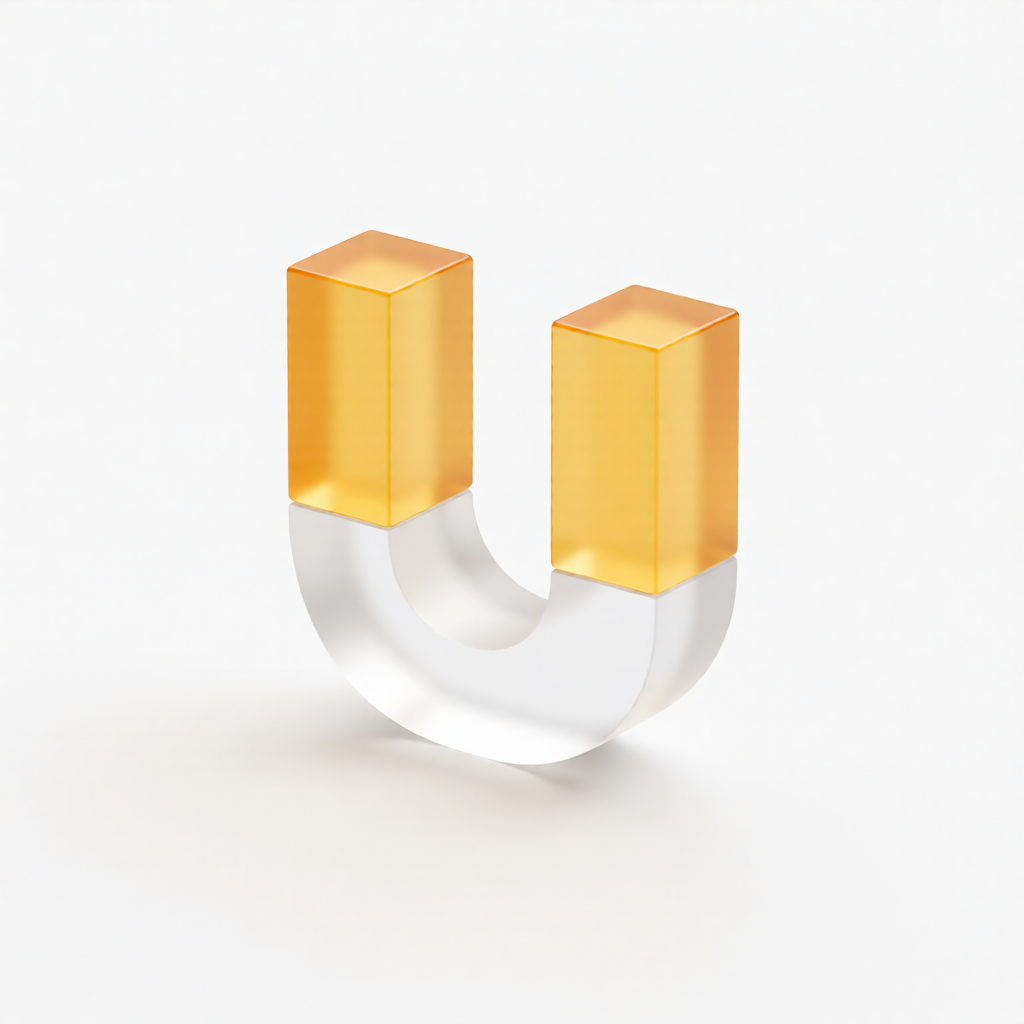
U-shape
⭐ 85/mineral-glass-grid U-shape 만들어줘 (큐브 3개)
ref · grid
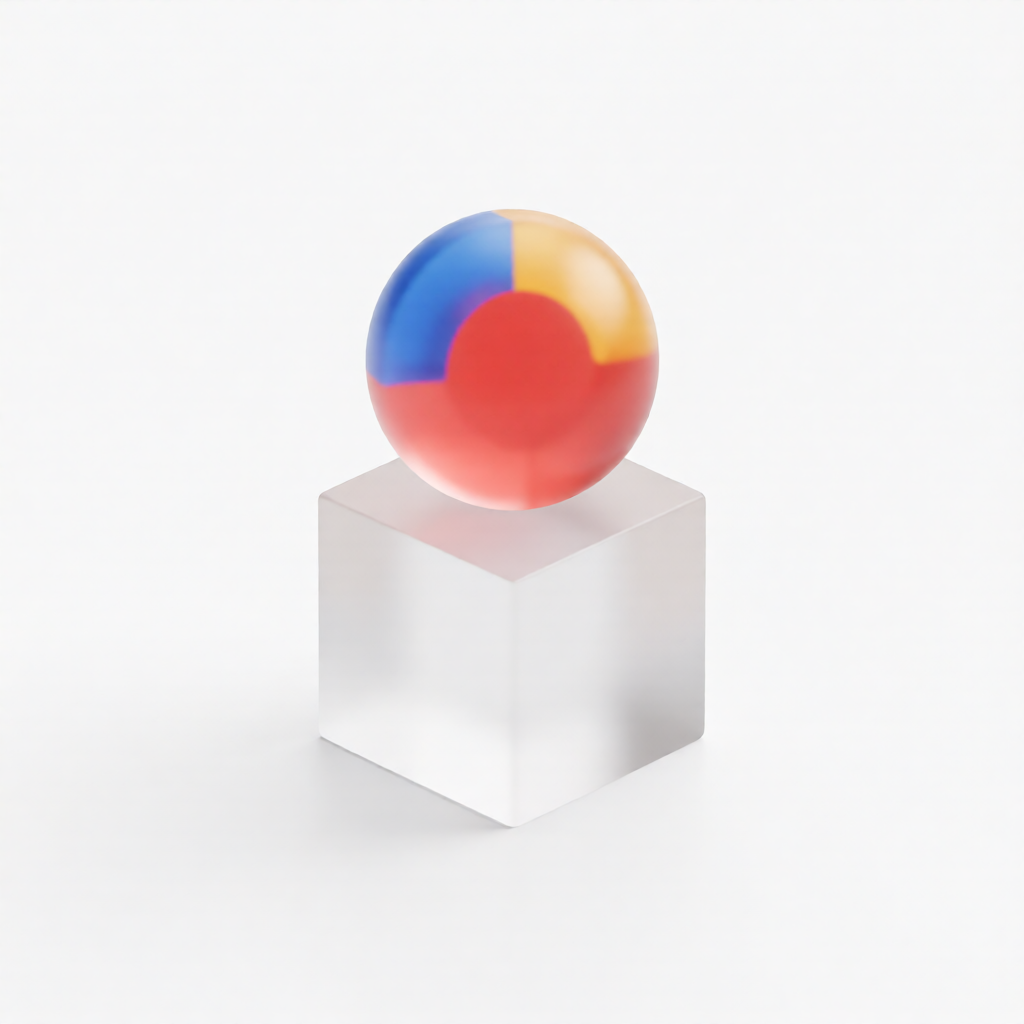
Sphere on cube
⚠ 70/mineral-glass-grid sphere on cube 만들어줘 (단색 sphere)
ref · grid
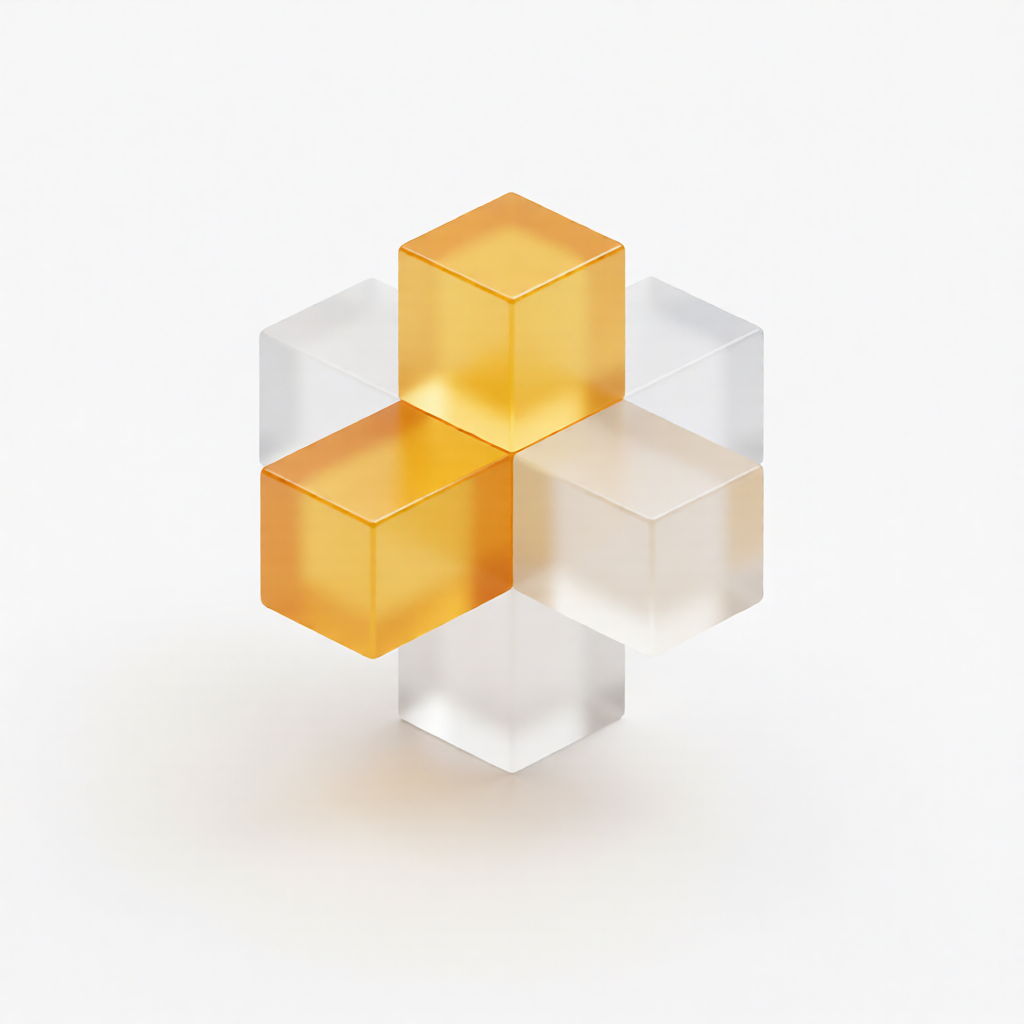
Plus-shape
⚠ 60/mineral-glass-grid plus 모양 만들어줘 (큐브 5개)
ref · grid
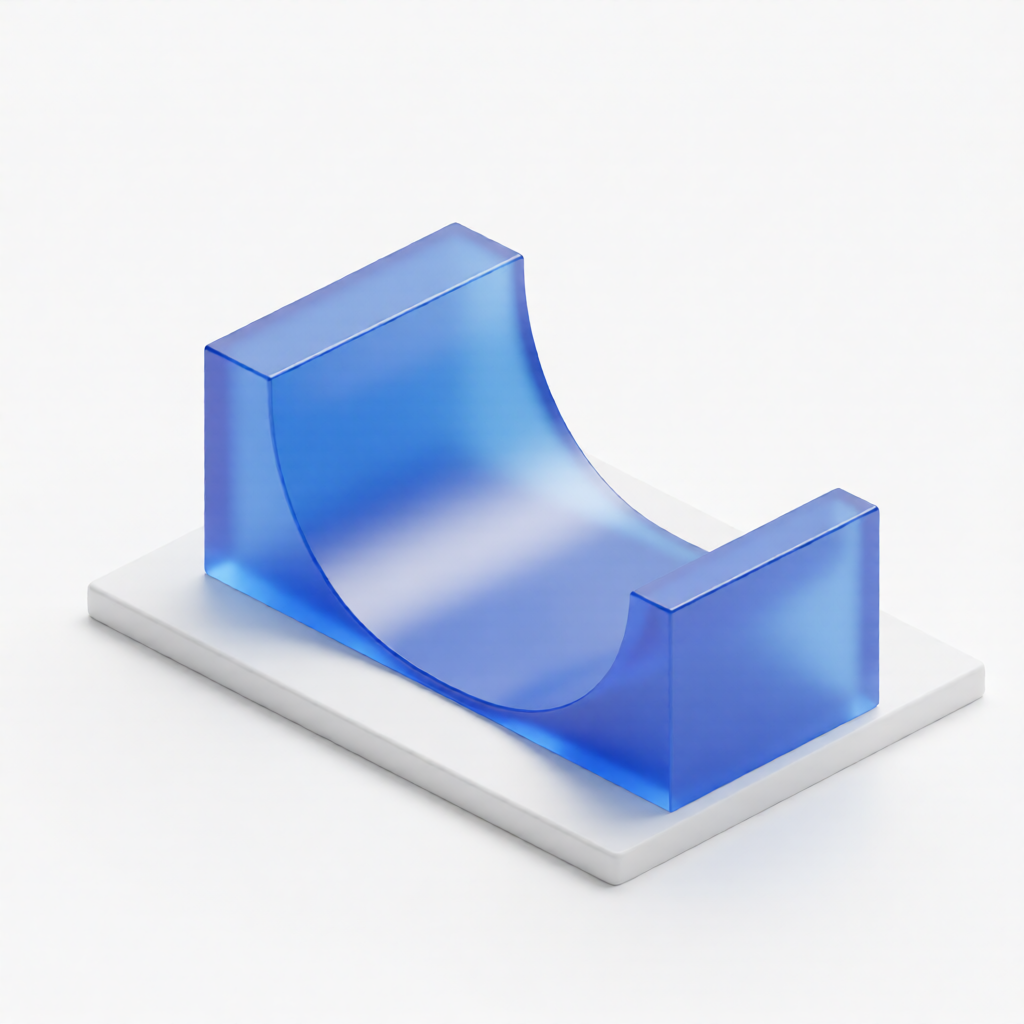
Solid arch
⚠ 60/mineral-glass-grid solid quarter-pipe wedge 만들어줘 (속 채워진)
ref · grid
Skill usage
Claude에 자연어 (“미네랄 글래스 그리드로 dome on base 만들어줘”)로 호출하거나 CLI로 직접 실행. 레퍼런스 이미지는 스킬에 번들되어 있어 외부 의존성 없이 폴더 통째 공유 가능.
python3 .claude/skills/archived-mineral-glass-grid/scripts/generate.py \
  --shape "dome on base" \
--output web/apps/web/public/objects/generated_grid/dome.png.claude/skills/archived-mineral-glass-grid/